ECO 2 Ultrasound Diagnostic System
Page 107 / 189
7.5 Exam Mode
7.5.1 Exam Mode Edit
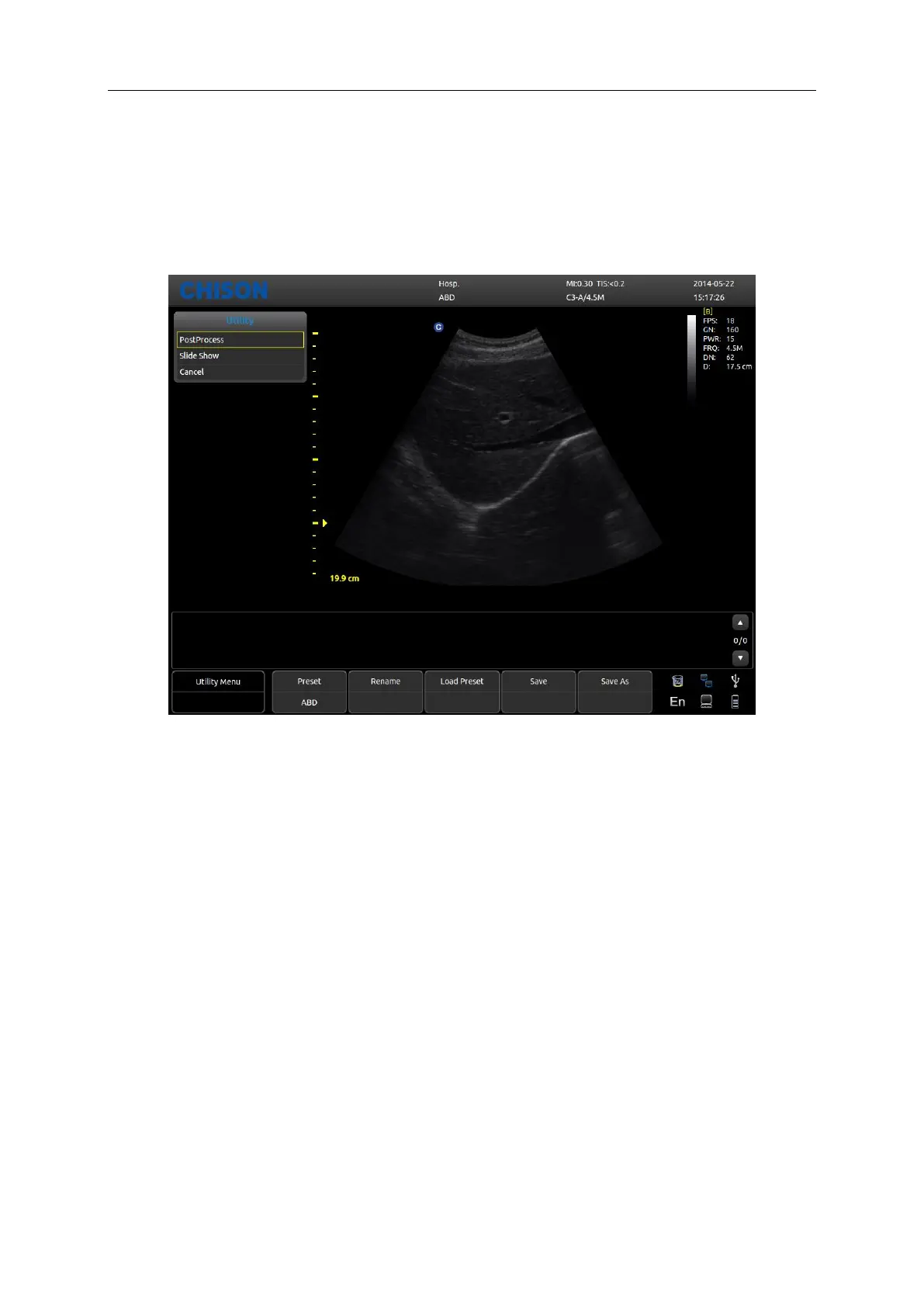
Press Utility in the submenu of [MENU], the parameters control area shows as following. Press the
corresponding control button to turn on or off the function.
Preset: Display the current preset.
Rename: Rename the current preset.
Load Preset: Load the preset displayed.
Save: Save the current preset.
Save As: Save the current preset as others.
7.5.2 Exam Mode Selection
Choose Utility and press [MENU], the following interface pops up. Open the relate function by
corresponding control area.



 To Next Page