ECO 2 Ultrasound Diagnostic System
Page 115 / 189
7.8 NET Work
Set the unit’s and target unit’s IP and do the connection testing. And network storage settings,
details see the appendix: Procedures of setting network sharing.
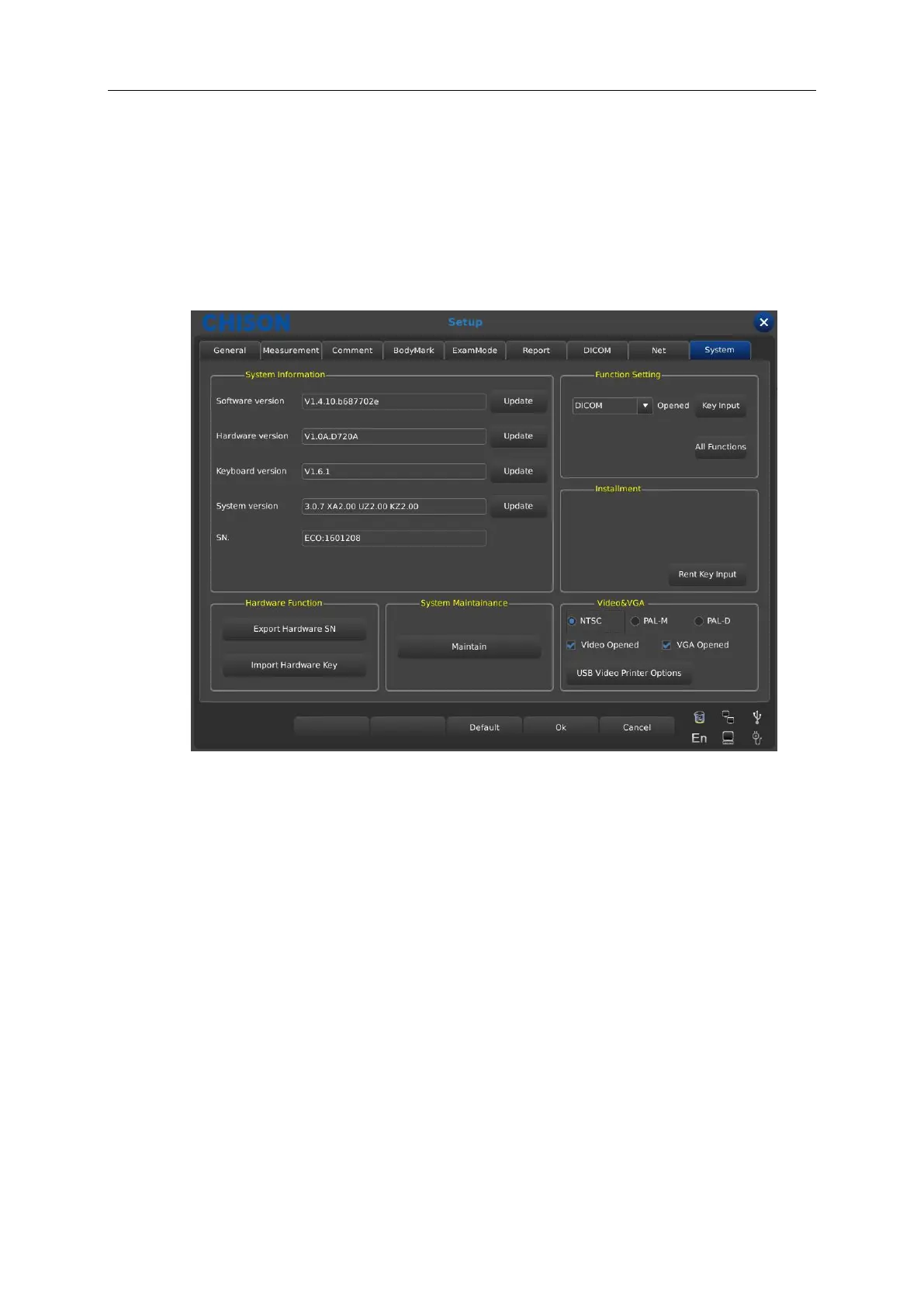
7.9 System
7.9.1 System information
Display the software version, hardware version, system version, etc.
7.9.2 Update
Software and Hardware can be updated by USB flash drives.
Software upgrade File Path: X:\update\XXX or X:\update_SN\XXX.Hardware update File Path:
“X:\fpga_update\XXX”, Keyboard upgrade File Path: “X:\ keyboard_update \XXX”. X means USB
flash drives.XXX means upgrade content .It should restart manually after hardware update, and
after software update, machine can be restarted automatically.
7.9.3 Function Setting
DICOM: Click [Open] key, it will bring up the DICOM Key Input dialog box. Input the DICOM SN,
and click [OK] key to save and exit.



 To Next Page