ECO 2 Ultrasound Diagnostic System
Page 105 / 189
7.3.2.3 Alter comment
Operation:
1. Alter annotation in user-selected status, the abbreviation and full name of annotation will be
displayed in [Edit Comment] box.
2. Activate needed abbreviation and full name via [ENTER] and alter via keyboard.
3. Press [ENTER] on [Modify] button, modify the annotation in both source and user-selected
status.
7.3.2.4 Delete comment in library
Operation:
Select needed annotation in source status, press [ENTER] on [Delete from Lib] button then the
annotation deleted.
7.3.3 Comment and Arrow Option
Optional: whether clear comments and arrows upon unfreeze.
Optional: whether freeze upon comments and arrows.
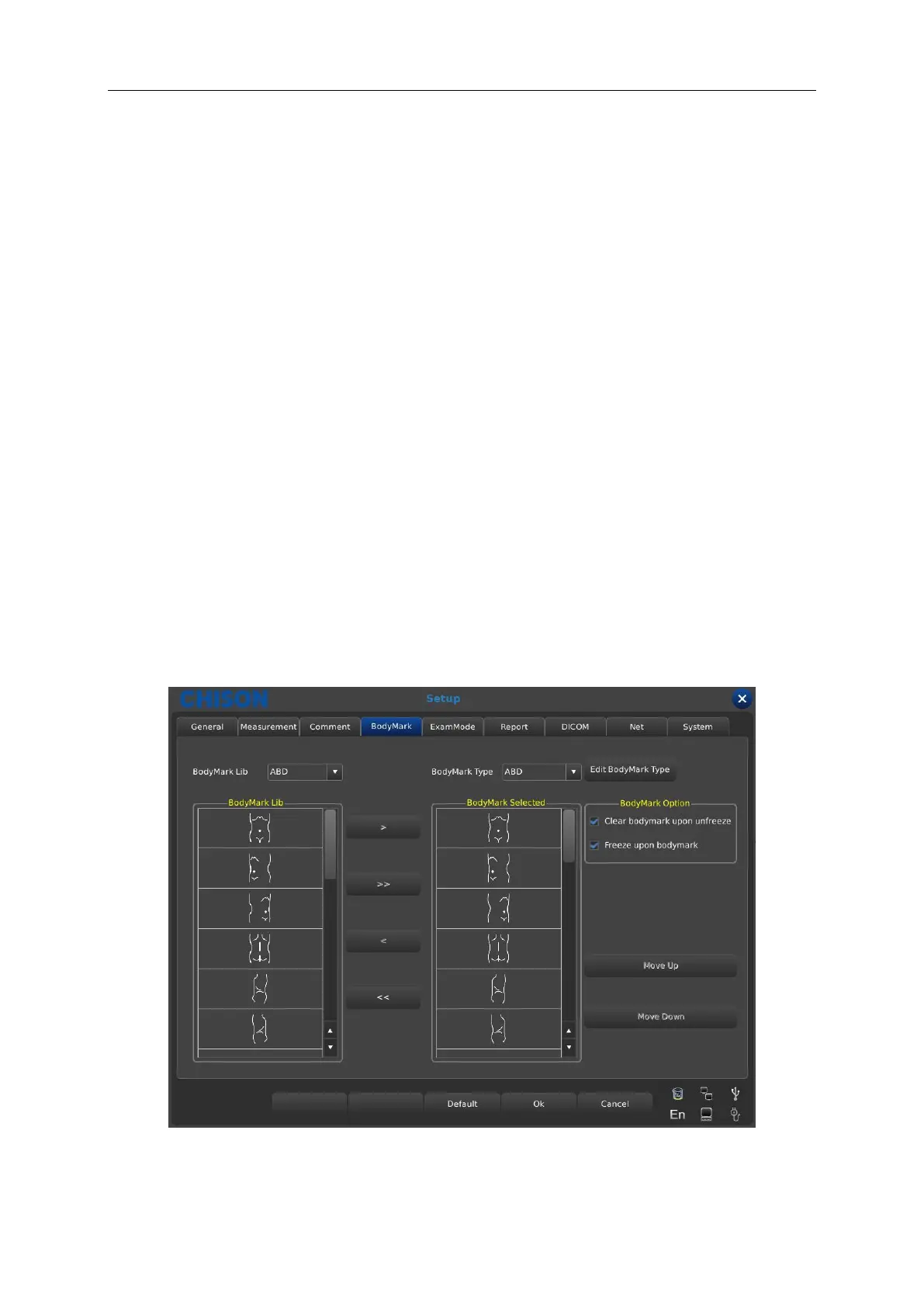
7.4 Body marks



 To Next Page