ECO 2 Ultrasound Diagnostic System
Page 35 / 189
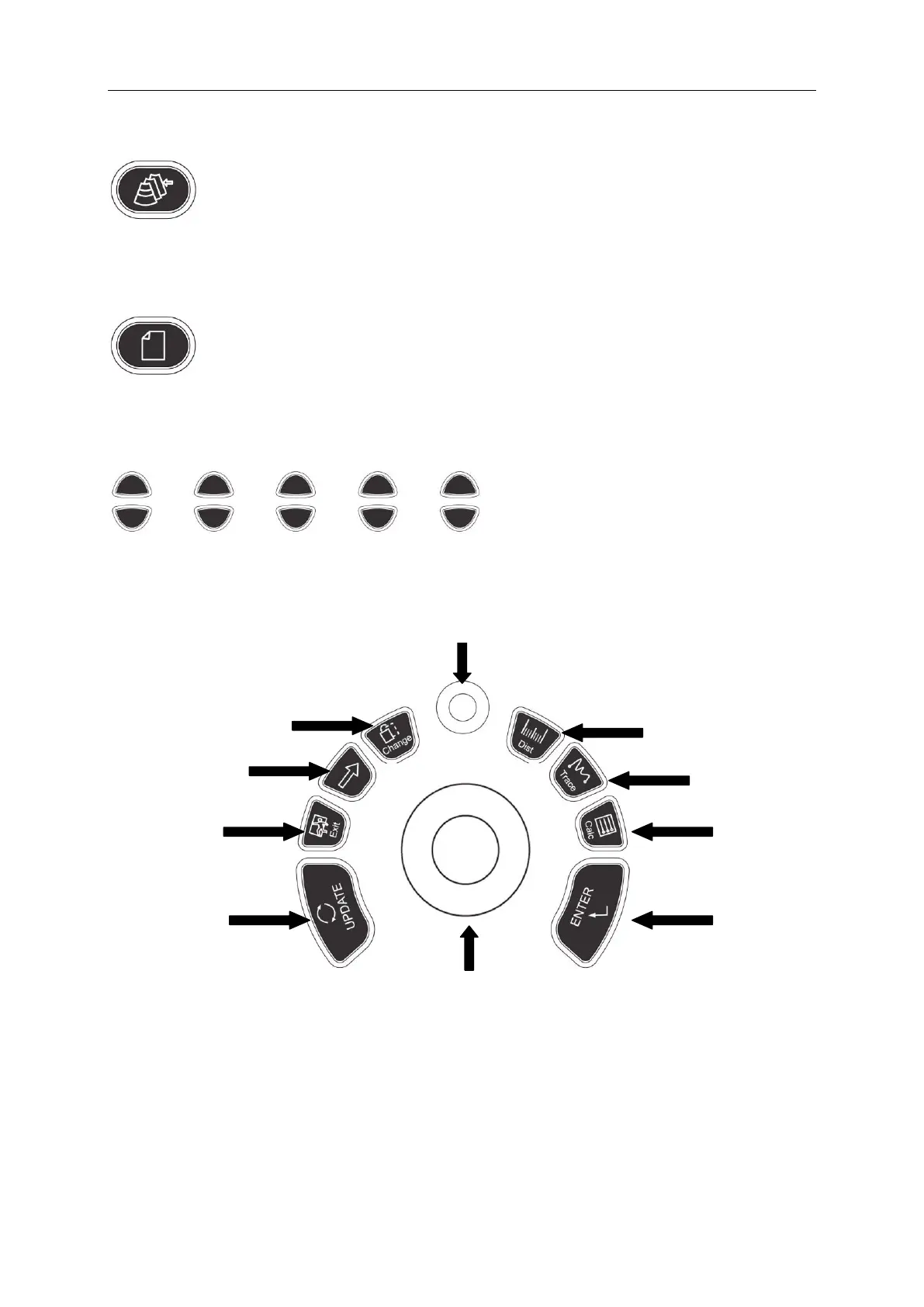
4.2.11 Review
File management of system, you can view and edit the patient data.
4.2.12 Report
Produce/ Save/ Recall an examination report.
4.2.13 Parameter Control Button
Increase/decrease the corresponding parameters of the screen, or open/close the function.
4.3 Central Control
1. UPDATE 2.EXIT 3.Cursor 4.Change 5.MENU
6. Dist 7.Trace 8.Calc 9.ENTER 10.Trackball
4.3.1 ENTER
This multifunction key is work with trackball. The function switches with the unit status. Such as,
set the cursor position, body mark position, comment position, toggle trackball function, selected



 To Next Page