ECO 2 Ultrasound Diagnostic System
Page 34 / 189
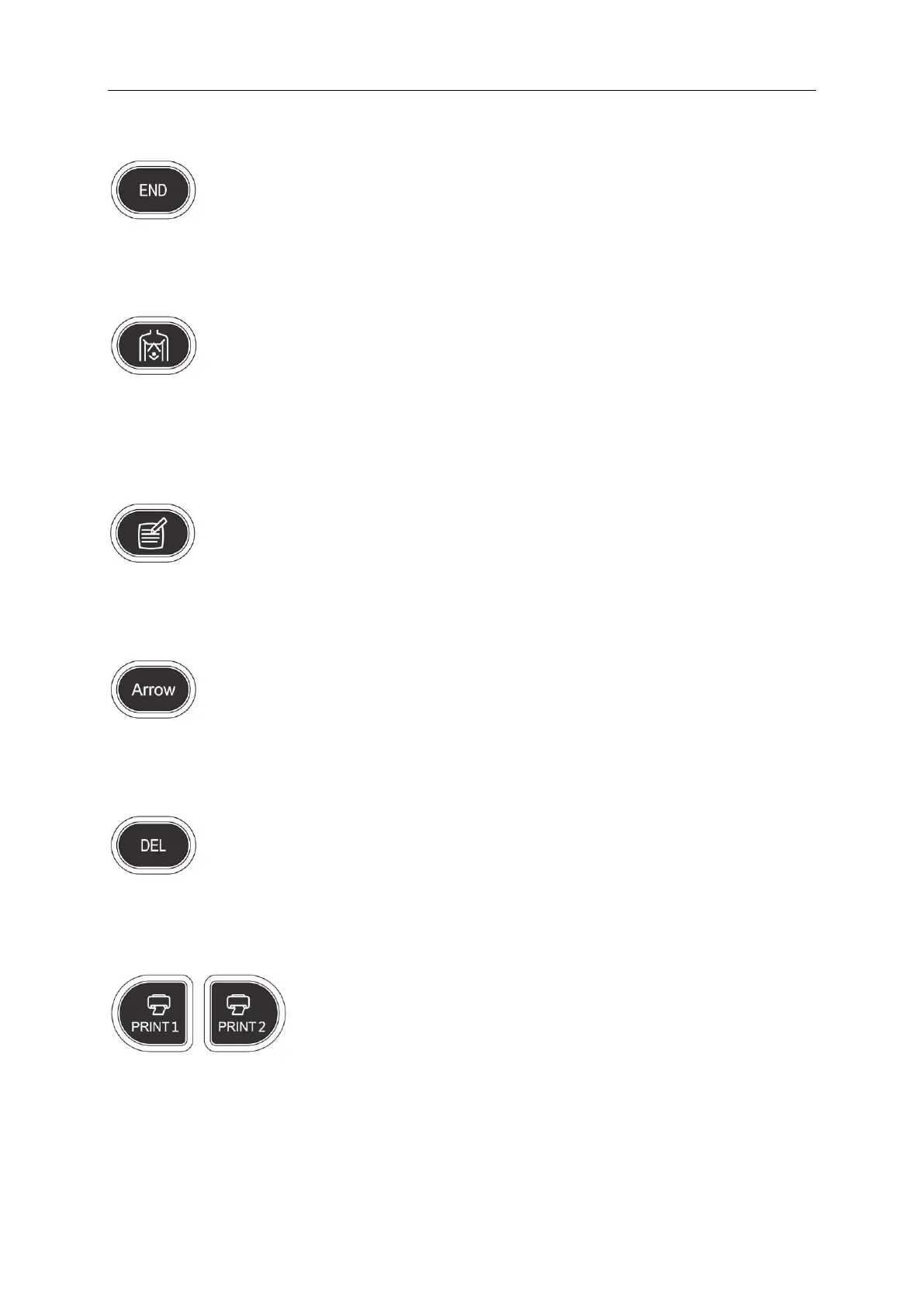
4.2.5 END
Press END key to finish the exam.
4.2.6 BODYMARK
Press this key to enter into body mark working status, select the body mark and confirm the probe
scanning position on the screen. It is only available in frozen status.
4.2.7 COMMENT
Press this key to enter into comment status, and add comments in the image area on the screen.
4.2.8 ARROWS
Add arrows key to the image area.
4.2.9 DEL
Press this key to clear the measurement lines, body mark, and comments.
4.2.10 Print
PRINT1: Print the screen image by video printer connected to the system.
PRINT2: Print the report by printer connected to the system (Only report page works). Or print the
image in the scanning page; or print the image in the review page.



 To Next Page