ECO 2 Ultrasound Diagnostic System
Page 33 / 189
Chapter 4 Control Panel
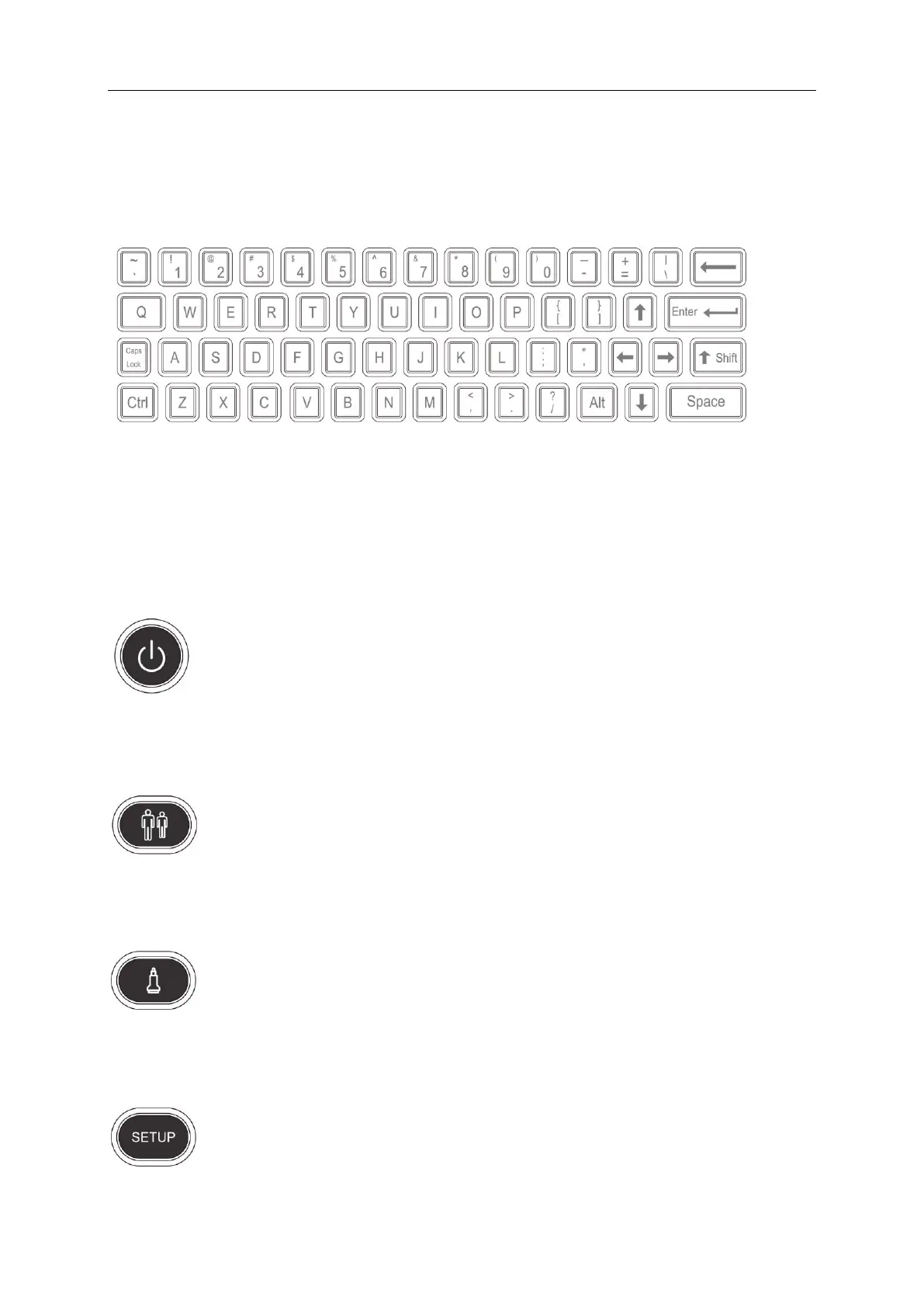
4.1 Alphanumeric Keyboard
Fig. 4-1Alphanumeric Keyboard
The alphanumeric keys are used for inputting patient number, name, character and figure etc.
4.2 Function Keys/Knob
4.2.1 SWITCH
Turn on or off the device
4.2.2 PATIENT
Set up a new patient data, input name and other information.
4.2.3 PROBE
Press this button for selecting probe. It can only select the connected probe.
4.2.4 SETUP
Press this button to get in or out the system setting page.



 To Next Page