ECO 2 Ultrasound Diagnostic System
Page 114 / 189
Verify: Press verify button and display whether DICOM setting is correct or not.
Add: add DICOM function and pop up setting dialog.
Delete: delete the existed DICOM function.
Set as default: set one DICOM service as default.
DICOM Storage: set one DICOM service as default.
Send while saving: check this item and enable DICOM storage while saving image or cine,
send clip or image according to activated function.
DICOM SR: select this option the system will send DICOM SR after the operator ends the
exam.
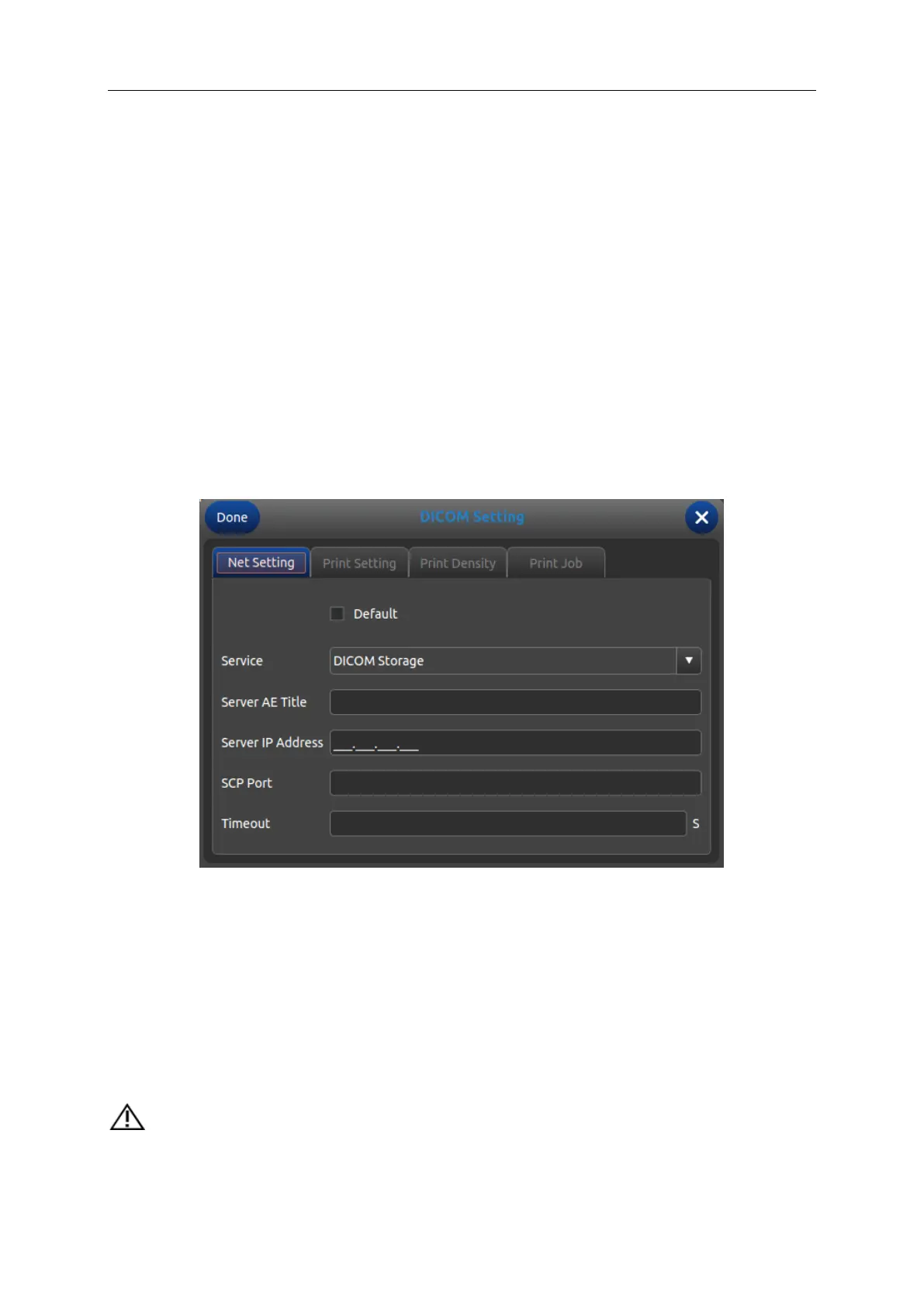
7.7.1 Add/Edit DICOM Function
Default: check this option, set DICOM function as default.
Service: choose DICOM Storage, DICOM Worklist, DICOM Print or DICOM SR.
Server AE Title: input DICOM server AE name.
Server IP address: input DICOM IP address.
SCP port: input DICOM server SCP port.
Timeout: set the delay time of DICOM.
Tips: choosing the DICOM Print type must be before relative print setting.



 To Next Page