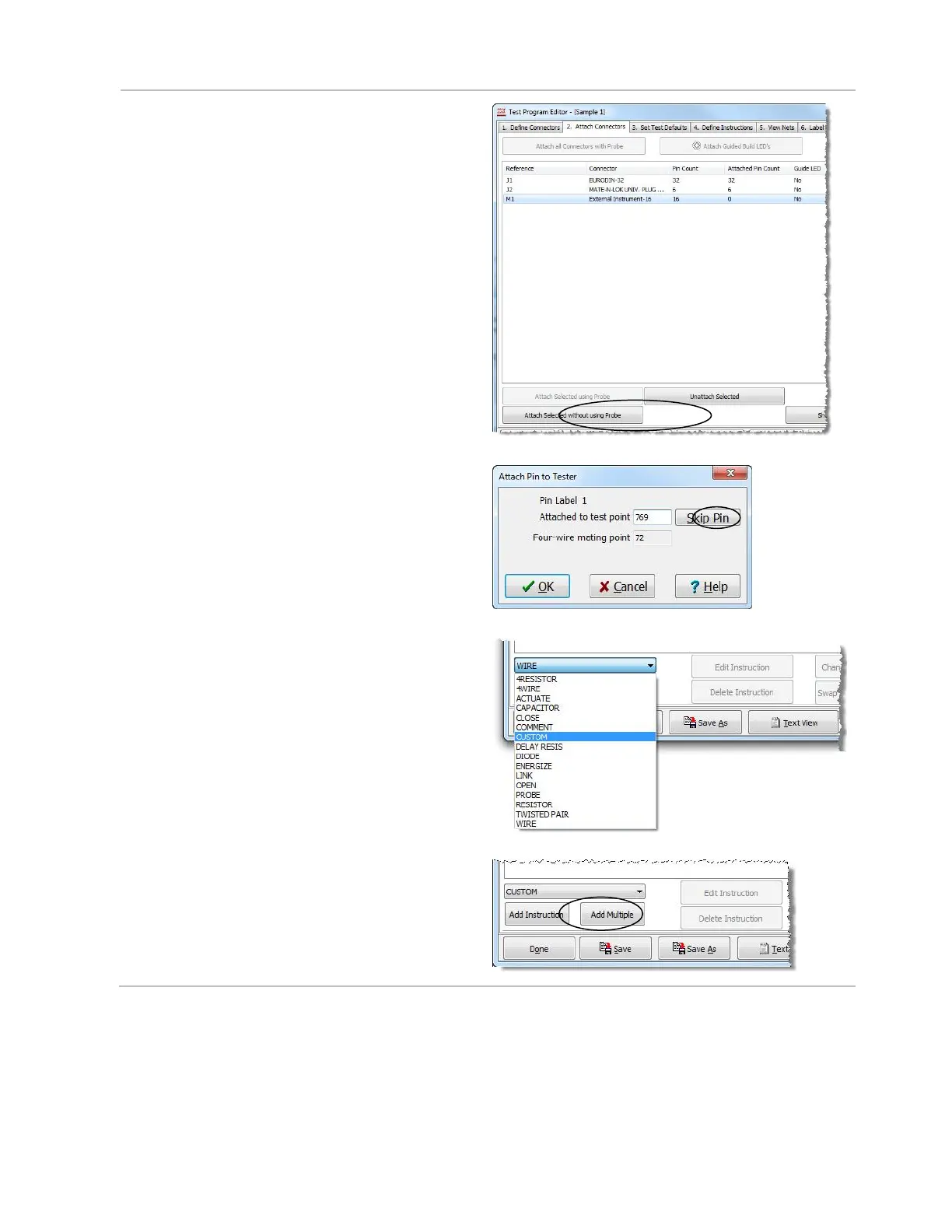
5. Open the “Attach Connectors” tab, select
“External Instrument-16” from the list and
click Attach Selected without using
Probe.
6. In the dialog box, enter the system point
numbers, where your External Instrument
Interface cable is attached, from lowest to
highest. In this example, we used the last
32 points in an 800 point system.
7. In the “Define Instructions” tab of
the “Test Program Editor.” Click
the instruction drop down box, and
select Custom.
8. Click Add Instruction.



 To Next Page