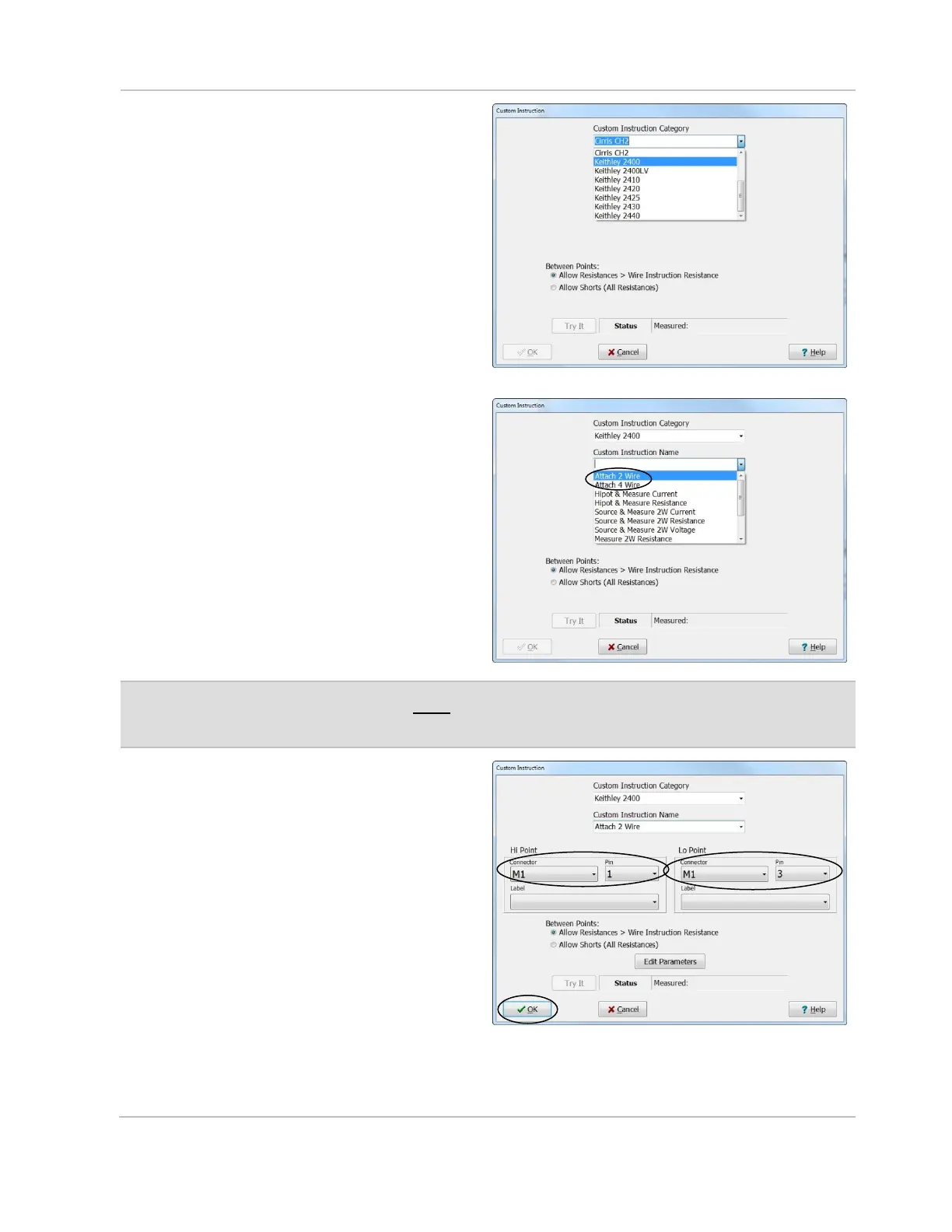
11. If you selected “Attach 2 Wire”,
select the reference name for the
External Instrument-16 connector,
select Pins 1 and 3, and click OK.
If you selected “Attach 4 Wire”,
select the reference name for the
External Instrument-16 connector,
select Pins 5 and 7, and click OK.
Click Edit Parameters to select the type
of cable used to connect the external
device. There are two possible options:
• A GPIB Converter
• RS-232 Serial Cable



 To Next Page