Chapter 4: Using the web interface
98-129217-D Administration 109
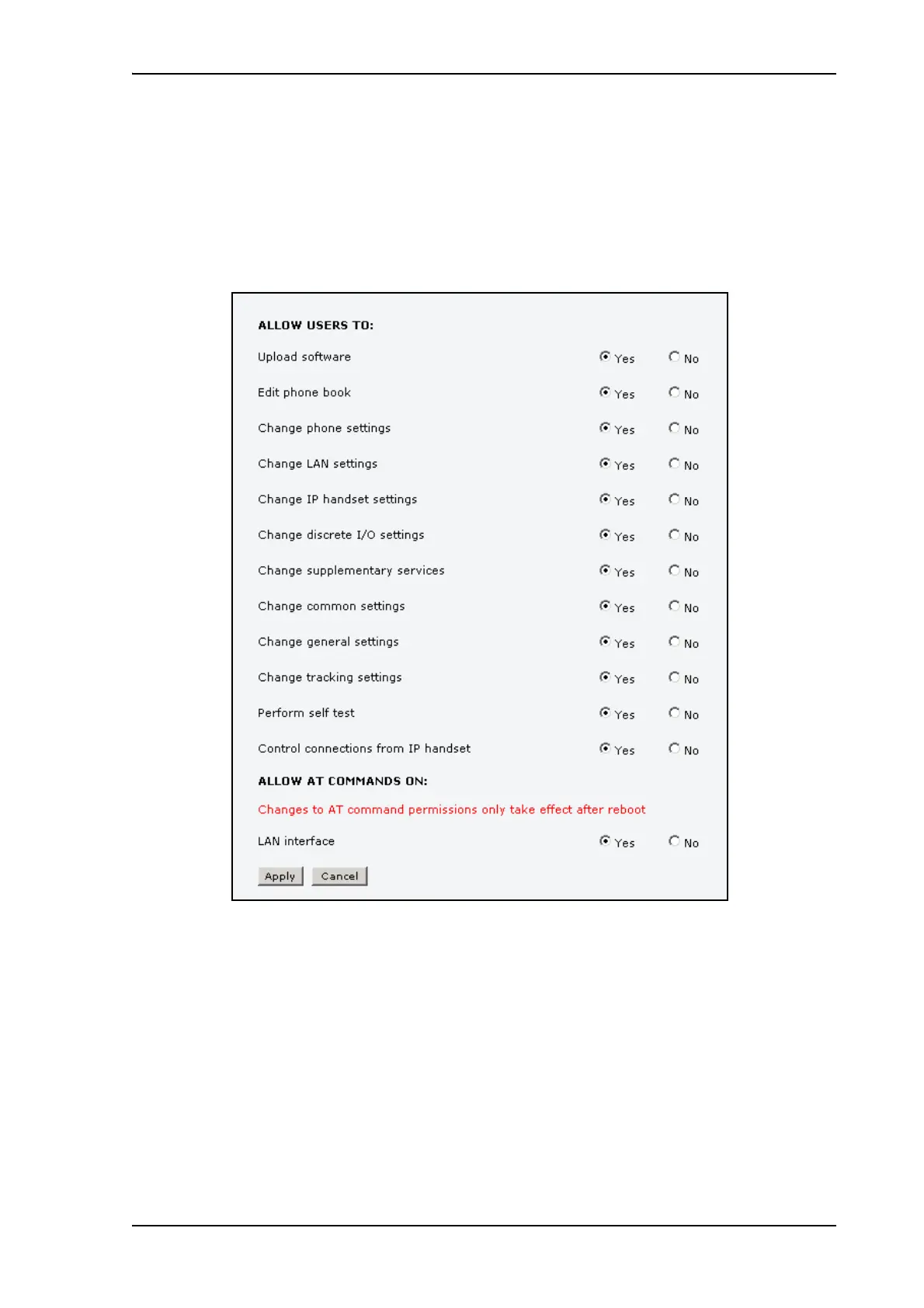
Setting up user permissions
You can allow or deny users who are not administrators access to certain functions and make
these pages read-only. This is useful if you want to protect the system against unintended
changes. Study this screen thoroughly and decide to which areas of the system you want to
give non-administrator users access. To set up the user permissions, do as follows:
1. From the left navigation pane, select ADMINISTRATION > User permissions.
2. For each item under ALLOW USERS TO:, select
• yes to allow access or
• no to block access to the settings.
Change general settings means change the selection of satellite.
Control connections from IP handsets means to start/stop data sessions using the
main Thrane IP Handset (the handset with the number 0501).
3. At ALLOW AT COMMANDS ON:, select
• yes to allow the use of AT commands on the LAN interface, or
• no to block the use of AT commands on the LAN interface.











 To Next Page