Chapter 4: Using the web interface
98-129217-D Administration 108
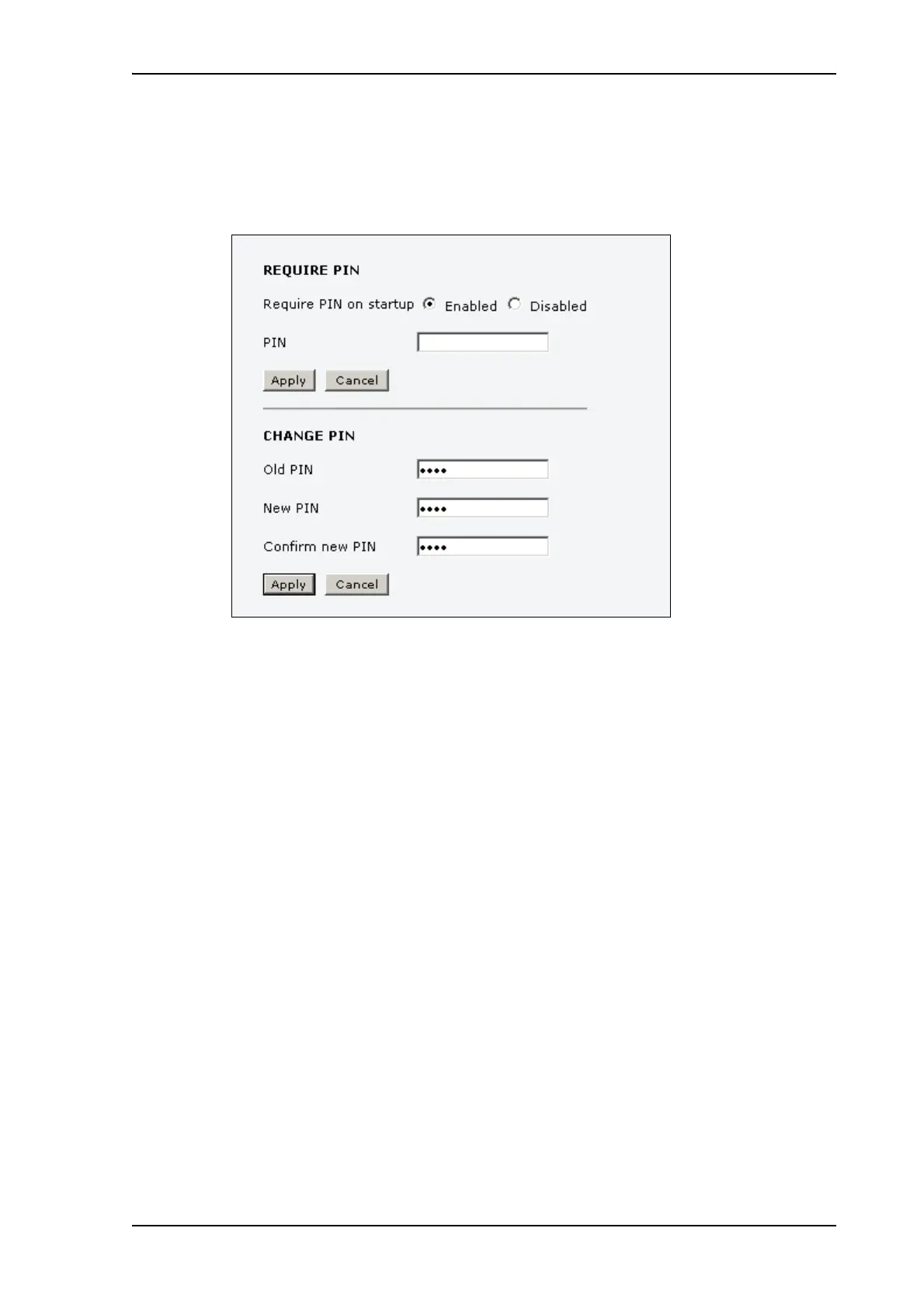
Changing the SIM PIN
To change the PIN used to access the terminal, do as follows:
1. Select ADMINISTRATION > SIM PIN.
2. Under CHANGE PIN type in the Old PIN.
3. Type in the New PIN and retype it on the next line.
4. Click Apply.
The new PIN settings will take effect at next power on.











 To Next Page