Chapter 4: Using the web interface
98-129217-D Administration 107
Setting up the use of a SIM PIN in the terminal
Enabling or disabling the use of a SIM PIN
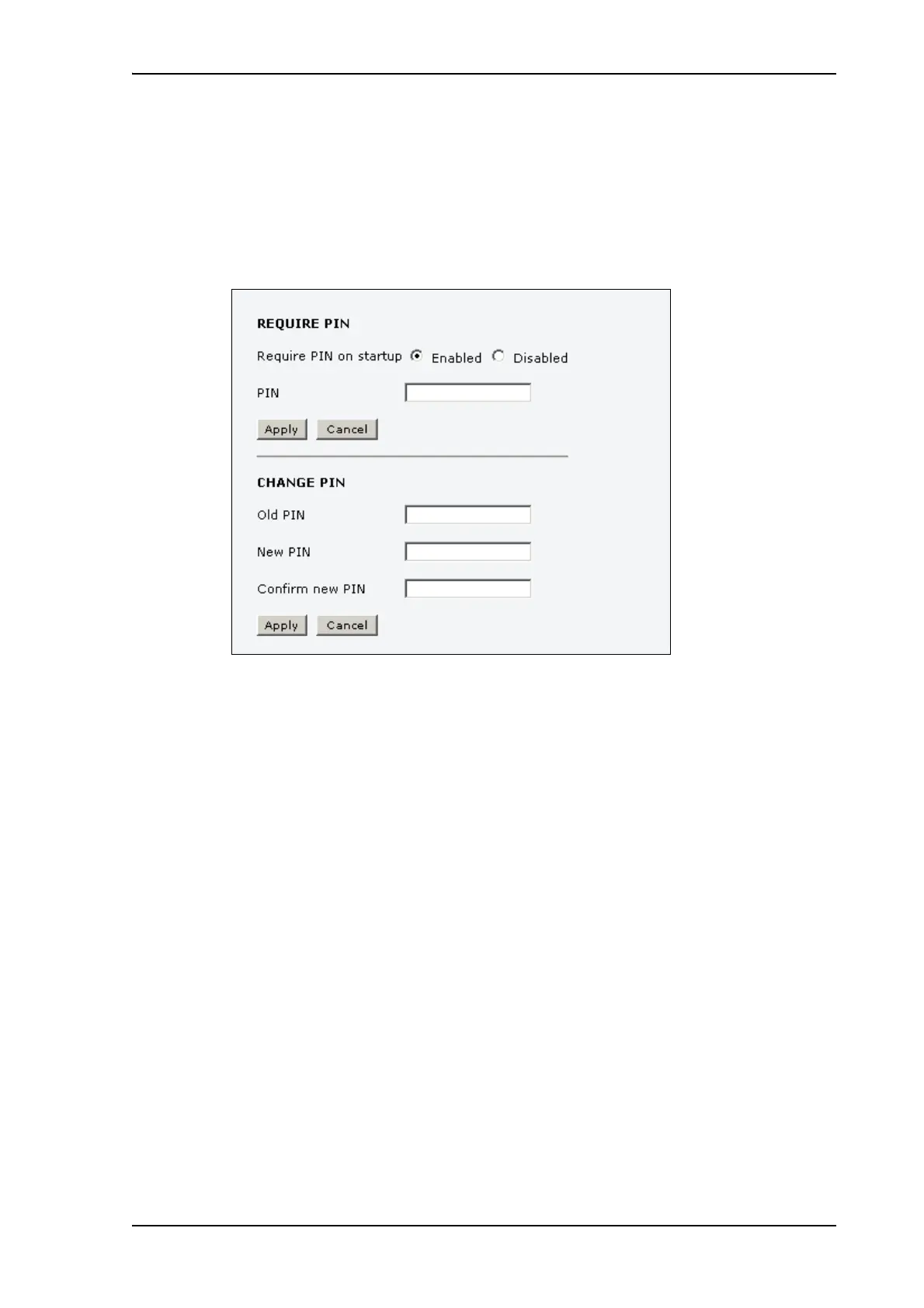
To enable or disable the use of a PIN to access the terminal, do as follows:
1. Select ADMINISTRATION > SIM PIN.
2. Under REQUIRE PIN select Enabled or Disabled.
• If you select Disabled you can access and use the terminal without entering a PIN.
• If you select Enabled you must enter a PIN before you can change settings or make calls
or data sessions.
3. Click Apply.
The new PIN settings will take effect at next power on.











 To Next Page