Chapter 3: Operating the system
98-129217-D Using a computer 44
Using PPPoE (Point-to-Point Protocol over Ethernet)
Overview
You can establish a PPPoE connection to the BGAN network using the SAILOR FleetBroadband
system. Use PPPoE if you want to control your connection independently of the web interface
and the Thrane IP Handset.
Possible applications are:
• Connecting a router
• Connecting broadcast equipment, optionally through a PC
• Establishing a Picocell for the use of cell phones
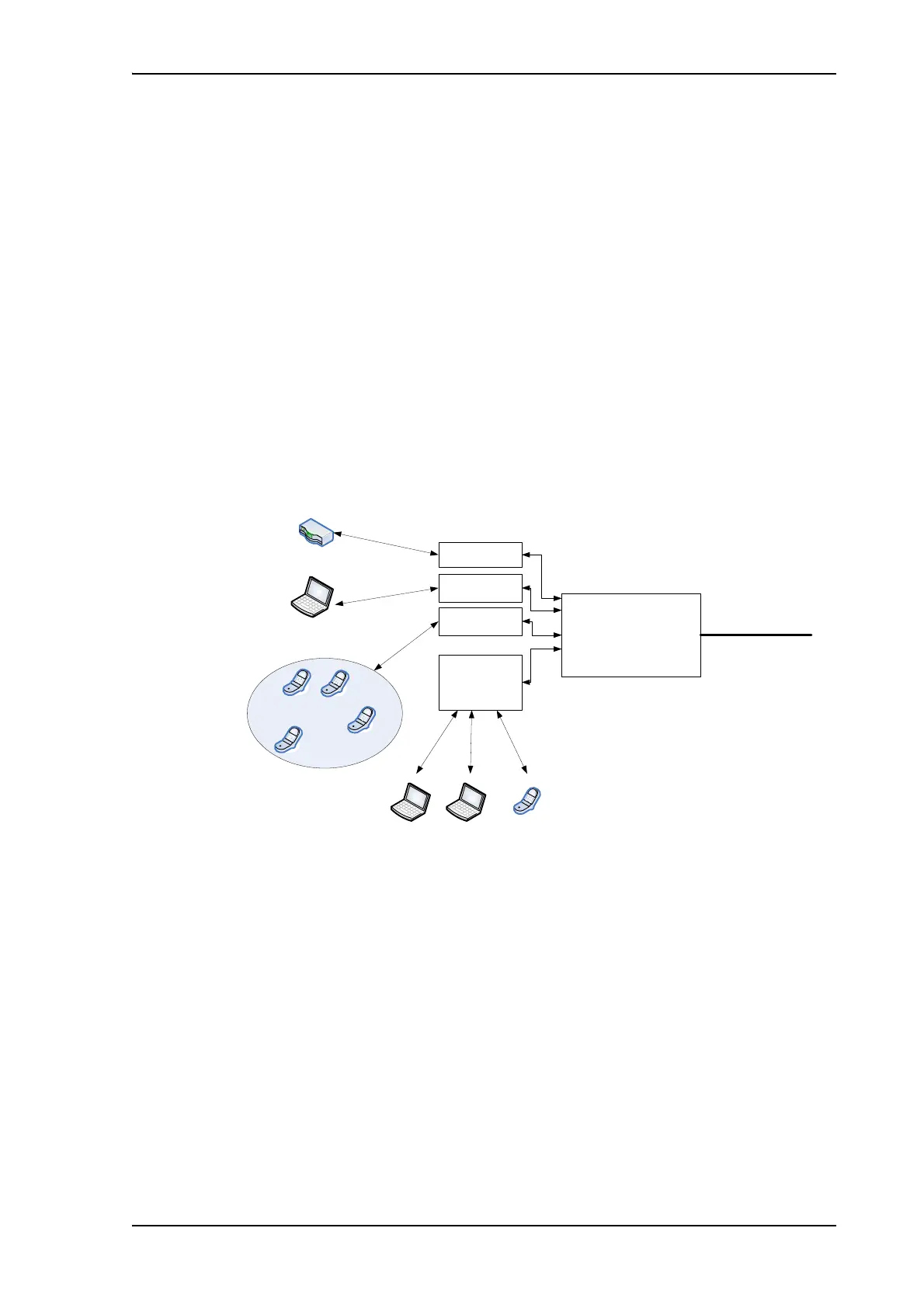
The following drawing shows connections managed through PPPoE and web interface
respectively.
Configuring the connected equipment for PPPoE
To use PPPoE with your SAILOR FleetBroadband system, first enable PPPoE in your terminal.
Refer to Enabling PPPoE (Point-to-Point Protocol over Ethernet) on page 78.
After enabling PPPoE in the terminal, you must configure your equipment.
How to do this depends on the type of equipment. Refer to the user documentation of the
equipment. As a minimum, you need to configure the following parameters in your equipment
in order to make PPPoE work with the terminal:
• User name and password.
The user name and password can be left blank (or insert user name: void and password:
void). Then the registration on the Access Point is most commonly done in such a way
BGAN terminal
PDP Context
BGAN
network
Built-in
web
interface
PPPoE
connection
PC and/or broadcast equipment
User PC 1
Applications
for PPPoE
Handling connection
to the BGAN terminal
Assigning connection
(PDP context) to go out
on the BGAN network
Router
Pico cell
PPPoE
connection
User PC 2
PPPoE
connection
IP
Handset











 To Next Page