Chapter 4: Using the web interface
98-129217-D Introduction 47
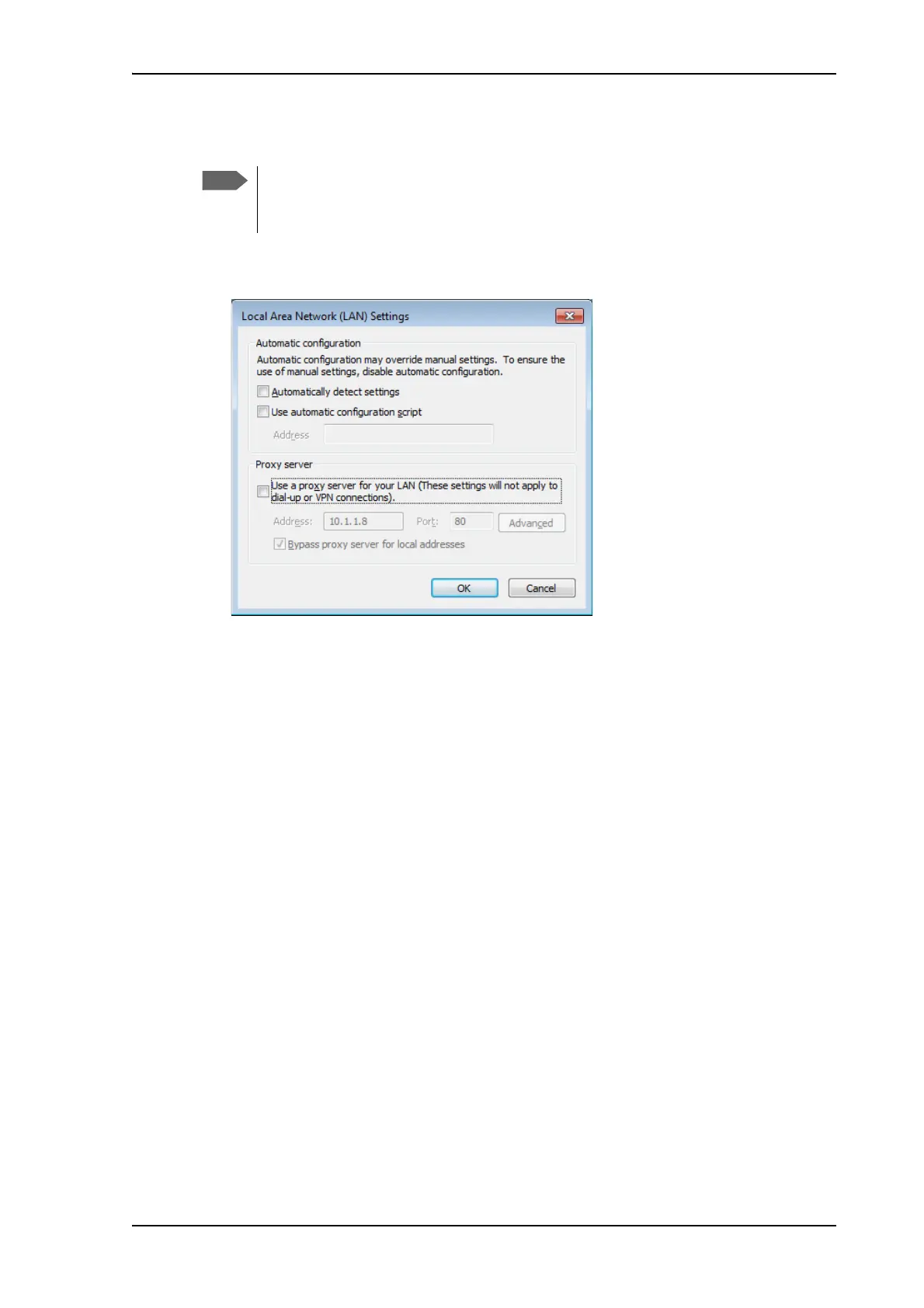
To disable the use of a Proxy server completely, do as follows:
1. In Microsoft Internet Explorer, select Tools > Internet Options > Connections > LAN
Settings.
2. Clear the box labeled Use a proxy server for your LAN.
3. Click OK.
When the proxy server settings are disabled, close and restart your browser. You may need to
change this setting back on return to your Internet connection.
The following description is for Microsoft Internet
Explorer. If you are using a different browser, the
procedure may be different.











 To Next Page