Chapter 4: Using the web interface
98-129217-D Setting up the interfaces 76
15. Select or type in the parameters you want to associate with your Group 0.
MAC address: If you want only a specific device (MAC address) to belong to Group 0,
you can do one of the following:
• If the device is or has been connected to the terminal, locate the device in the list at the
bottom of the page and click Add next to the device.
• Type in the MAC address in the MAC address field at the top of the page. An asterisk
indicates a “wild card”, which means any MAC address is accepted.
IP address: If you want a specific IP address to belong to Group 0, type in the IP address
in the IP address field. If the field is left empty, any IP address is accepted.
LAN port: If you want devices connected to a specific LAN port to belong to Group 0,
select the port number to use.
16. Click Apply.
Group 0 is now added to the network classification table.
This means that when both network user groups are enabled, the terminal will first search
for a device that matches the criteria set up in the network classification table for Group 0
and assign the Bridge mode connection to this device if possible. If no device matches
these criteria, the Default network user group will be used. Note however that only one of
the network user groups can have Internet access.
17. Reboot the terminal for the changes to take effect.
You should now be able to use your Bridge mode connection. By default, the connection is
automatically activated when the terminal is ready and online, and a matching device is found.
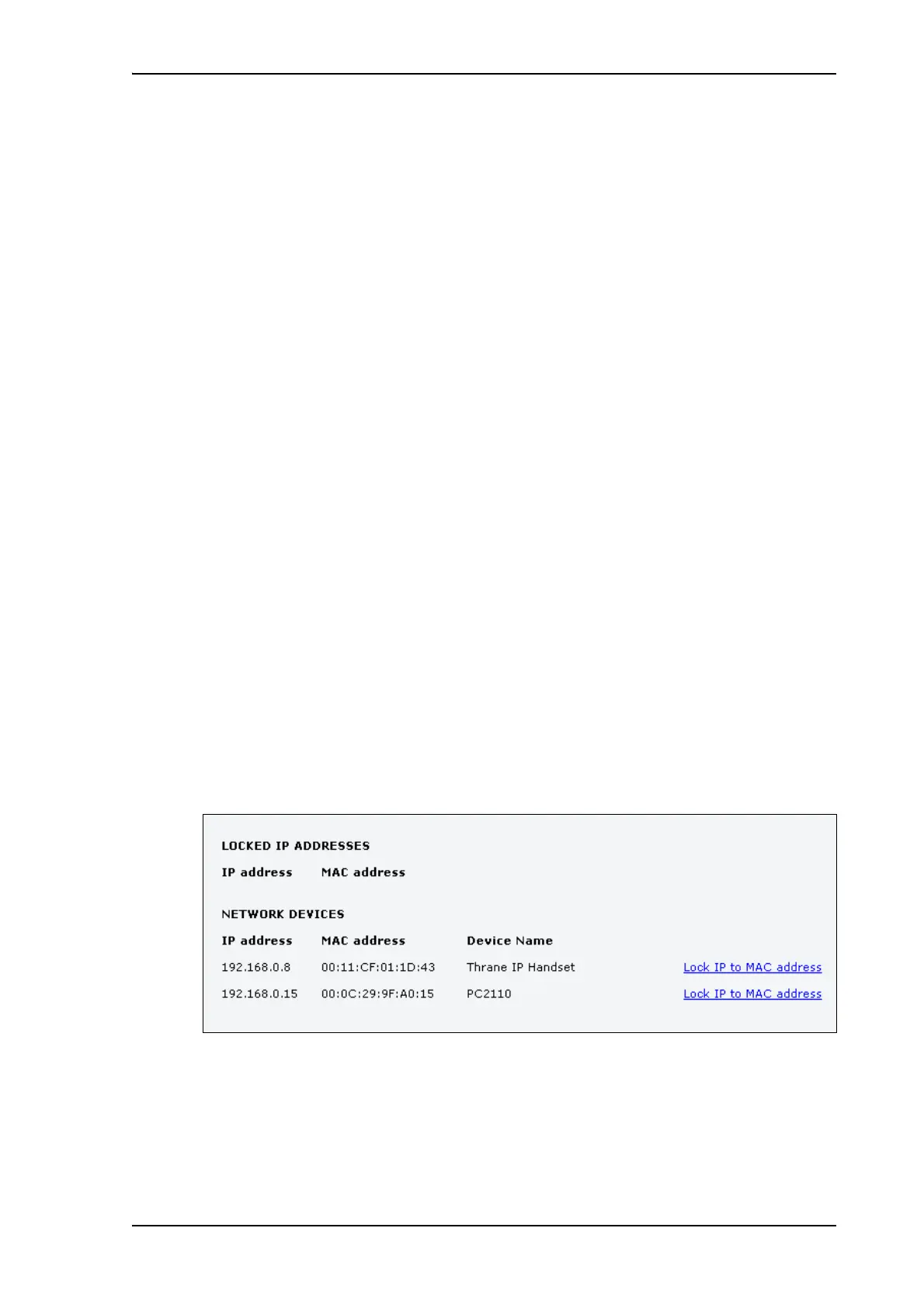
Viewing network devices
All network devices that are or have been connected to the terminal are listed in the Network
devices page.
To view the list of network devices, select SETTINGS > LAN > Network devices.
If you are prompted, enter the administrator user name and password. The default user name
is admin and the default password is 1234.











 To Next Page