Powering supply from the mains: features and connection
40
HS-RC-C5E-TIN_03.fm
00/0211
4.6 Procedure to install and connect the
powering cable (on Main Circuit breaker)
Status: – Power source off
Material: – Powering cable (not supplied)
– Plate with cable gland (supplied)
Equipment: – 5.5 x 1 blade screwdriver
– 8-mm socket wrench
Preliminary procedures / notes
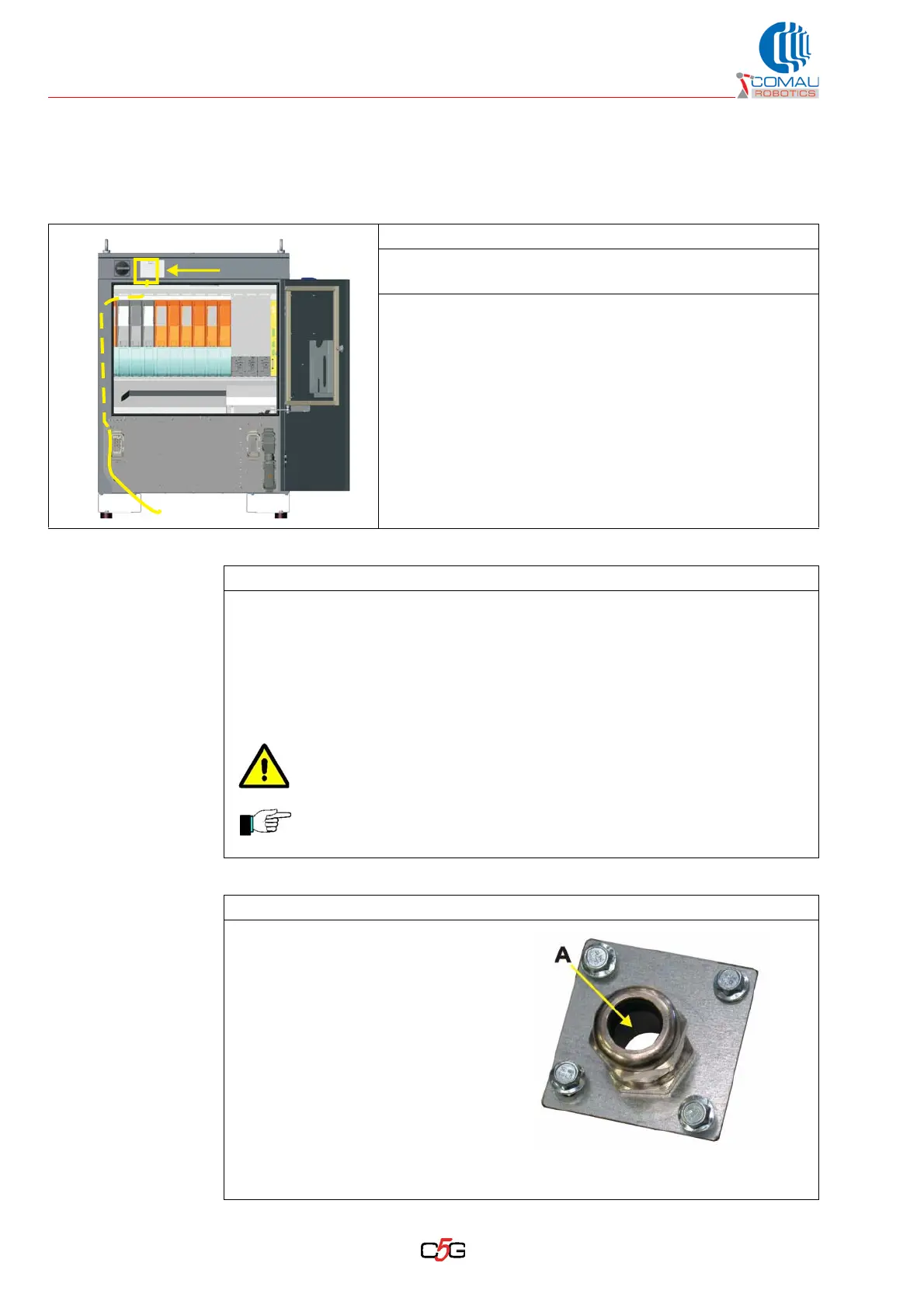
– Open the cabinet door to reach the connection terminal board located on top, in
the fixed front section.
– The powering cable may be fitted in the cabinet comfortably without having to
remove walls or covers.
– In case the cable gland nut needs to be tighten to improve the retaining on the
plate, apply a suitable force not to damage the thread (especially if it deals with
a plastic cable gland).
Before carrying out the connection, make sure the powering line is
not powered.
If a different fitting point is required for the cable, refer to the
istructions in the section Follow-up procedure at the end of this
procedure.
Operating procedure
a. Fit the cable end from the
powering source in the cable
gland with plate (A), supplied
together with the Control Unit.
b. The cable shall enter from the
screw side and exit from the
opposite side.
c. Do not tighten the cable gland.
The cable gland version may be different from the one on
the box.



 To Next Page