EasyManua.ls Logo

Commodore 128D - Section 6-Color, Animation and Sprite Graphics; Statements Unique to the C128

Commodore 128D
427 pages
Print Icon
To Next Page IconTo Next Page
To Previous Page IconTo Previous Page
Loading...
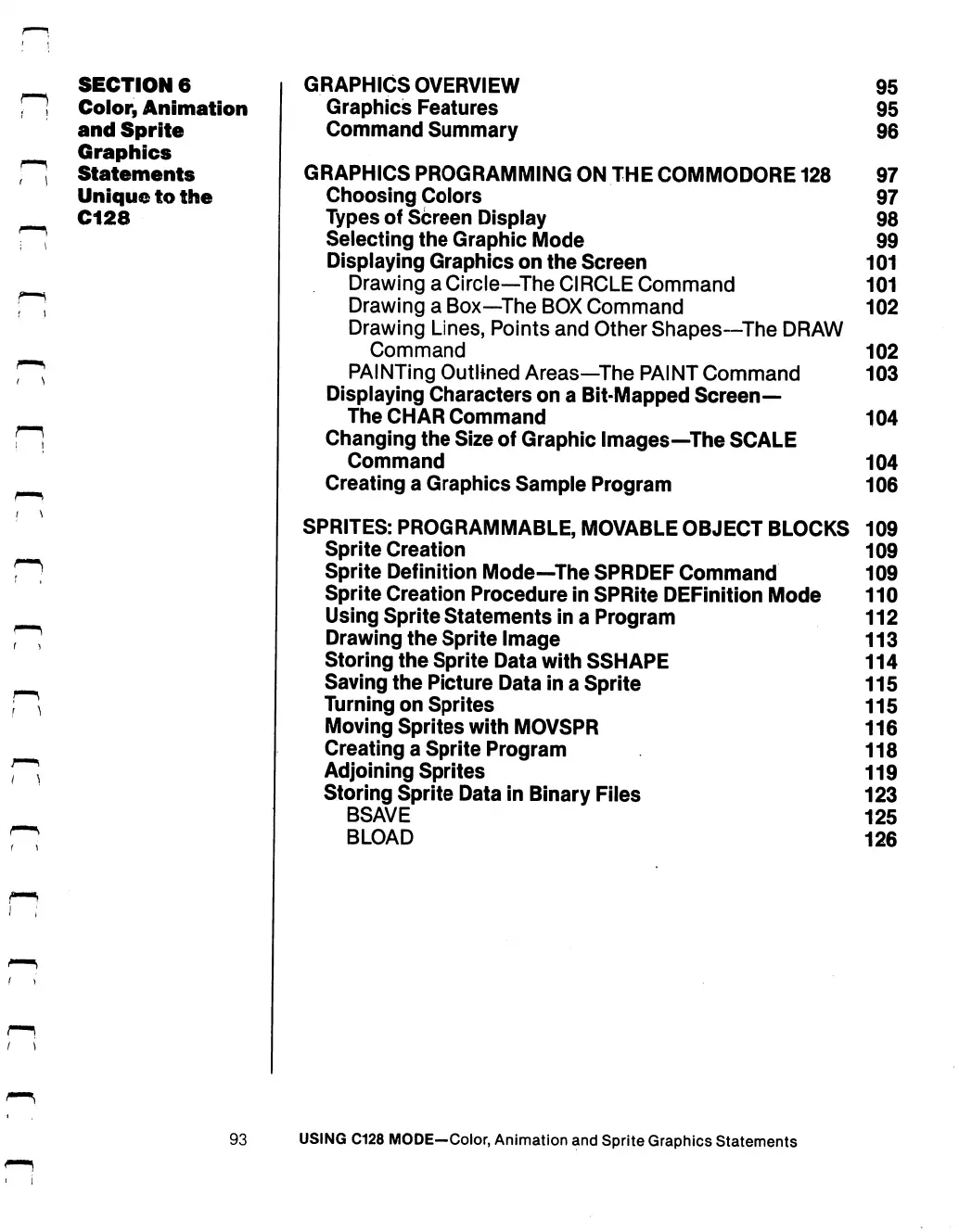
SECTION
6
f"!
Color,
Animation
and
Sprite
Graphics
]
Statements
Unique
to
the
C128
GRAPHICS OVERVIEW
95
Graphics
Features
95
Command
Summary
96
GRAPHICS
PROGRAMMING
ON
THE
COMMODORE
128
97
Choosing
Colors
97
Types
of
Screen
Display
98
Selecting
the
Graphic
Mode
99
Displaying
Graphics
on
the
Screen
101
Drawing
a
Circle—The
CIRCLE
Command
101
Drawing
a
Box—The
BOX
Command
102
Drawing
Lines,
Points
and
Other
Shapes—The
DRAW
Command
102
PAINTing
Outlined
Areas—The
PAINT
Command
103
Displaying
Characters
on
a
Bit-Mapped
Screen—
The
CHAR
Command
104
Changing
the
Size
of
Graphic
Images—The
SCALE
Command
104
Creating
a
Graphics
Sample
Program
106
SPRITES:
PROGRAMMABLE,
MOVABLE
OBJECT
BLOCKS
109
Sprite
Creation
109
Sprite
Definition
Mode—The
SPRDEF
Command
109
Sprite
Creation
Procedure
in
SPRite
DEFinition
Mode
110
Using
Sprite
Statements
in
a
Program
112
Drawing
the
Sprite
Image
113
Storing
the
Sprite
Data
with
SSH
APE
114
Saving
the
Picture
Data
in
a
Sprite
115
Turning
on
Sprites
115
Moving
Sprites
with
MOVSPR
116
Creating
a
Sprite
Program
118
Adjoining
Sprites
119
Storing
Sprite
Data
in
Binary
Files
123
BSAVE
125
BLOAD
126
93
USING
C128
MODE—Color,
Animation
and
Sprite
Graphics
Statements

Table of Contents

Other manuals for Commodore 128D

Related product manuals