EasyManua.ls Logo

Commodore 128D - Writing a SOUND Program

Commodore 128D
427 pages
Print Icon
To Next Page IconTo Next Page
To Previous Page IconTo Previous Page
Loading...
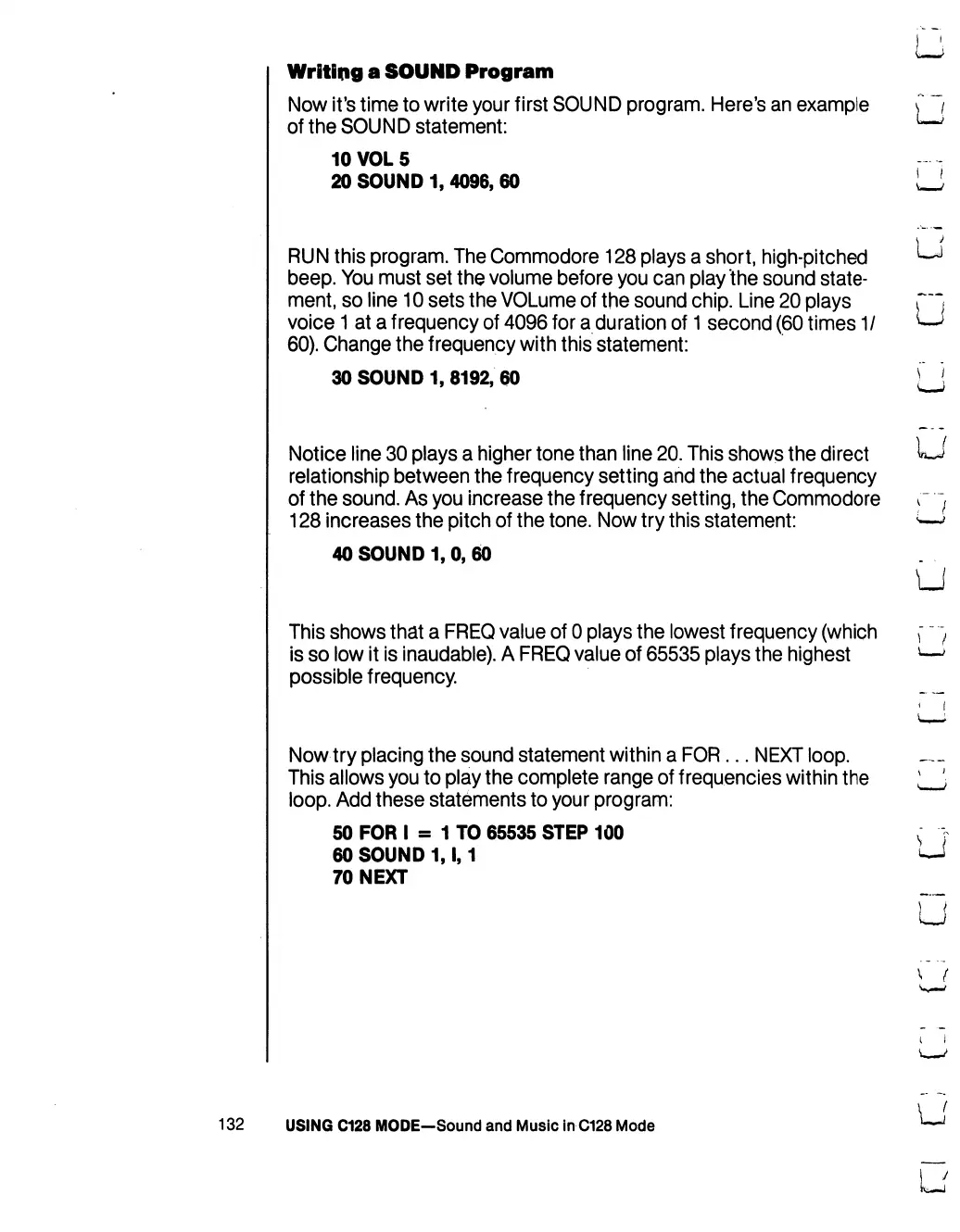
Writing
a
SOUND
Program
Now
it's
time
to
write
your
first
SOUND
program.
Here's
an
example
C
"*/
of
the
SOUND
statement:
LmmJ
10
VOL
5
20
SOUND
1,
4096,
60
_
RUN
this
program.
The
Commodore
128
plays
a
shtprt,
high-pitched
^j
beep.
You
must
set
the
volume
before
you
can
play
the
sound
state
ment,
so
line
10
sets
the
VOLume
of
the
sound
chip.
Line
20
plays
r~~t
voice
1
at
a
frequency
of
4096
for
a
duration
of
1
second
(60
times
1/
*—*
60).
Change
the
frequency
with
this
statement:
30
SOUND
1,
8192,
60
[
!
Notice
line
30
plays
a
higher
tone
than
line
20.
This
shows
the
direct
^
relationship
between
the
frequency
setting
and
the
actual
frequency
of
the
sound.
As
you
increase
the
frequency
setting,
the
Commodore
r
"f
128
increases
the
pitch
of
the
tone.
Now
try
this
statement:
<—*
40
SOUND
1,
0,
60
LJ
This
shows
that
a
FREQ
value
of
0
plays
the
lowest
frequency
(which
f ~')
is
so
low
it
is
inaudable).
A
FREQ
value
of
65535
plays
the
highest
*—>
possible
frequency.
Now
try
placing
the
sound
statement
within
a
FOR...
NEXT
loop.
This
allows
you
to
play
the
complete
range
of
frequencies
within
the
loop.
Add
these
statements
to
your
program:
50
FOR
I
=
1
TO
65535
STEP
100
60
SOUND
1,1,1
70
NEXT
132
USING
C128
MODE-Sound
and
Music
in
C128
Mode

Table of Contents

Other manuals for Commodore 128D

Related product manuals