EasyManua.ls Logo

Commodore 128D - Assigning Logical Devices; Redirecting Input and Output

Commodore 128D
427 pages
Print Icon
To Next Page IconTo Next Page
To Previous Page IconTo Previous Page
Loading...
Redirecting
Input
and
Output
Assigning
Logical
Devices
CP/M
3.0's
PUT
command
allows
you
to
direct
console
or
printer
output
to
a
disk
file.
You
can
use
a
GET
command
to
make
CP/M
3.0
or
a
utility
program
take
console
input
from
a
disk
file.
The
following
examples
illustrate
some
of
the
capabilities
offered
by
GET
and
PUT.
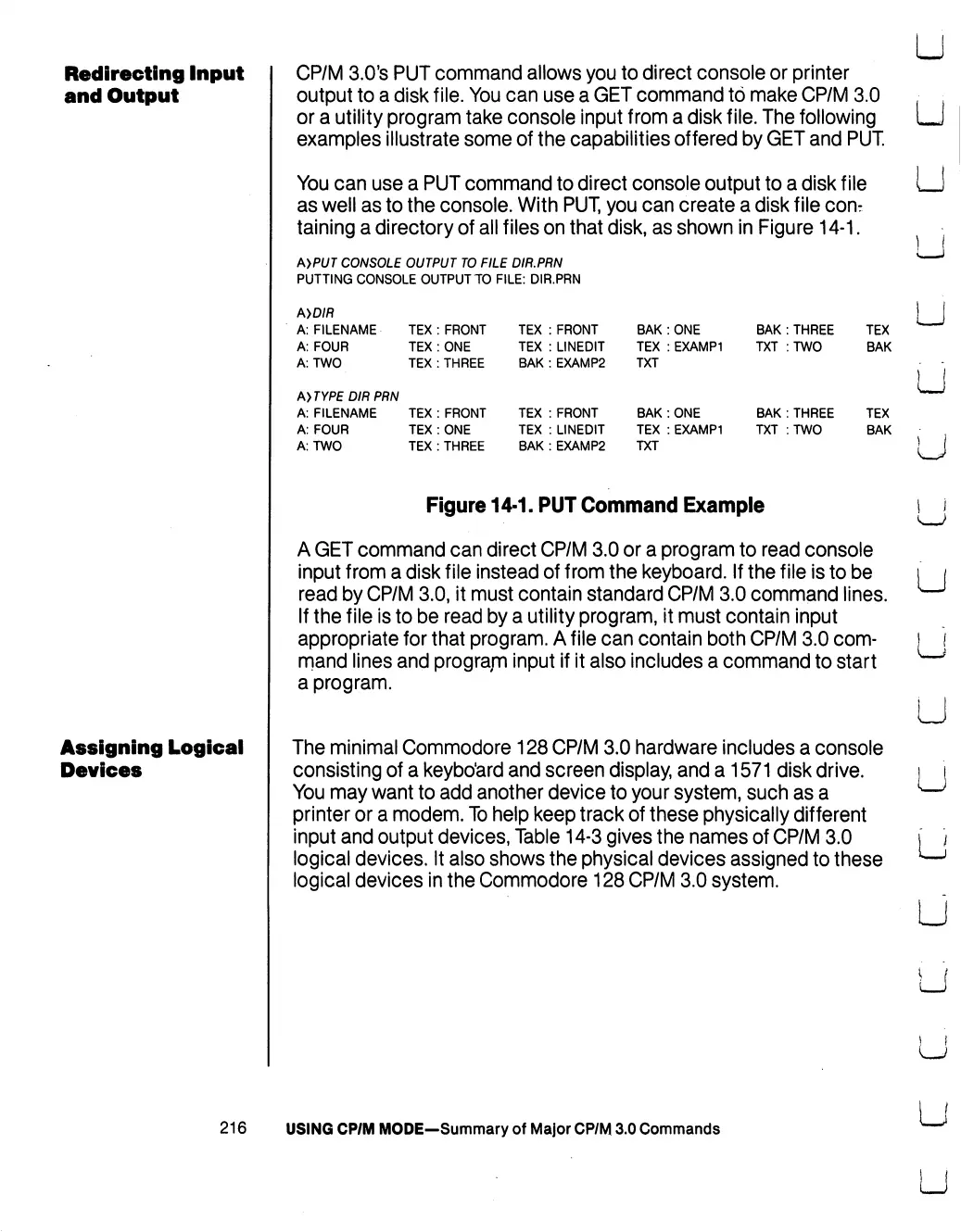
You
can
use
a
PUT
command
to direct
console
output
to
a
disk
file
as
well
as
to
the
console.
With
PUT,
you
can
create
a
disk
file
con:
taining
a
directory
of
all
files
on
that
disk,
as
shown
in
Figure
14-1.
A>PUT
CONSOLE
OUTPUT
TO
FILE
DIR.PRN
PUTTING
CONSOLE
OUTPUT
TO
FILE:
DIR.PRN
A>D/fl
A:
FILENAME
A:
FOUR
A:
TWO
TEX
:
FRONT
TEX
:
ONE
TEX
:
THREE
TEX
TEX
BAK
AyTYPE
DIR
PRN
A:
FILENAME
TEX
:
FRONT
TEX
A:
FOUR
TEX
:
ONE
TEX
A:
TWO
TEX
:
THREE
BAK
FRONT
LINEDIT
EXAMP2
BAK
:
ONE
TEX
:
EXAMP1
TXT
FRONT
BAK
:
ONE
LINEDIT
TEX
:
EXAMP1
EXAMP2
TXT
BAK
:
THREE
TXT
:TW0
BAK
:
THREE
TXT
:
TWO
TEX
BAK
TEX
BAK
Figure
14-1.
PUT
Command
Example
A
GET
command
can
direct
CP/M
3.0
or
a
program
to
read
console
input
from a
disk
file
instead
of
from
the
keyboard.
If
the
file
is
to
be
read
by
CP/M
3.0,
it
must
contain
standard
CP/M
3.0
command
lines.
If
the
file
is
to
be
read
by a
utility
program,
it
must
contain
input
appropriate
for
that
program.
A
file
can
contain
both
CP/M
3.0
com
mand
lines
and
program
input
if
it
also
includes
a
command
to
start
a
program.
The
minimal
Commodore
128
CP/M
3.0
hardware
includes
a
console
consisting
of
a
keyboard
and
screen
display,
and
a
1571
disk
drive.
You
may
want
to
add
another
device
to
your
system,
such
as
a
printer
or
a
modem.
To
help
keep
track
of
these
physically
different
input
and
output
devices,
Table
14-3
gives
the
names
of
CP/M
3.0
logical
devices.
It
also
shows
the
physical
devices
assigned
to
these
logical
devices
in
the
Commodore
128
CP/M
3.0
system.
u
u
u
U
U
LJ
U
216
USING
CP/M
MODE-Summary
of
Major
CP/M
3.0
Commands

Table of Contents

Other manuals for Commodore 128D

Related product manuals