EasyManua.ls Logo

Commodore 128D - SECTION 3 - Getting Started in Basic

Commodore 128D
427 pages
Print Icon
To Next Page IconTo Next Page
To Previous Page IconTo Previous Page
Loading...
n
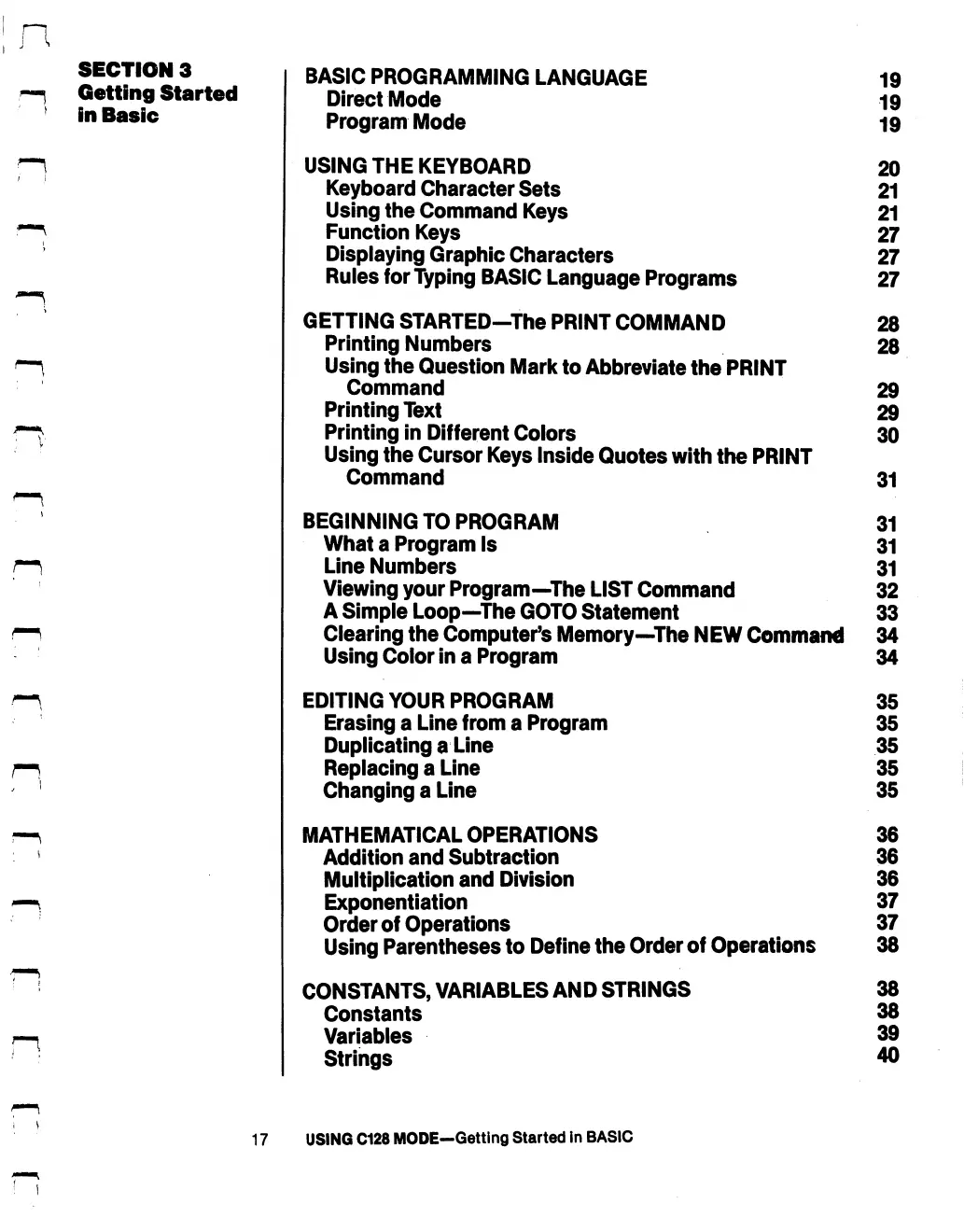
SECTION
3
Getting
Started
in
Basic
BASIC
PROGRAMMING
LANGUAGE
Direct
Mode
Program
Mode
USING
THE
KEYBOARD
Keyboard
Character
Sets
Using
the
Command
Keys
Function
Keys
Displaying
Graphic
Characters
Rules
for
Typing
BASIC
Language
Programs
GETTING
STARTED—The
PRINT
COMMAND
Printing
Numbers
Using
the
Question
Mark
to
Abbreviate
the
PRINT
Command
Printing
Text
Printing
in
Different
Colors
Using
the
Cursor
Keys
Inside
Quotes
with
the
PRINT
Command
BEGINNING
TO
PROGRAM
What
a
Program
Is
Line
Numbers
Viewing
your
Program—The
LIST
Command
A
Simple
Loop—The
GOTO
Statement
Clearing
the
Computer's
Memory—The
NEW
Command
Using
Color
in
a
Program
EDITING
YOUR
PROGRAM
Erasing
a
Line
from
a
Program
Duplicating
a
Line
Replacing
a
Line
Changing
a
Line
MATHEMATICAL
OPERATIONS
Addition
and
Subtraction
Multiplication
and
Division
Exponentiation
Order
of
Operations
Using
Parentheses
to
Define
the
Order
of
Operations
CONSTANTS,
VARIABLES
AND
STRINGS
Constants
Variables
Strings
19
19
19
20
21
21
27
27
27
28
28
29
29
30
31
31
31
31
32
33
34
34
35
35
35
35
35
36
36
36
37
37
38
38
38
39
40
17
USING
C128
MODE—Getting
Started
in
BASIC

Table of Contents

Other manuals for Commodore 128D

Related product manuals