EasyManua.ls Logo

Commodore 128D - Using the Colon

Commodore 128D
427 pages
Print Icon
To Next Page IconTo Next Page
To Previous Page IconTo Previous Page
Loading...
Below
is
a
list
of
comparison
symbols
that
may
be
used
in
the
IF
statement
and
their
meanings:
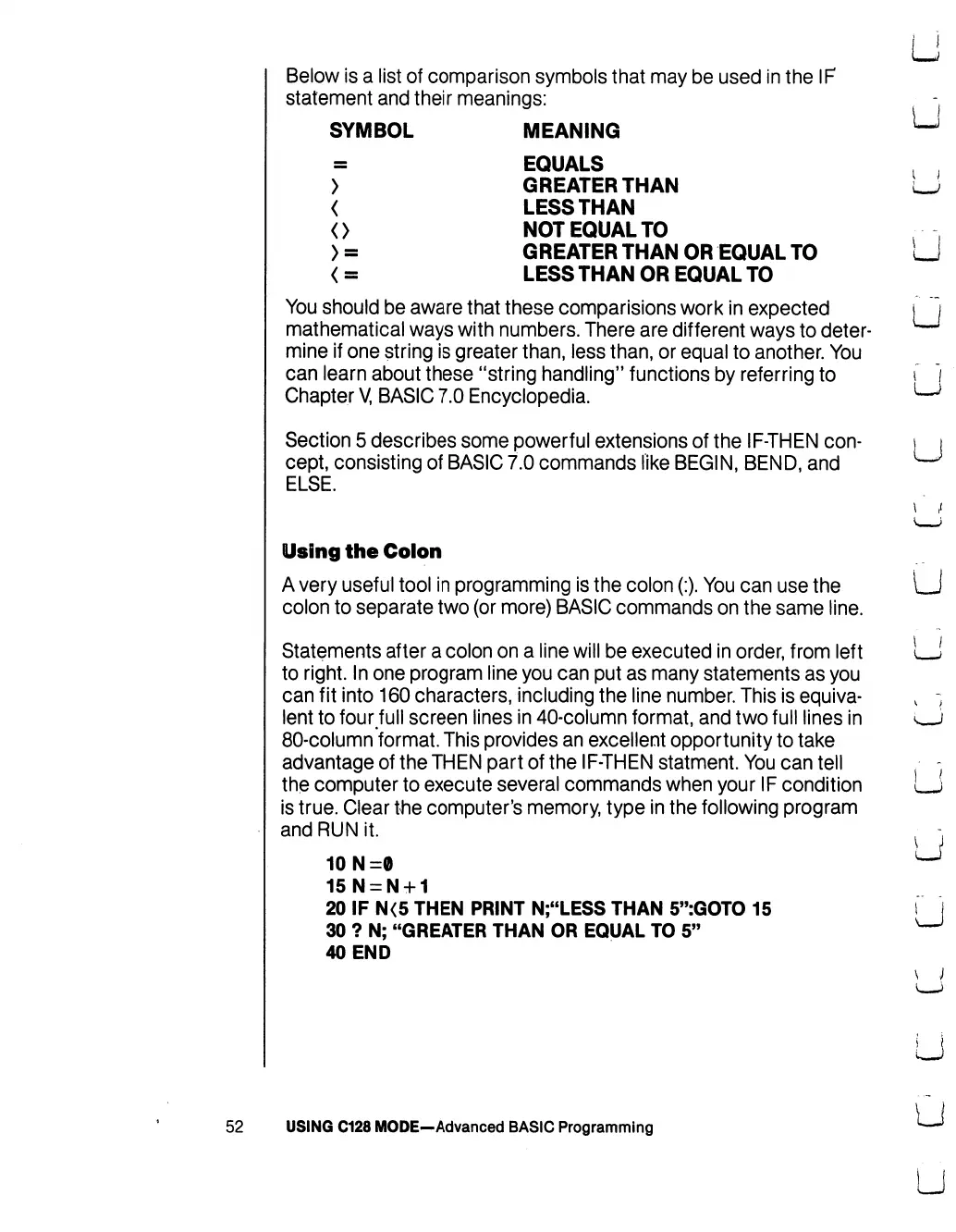
SYMBOL
MEANING
EQUALS
>
GREATER
THAN
<
LESSTHAN
<>
NOT
EQUALTO
>
=
GREATER
THAN
OR
EQUAL
TO
<
=
LESS
THAN
OR
EQUAL
TO
You
should
be
aware
that
these
comparisions
work
in
expected
mathematical
ways
with
numbers.
There
are
different
ways
to
deter
mine
if
one
string
is
greater
than,
less
than,
or
equal
to
another.
You
can
learn
about
these
"string
handling"
functions
by
referring
to
Chapter
V,
BASIC
7.0
Encyclopedia.
Section
5
describes
some
powerful
extensions
of
the
IF-THEN
con
cept,
consisting
of
BASIC
7.0
commands
like
BEGIN,
BEND,
and
ELSE.
u
I )
I
J
LJ
LJ
Using
the
Colon
A
very
useful
tool
in
programming
is
the
colon
(:).
You
can
use
the
colon
to
separate
two
(or
more)
BASIC
commands
on
the
same
line.
Statements
after
a
colon
on
a
line
will
be
executed
in
order,
from
left
to
right.
In
one
program
line
you
can
put
as
many
statements
as
you
can
fit
into
160
characters,
including
the
line
number.
This
is
equiva
lent
to
four
full
screen
lines
in
40-column
format,
and
two
full
lines
in
80-column
format.
This
provides
an
excellent
opportunity
to
take
advantage
of
the
THEN
part
of
the
IF-THEN
statment.
You
can
tell
the
computer
to
execute
several
commands
when
your
IF
condition
is
true.
Clear
the
computer's
memory,
type
in
the
following
program
and
RUN
it.
10N=0
15N
=
N
+
1
20
IF
N<5
THEN
PRINT
N;"LESS
THAN
5":GOTO
15
30
?
N;
"GREATER
THAN
OR
EQUAL
TO
5"
40
END
52
USING
C128
MODE—Advanced
BASIC
Programming

Table of Contents

Other manuals for Commodore 128D

Related product manuals