EasyManua.ls Logo

Commodore 128D - Using Arrays; Subscripted Variables

Commodore 128D
427 pages
Print Icon
To Next Page IconTo Next Page
To Previous Page IconTo Previous Page
Loading...
H
I \
i \
Using
Arrays
You
have
seen
how
to
use
READ-DATA
to
provide
many
values
for
a
variable.
But
what
if
you
want
the
computer
to
remember
all
the
data
in
the
DATA
statement
instead
of
replacing
the
value
of
a
variable
with
the
new
data?
What
if
you
want
to
be
able
to
recall
the
third
number,
or
the
second
string of
characters?
Each
time
you
assign
a
new
value
to
a
variable,
the
computer
erases
the
old
value
in
the
variable's
box
in
memory
and
stores
the
new
value
in
its
place.
You
can
tell
the
computer
to
reserve
a
row
of
boxes
in
memory
and
store
every
value
that
you
assign
to that
varia
ble
in
your
program.
This
row
of
boxes
is
called
an
array.
Subscripted
If
the
array
contains
all
of
the
values
assigned
to
Variables
the
variable
X
in
the
READ-DATA
example,
it
is
called
the
X
array.
The
first
value
assigned
to
X
in
the
program
is
named
X(1),
the
second
value
is
X(2),
and
so
on.
These
are
called
subscripted
variables.
The
numbers
in
the
parentheses
are
called
subscripts.
You
can
use
a
variable or
a
calculation
as
a
subscript.
The
following
is
another
version
of
the
averaging
program,
this
time
using
subscripted
variables.
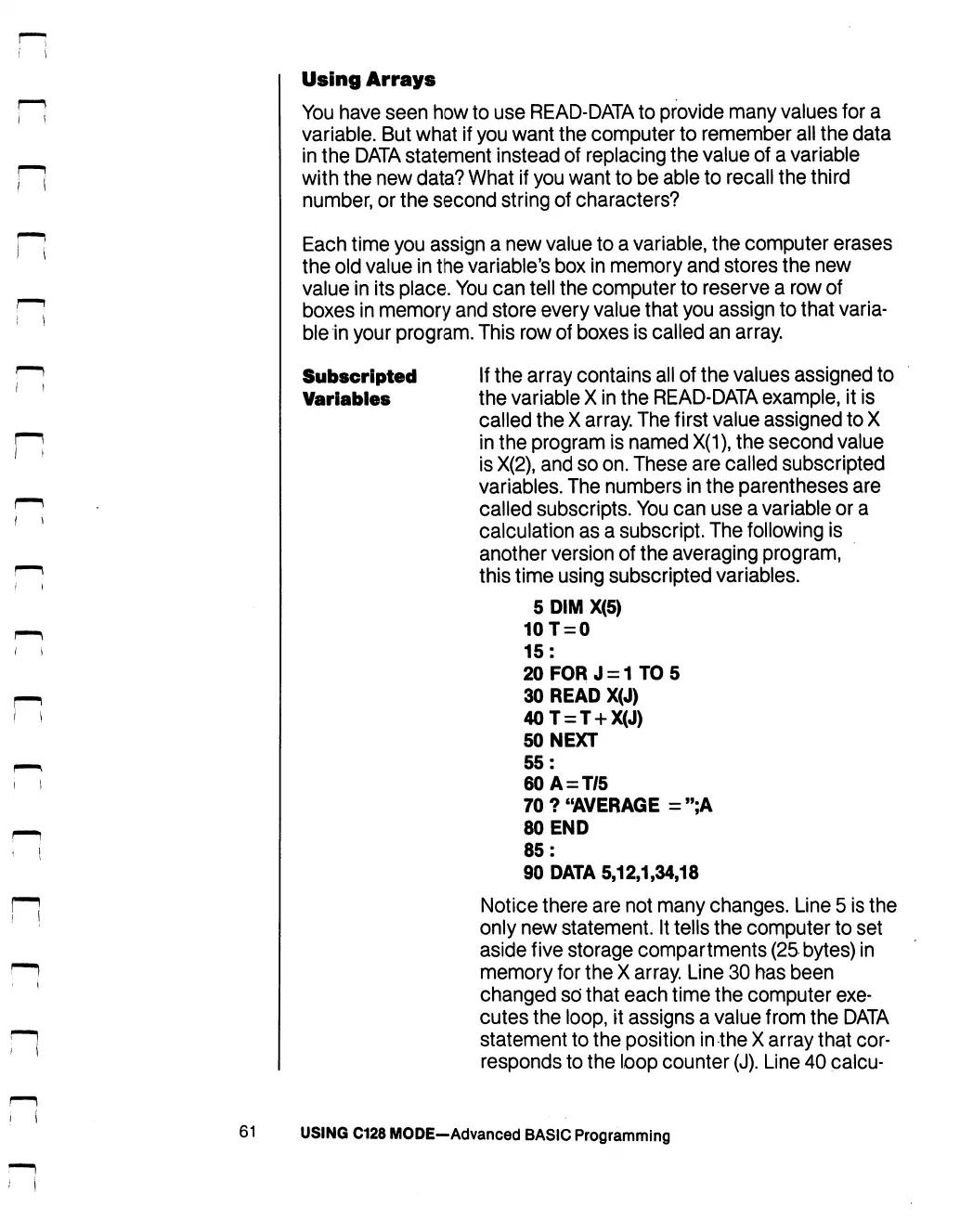
5DIMX(5)
10T
=
0
15:
20
FOR
J
=
1TO5
30
READ
X(J)
40T
=
T
+
X(J)
50
NEXT
55:
60A
=
T/5
70?
"AVERAGE
=";A
80
END
85:
90
DATA
5,12,1,34,18
Notice
there
are
not
many
changes.
Line
5
is
the
only
new
statement.
It
tells
the
computer
to
set
aside
five
storage
compartments
(25
bytes)
in
memory
for
the
X
array.
Line
30
has
been
changed
so'
that
each
time
the
computer
exe
cutes
the
loop,
it
assigns
a
value
from
the
DATA
statement
to
the
position
in
the
X
array
that
cor
responds
to
the
loop
counter
(J).
Line
40
calcu-
61
USING
C128
MODE-Advanced
BASIC
Programming

Table of Contents

Other manuals for Commodore 128D

Related product manuals