EasyManua.ls Logo

Commodore 128D - Video Ports and Monitors; Connecting a Monitor; Types of Monitors; Composite Monitors

Commodore 128D
427 pages
Print Icon
To Next Page IconTo Next Page
To Previous Page IconTo Previous Page
Loading...
LJ
Video
Ports
and
Monitors
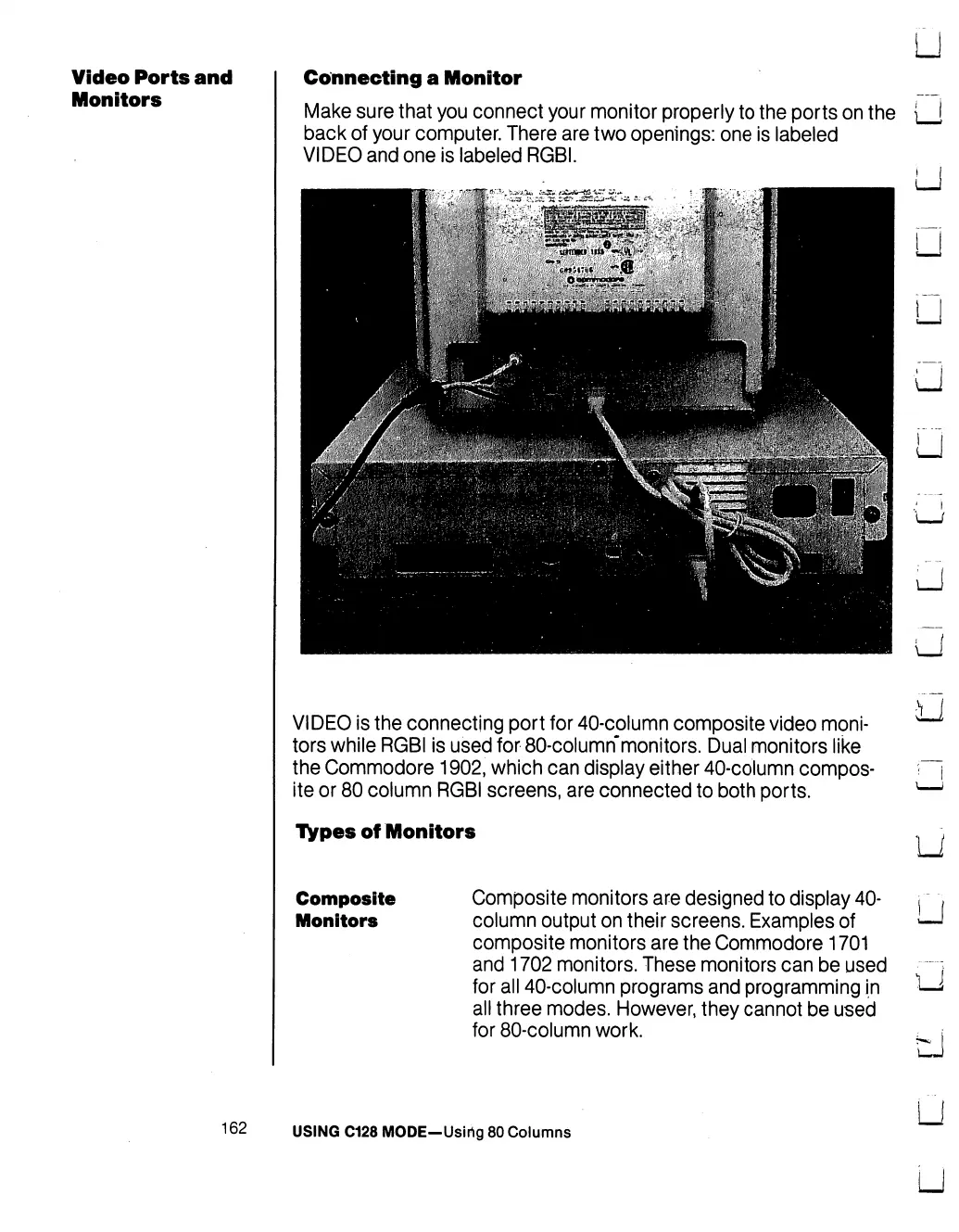
Connecting
a
Monitor
Make
sure
that
you
connect
your
monitor
properly
to
the
ports
on
the
back
of
your
computer.
There
are
two
openings:
one
is
labeled
VIDEO
and
one
is
labeled
RGBI.
LJ
U
U
U
u
VIDEO
is
the
connecting
port
for
40-column
composite
video
moni
tors
while
RGBI
is
used
for
80-column"monitors.
Dual
monitors
like
the
Commodore
1902,
which
can
display
either
40-column
compos
ite
or
80
column
RGBI
screens,
are
connected
to
both
ports.
TVpes
of
Monitors
Composite
Composite
monitors
are
designed
to
display
40-
Monitors
column
output
on
their
screens.
Examples
of
composite
monitors
are
the
Commodore
1701
and
1702
monitors.
These
monitors
can
be
used
for
all
40-column
programs
and
programming
in
all
three
modes.
However,
they
cannot
be
used
for
80-column
work.
LJ
U
U
u
LJ
162
USING
C128
MODE-Usirig
80
Columns
LJ
LJ

Table of Contents

Other manuals for Commodore 128D

Related product manuals