EasyManua.ls Logo

Commodore 128D - The Sound Statement

Commodore 128D
427 pages
Print Icon
To Next Page IconTo Next Page
To Previous Page IconTo Previous Page
Loading...
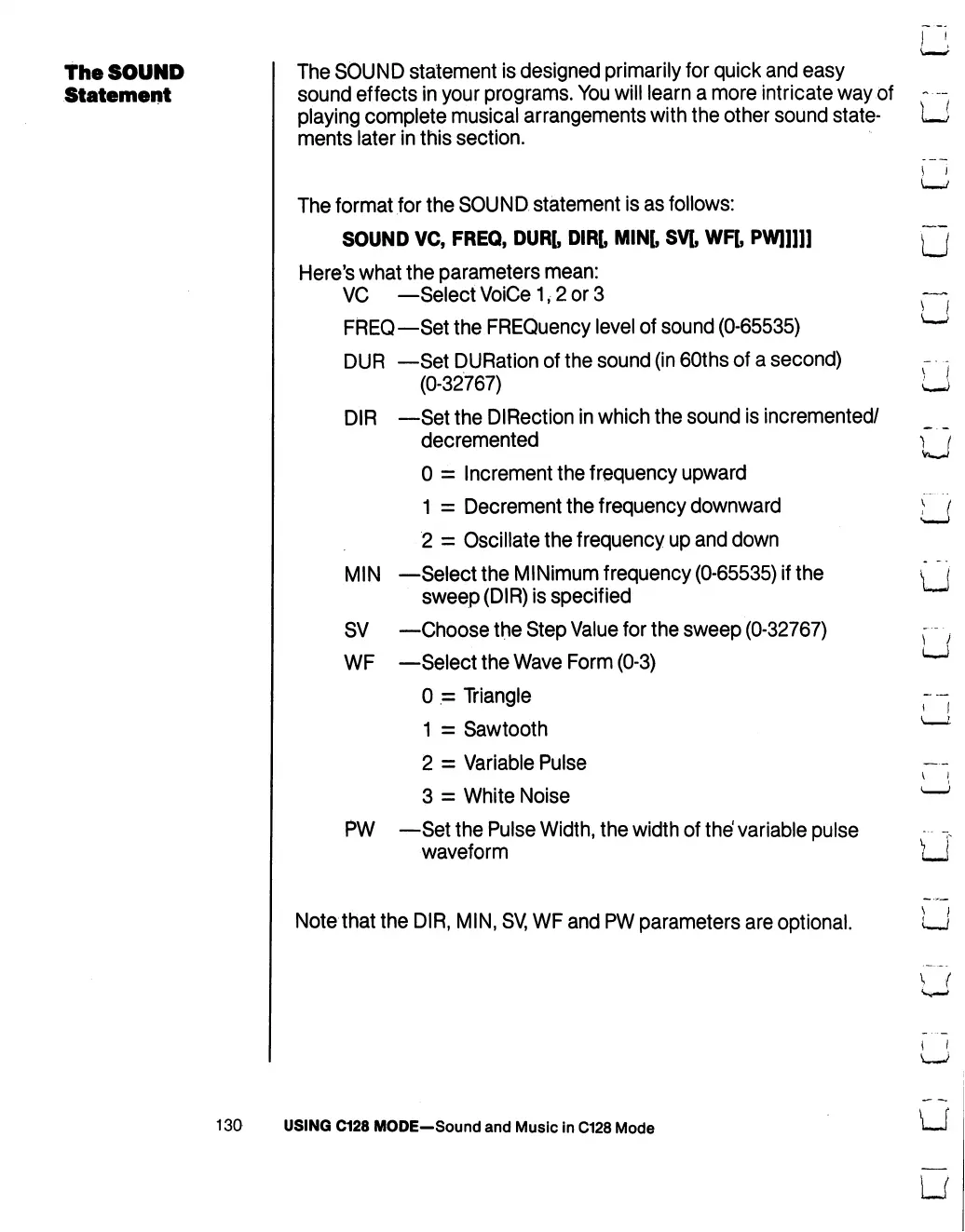
TheSOUND
Statement
The
SOUND
statement
is
designed
primarily
for
quick
and
easy
sound
effects
in
your
programs.
You
will
learn
a
more
intricate
way
of
—-
playing
complete
musical
arrangements
with
the
other
sound
state-
I
>
ments
later
in
this
section.
D|R
The
format
for
the
SOUND
statement
is
as
follows:
SOUND
VC,
FREQ,
DUR[,
DIR[,
MIN[,
SV[,
WF[,
PW]]]]]
Here's
what
the
parameters
mean:
VC
—SelectVoiCe1,2or3
FREQ—Set
the
FREQuency
level
of
sound
(0-65535)
—Set
DURation
of
the
sound
(in
60ths
of
a
second)
(0-32767)
—Set
the
DIRection
in
which
the
sound
is
incremented/
decremented
0
=
Increment
the
frequency
upward
1
=
Decrement
the
frequency
downward
2
=
Oscillate
the
frequency
up
and
down
—Select
the
MINimum
frequency
(0-65535)
if
the
sweep
(DIR)
is
specified
—Choose
the
Step
Value
for
the
sweep
(0-32767)
—Select
the
Wave
Form
(0-3)
0
=
Triangle
1
=
Sawtooth
2
=
Variable
Pulse
3
=
White
Noise
PW
—Set
the
Pulse
Width,
the width
of
the'
variable
pulse
waveform
Note
that
the
DIR,
MIN,
SV,
WF
and
PW
parameters
are
optional.
MIN
SV
WF
u
}
I
)
I
(
j
130
USING
C128
MODE—Sound
and
Music
in
C128
Mode
U
U

Table of Contents

Other manuals for Commodore 128D

Related product manuals