EasyManua.ls Logo

Commodore 128D - Getting Help; Terminating Programs

Commodore 128D
427 pages
Print Icon
To Next Page IconTo Next Page
To Previous Page IconTo Previous Page
Loading...
Terminating
Programs
Getting
Help
218
You
can
use
the
two
keystroke
command
CTRL-C
to
terminate
pro
gram
execution
or
reset
the
oisk
system.
To
enter
a
CTRL-C
com
mand,
hbla
down
the
CTRL
key
and
press
C.
Most
application
programs
that
run
under
CP/M
and
most
CP/M
tran
sient
utilities
can
be
terminated
by
a
CTRL-C.
However,
if
you
try
to
terminate
a
program
while
it
is
sending
a
display
to
the
screen,
you
may
need
to
press
a
CTRL-S
to
halt
the
display
before
you
enter
CTRL-C.
CP/M
3.0
includes
a
transient
utility
command
called
HELP
that
will
display
a
summary
of
the
format
and
use
for
the
most
common
CP/M
commands.
To
access
HELP,
simpfy
enter
the
command:
A)HELP
You
can
press
the
HELP
key
instead
of
typing
the
word
HELP
and
pressing
the
RETURN
key.
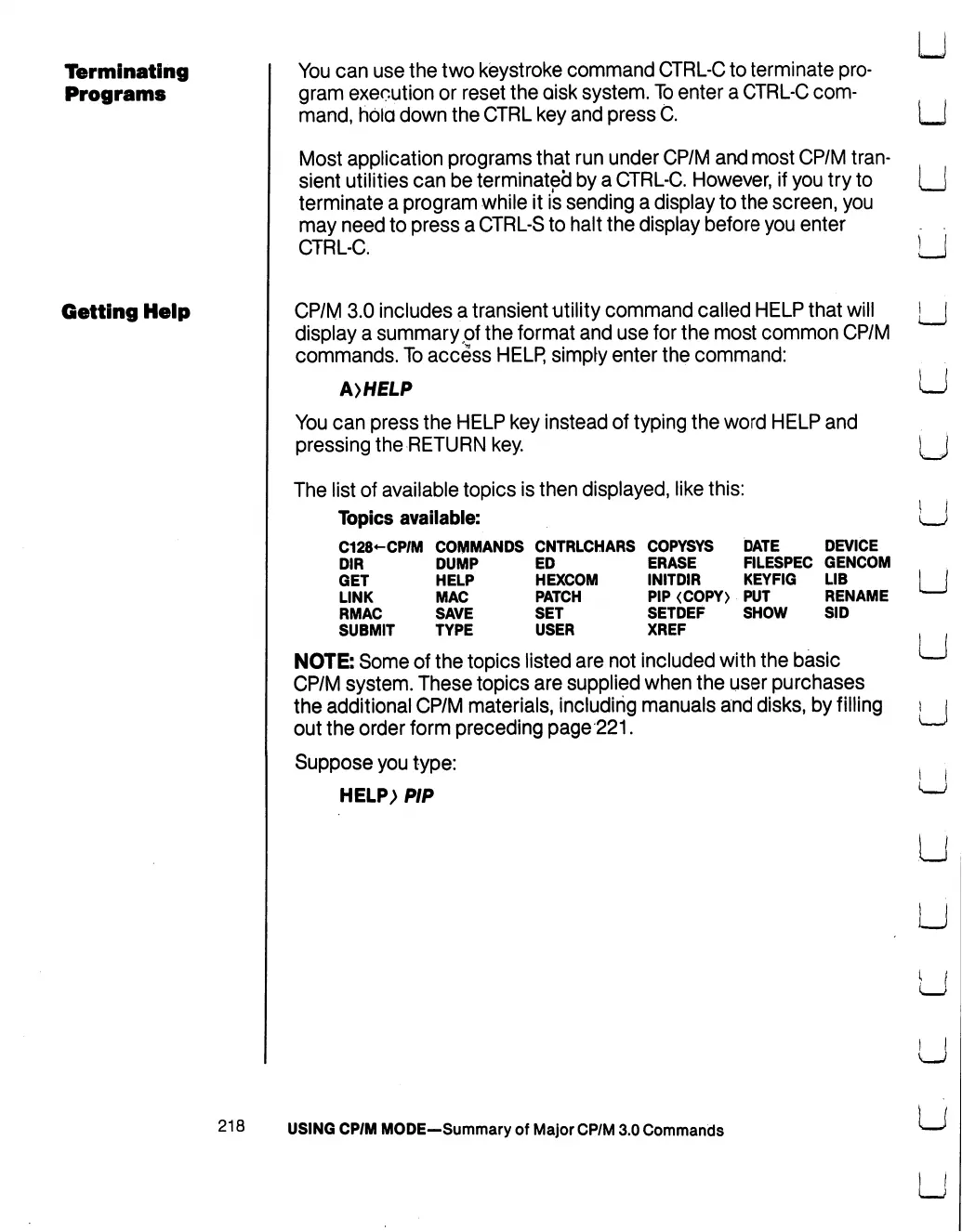
The
list
of
available
topics
is
then
displayed,
like
this:
Topics
available:
C128-CP/M
COMMANDS
CNTRLCHARS
COPYSYS
DATE
DEVICE
DIR
DUMP
ED
ERASE
FILESPEC
GENCOM
GET
HELP
HEXCOM
I
NIT
DIR
KEYFIG
LIB
LINK
MAC
PATCH
PIP
<COPY)
PUT
RENAME
RMAC
SAVE
SET
SETDEF
SHOW
SID
SUBMIT
TYPE
USER
XREF
NOTE:
Some
of
the
topics
listed
are
not
included
with
the
basic
CP/M
system.
These
topics
are
supplied
when
the
user
purchases
the
additional
CP/M
materials,
including
manuals
and
disks,
by
filling
out
the order
form
preceding
page
221.
Suppose
you
type:
HELP>
PIP
USING
CP/M
MODE—Summary
of
Major
CP/M
3.0
Commands
U
U
u
u
LJ
U
u
u
u

Table of Contents

Other manuals for Commodore 128D

Related product manuals