EasyManua.ls Logo

Commodore 128D - Page 107

Commodore 128D
427 pages
Print Icon
To Next Page IconTo Next Page
To Previous Page IconTo Previous Page
Loading...
f
1
capable
of
this
because
it
uses
two
separate
parts
of
the
computer's
memory
to
store
the
two
screens:
one
part
of
the
text,
and
the
other
for
the
graphics
screen.
Type
the
following
short
program:
10
COLOR
0,1:
REM
TEXT
BACKGROUND
COLOR
=
BLACK
20
COLOR
1,3:
REM
FOREGROUND
COLOR
FOR
BIT
MAP
SCREEN
=
RED
30
COLOR
4,1:
REM
BORDER
COLOR
=
BLACK
This
example
colors
the
background
black,
the
foreground
red
and
the
border
black.
Selecting
the
Graphic
Mode
The
next
graphics
programming
step
is
to
select
the
appropriate
graphic
mode.
This
is
done
using
the
GRAPHIC
command,
whose
format
is
as
follows:
GRAPHIC
Mode
[,c][,s]
or
GRAPHIC
CLR
where
mode
is
a
digit
between
0
and
5,
c
is
either
a
0
or
1
and
s
is
a
value
between
0
and
25.
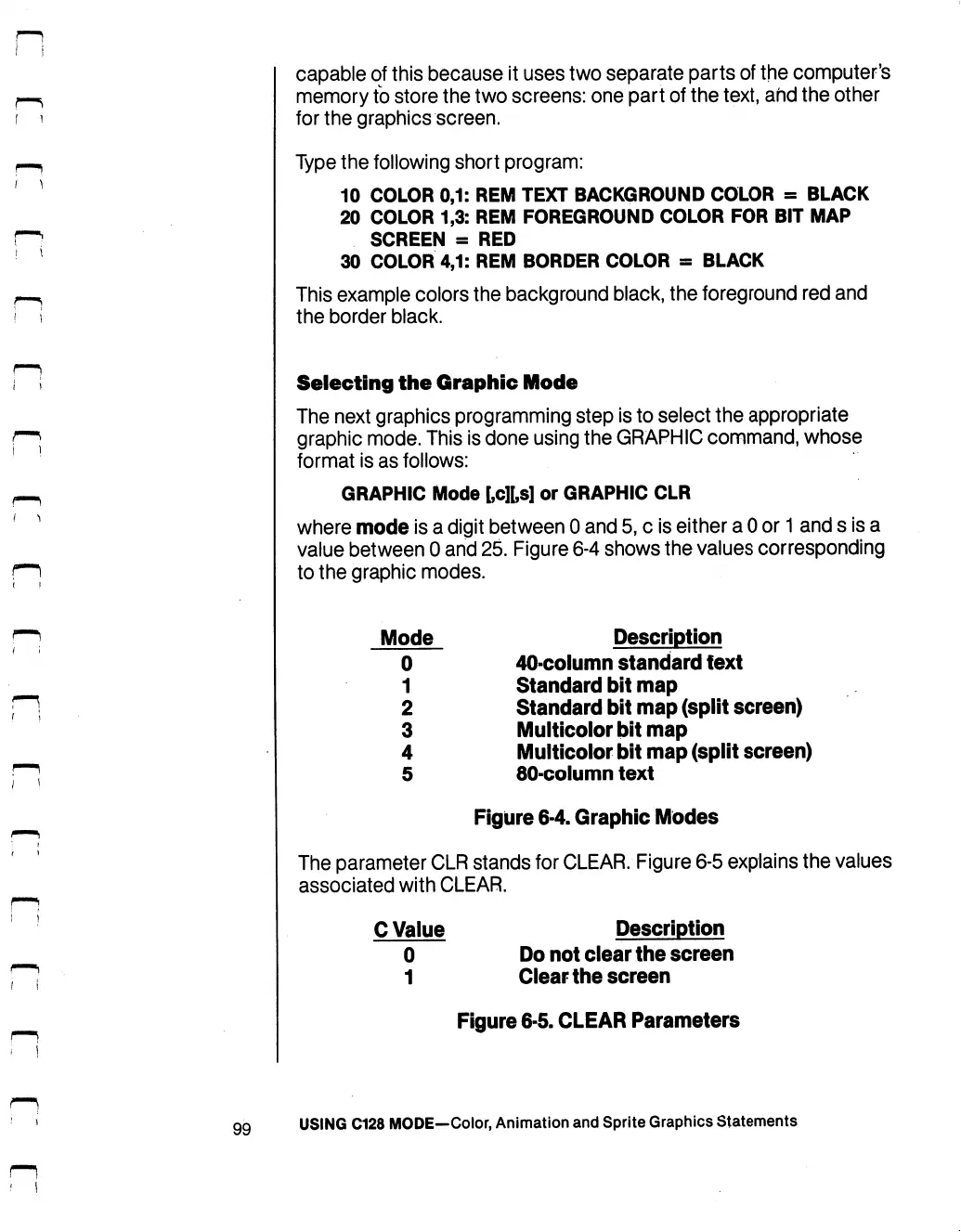
Figure
6-4
shows
the
values
corresponding
to
the
graphic
modes.
Mode
Description
0
40-column
standard
text
1
Standard
bit
map
2
Standard
bit
map
(split
screen)
3
Multicolor
bit
map
4
Multicolor
bit
map
(split
screen)
5
80-column
text
Figure
6-4.
Graphic
Modes
The
parameter
CLR
stands
for
CLEAR.
Figure
6-5
explains
the
values
associated
with
CLEAR.
C
Value
Description
0
Do
not
clear
the
screen
1
Clear
the
screen
Figure
6-5.
CLEAR
Parameters
99
USING
C128
MODE—Color,
Animation
and
Sprite
Graphics
Statements

Table of Contents

Other manuals for Commodore 128D

Related product manuals