EasyManua.ls Logo

Commodore 128D - Page 258

Commodore 128D
427 pages
Print Icon
To Next Page IconTo Next Page
To Previous Page IconTo Previous Page
Loading...
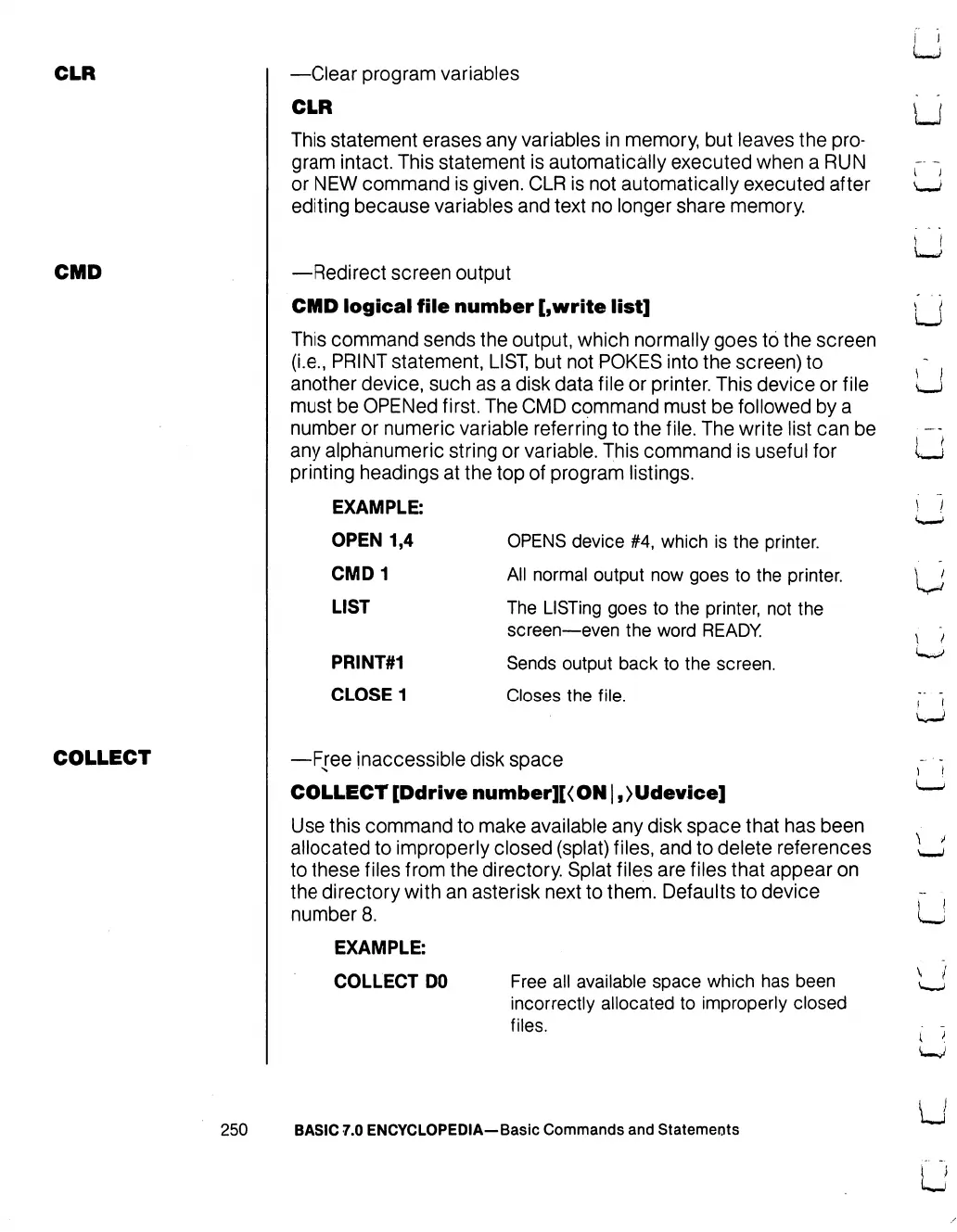
CLR
—Clear
program
variables
CLR
This
statement
erases
any
variables
in
memory,
but
leaves
the
pro
gram
intact.
This
statement
is
automatically
executed
when
a
RUN
or
NEW
command
is
given.
CLR
is
not
automatically
executed
after
editing
because
variables
and
text
no
longer
share
memory.
U
CMD
—Redirect
screen
output
CMD
logical
file
number
[,write
list]
This
command
sends
the
output,
which
normally
goes
to
the
screen
(i.e.,
PRINT
statement,
LIST,
but
not
POKES
into
the
screen)
to
another
device,
such
as a
disk
data
file
or
printer.
This
device
or
file
must
be
OPENed
first.
The
CMD
command
must
be
followed
by
a
number
or
numeric
variable
referring
to
the
file.
The
write
list
can
be
any
alphanumeric
string
or
variable.
This
command
is
useful
for
printing
headings
at
the
top
of
program
listings.
EXAMPLE:
OPEN
1,4
CMD1
LIST
PRINT#1
CLOSE
1
OPENS
device
#4,
which
is
the
printer.
All
normal
output
now
goes
to
the
printer.
The
LISTing
goes
to
the
printer,
not
the
screen—even
the
word
READY
Sends
output
back
to
the
screen.
Closes
the
file.
\
J
COLLECT
—Free
inaccessible
disk
space
COLLECT
[Ddr
i
ve
number][<
ON
|,
>
Udevice]
Use
this
command
to
make
available
any
disk
space
that
has
been
allocated
to
improperly
closed
(splat)
files,
and
to
delete
references
to
these
files
from
the
directory.
Splat
files
are
files
that
appear
on
the
directory
with
an
asterisk
next
to
them.
Defaults
to
device
number
8.
EXAMPLE:
COLLECT
DO
Free
all
available
space
which
has
been
incorrectly
allocated
to
improperly
closed
files.
250
BASIC
7.0
ENCYCLOPEDIA—Basic
Commands
and
Statements

Table of Contents

Other manuals for Commodore 128D

Related product manuals