EasyManua.ls Logo

Commodore 128D - Page 286

Commodore 128D
427 pages
Print Icon
To Next Page IconTo Next Page
To Previous Page IconTo Previous Page
Loading...
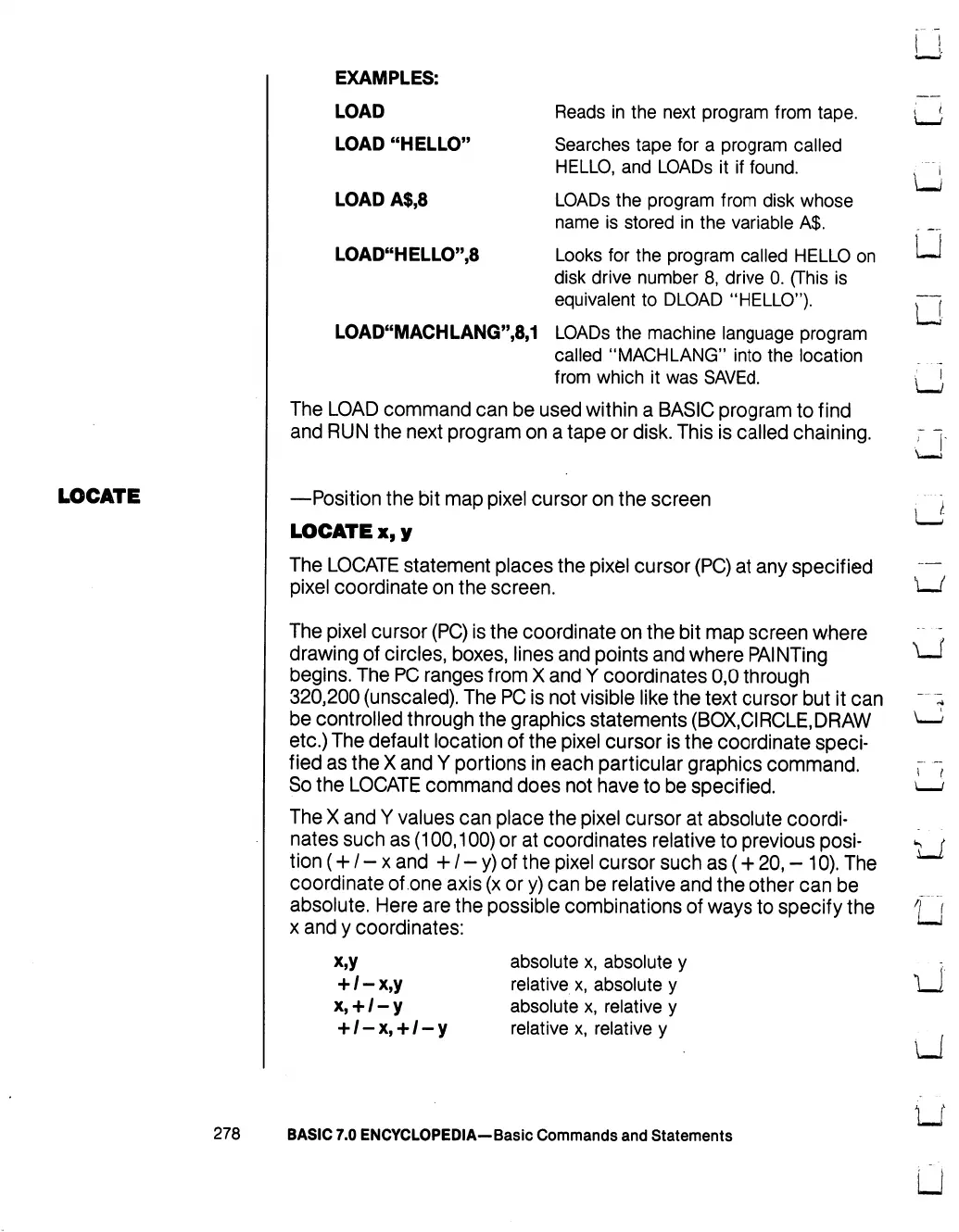
EXAMPLES:
LOAD
LOAD
"HELLO"
LOAD
A$,8
LOAD"HELLO",8
Reads
in
the
next
program
from
tape.
Searches
tape
for
a
program
called
HELLO,
and
LOADs
it
if
found.
LOADs
the
program
from
disk
whose
name
is
stored
in
the
variable
A$.
Looks
for
the
program
called
HELLO
on
disk
drive
number
8,
drive
0.
(This
is
equivalent
to
DLOAD
"HELLO").
LOAD"MACHLANG",8,1
LOADs
the
machine
language
program
called
"MACHLANG"
into
the
location
from
which
it
was
SAVEd.
The
LOAD
command
can
be
used
within
a
BASIC
program
to
find
and
RUN
the
next
program
on
a
tape
or
disk.
This
is
called
chaining.
u
u
LJ
G
LOCATE
—Position
the
bit
map
pixel
cursor
on
the
screen
LOCATE
x,y
The
LOCATE
statement
places
the
pixel
cursor
(PC)
at
any
specified
pixel
coordinate
on
the
screen.
The
pixel
cursor
(PC)
is
the
coordinate
on
the
bit
map
screen
where
drawing
of
circles,
boxes,
lines
and
points
and
where
PAINTing
begins.
The
PC
ranges
from
X
and
Y
coordinates
0,0
through
320,200
(unsealed).
The
PC
is
not
visible
like
the
text
cursor
but
it
can
be
controlled
through
the
graphics
statements
(BOX,CIRCLE,DRAW
etc.)
The
default
location
of
the
pixel
cursor
is
the
coordinate
speci
fied
as
the
X
and
Y
portions
in
each
particular
graphics
command.
So
the
LOCATE
command
does
not
have
to
be
specified.
The
X
and
Y
values
can
place
the
pixel
cursor
at
absolute
coordi
nates
such
as
(100,100)
or
at
coordinates
relative
to
previous
posi
tion
(+
/
-
x
and
+
/
-
y)
of
the
pixel
cursor
such
as
(+
20,
-
10).
The
coordinate
of
one
axis
(x
or
y)
can
be
relative
and
the
other
can
be
absolute.
Here
are the
possible
combinations
of
ways
to
specify
the
x
and
y
coordinates:
x,y
+
/-x,y
x,
+
/-y
absolute
x,
absolute
y
relative
x,
absolute
y
absolute
x,
relative
y
relative
x,
relative
y
i
t
278
BASIC
7.0
ENCYCLOPEDIA—Basic
Commands
and
Statements

Table of Contents

Other manuals for Commodore 128D

Related product manuals