EasyManua.ls Logo

Commodore 128D - Page 307

Commodore 128D
427 pages
Print Icon
To Next Page IconTo Next Page
To Previous Page IconTo Previous Page
Loading...
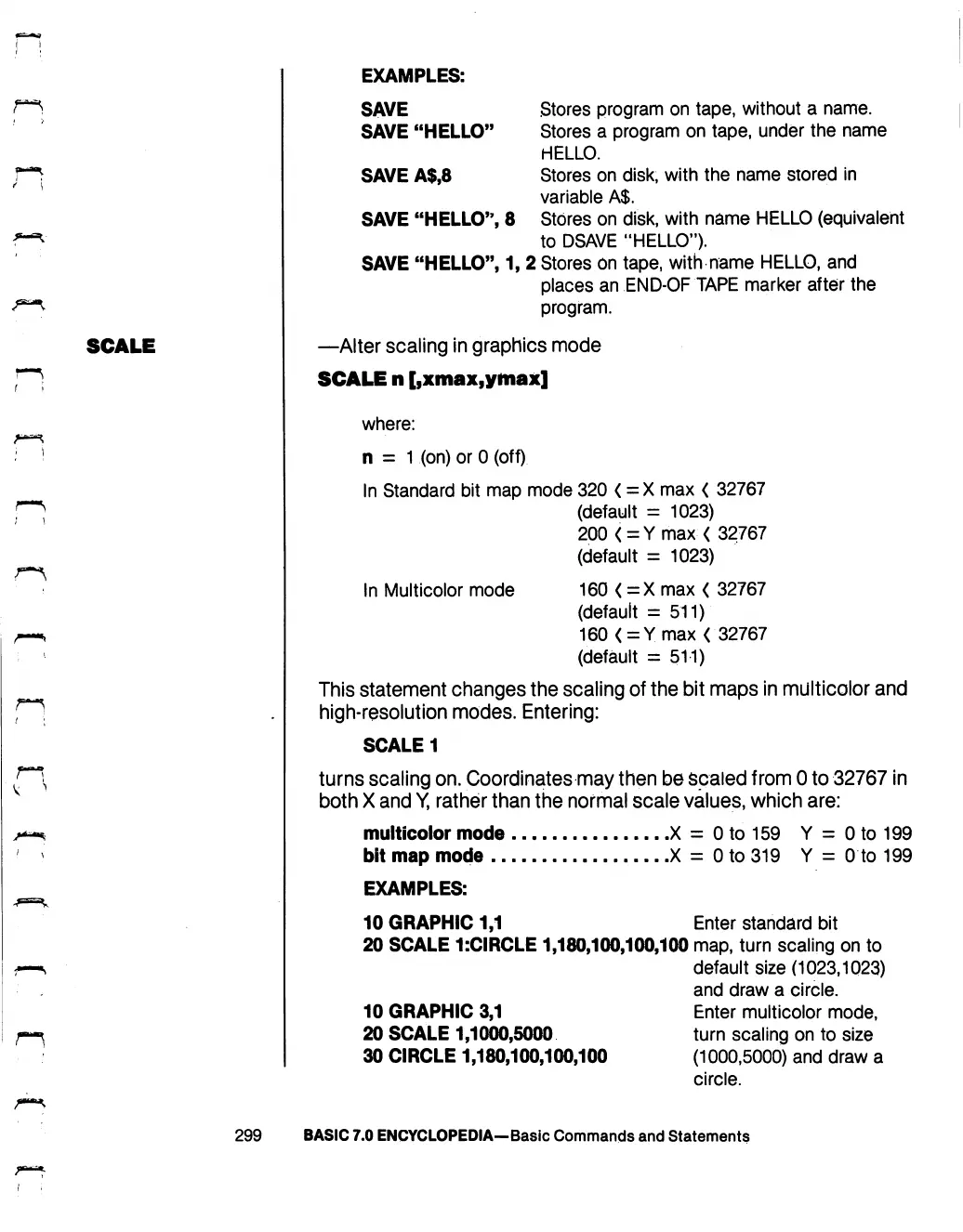
EXAMPLES:
SCALE
SAVE
Stores
program
on
tape,
without
a
name.
SAVE
"HELLO"
Stores
a
program on
tape,
under
the
name
HELLO.
SAVE
A$,8
Stores
on
disk,
with
the
name
stored
in
variable
A$.
SAVE
"HELLO",
8
Stores
on
disk,
with
name
HELLO
(equivalent
to
DSAVE
"HELLO").
SAVE
"HELLO",
1,
2
Stores
on
tape,
with
name
HELLO,
and
places
an
END-OF
TAPE
marker
after
the
program.
—Alter
scaling
in
graphics
mode
SCALE
n
[,xmax,ymax]
where:
n
=
1
(on)
or
0
(off)
In
Standard
bit
map
mode
320
<
=X
max
<
32767
(default
=
1023)
200<=Ymax<
32767
(default
=
1023)
In
Multicolor
mode
160
<
=X
max
<
32767
(default
=
511)
160
<
=
Ymax
<
32767
(default
=
511)
This
statement
changes
the
scaling
of
the
bit
maps
in
multicolor
and
high-resolution
modes.
Entering:
SCALE
1
turns
scaling
on.
Coordinates
may
then
be
scaled
from
0
to
32767
in
both
X
and
Y,
rather
than
the
normal
scale
values,
which
are:
.X
=
0
to
159
Y
=
0
to
199
■X
=
0
to
319
Y
=
0
to
199
multicolor
mode
bit
map
mode
EXAMPLES:
10
GRAPHIC
1,1
Enter
standard
bit
20
SCALE
1:CIRCLE
1,180,100,100,100
map,
turn
scaling
on
to
default
size
(1023,1023)
and
draw
a
circle.
10
GRAPHIC
3,1
Enter
multicolor
mode,
20
SCALE
1,1000,5000
turn
scaling
on
to
size
30
CIRCLE
1,180,100,100,100
(1000,5000)
and
draw
a
circle.
299
BASIC
7.0
ENCYCLOPEDIA—Basic
Commands
and
Statements

Table of Contents

Other manuals for Commodore 128D

Related product manuals