EasyManua.ls Logo

Commodore 128D - Page 390

Commodore 128D
427 pages
Print Icon
To Next Page IconTo Next Page
To Previous Page IconTo Previous Page
Loading...
I
\
[alt
load
address]
Option
to
load
a
file
to
a
speci
fied
address.
The
LOAD
command
causes
a
file
to
be
loaded
into
memory.
The
starting
address
is
contained
in
the
first
two
bytes
of
the
disk
file
(a
program
file).
In
other
words,
the
LOAD
command
always
loads
a
file
into
the
same
place
it
was
saved
from.
This
is
very
important
in
machine
language
work,
since
few
programs
are
completely
relocat
able.
The
file
is
loaded
into
memory
until
the
end
of
file
(EOF)
is
found.
EXAMPLE:
L
"PROGRAM11^
Loads
the
file
named
PROGRAM
from
the
disk.
COMMAND:
M
PURPOSE:
To
display
memory
as
a
hexadecimal
and
ASCII
dump
within
the
specified
address
range.
SYNTAX:
M
[(address
1
>] [<
address)]
(address
1
>
First
address
of
memory
dump.
Optional.
If
omitted,
one
page
is
displayed.
The
first
byte
is
the
bank
number
to
be
displayed,
the
next
four
bytes
are
the
first
address
to
be
displayed,
(address
2)
Last
address
of
memory
dump.
Optional.
If
omitted,
one
page
is
displayed.
The
first
byte
is
the
bank
number
to
be
displayed,
the
next
four
bytes
are the
ending
address
to
be
displayed.
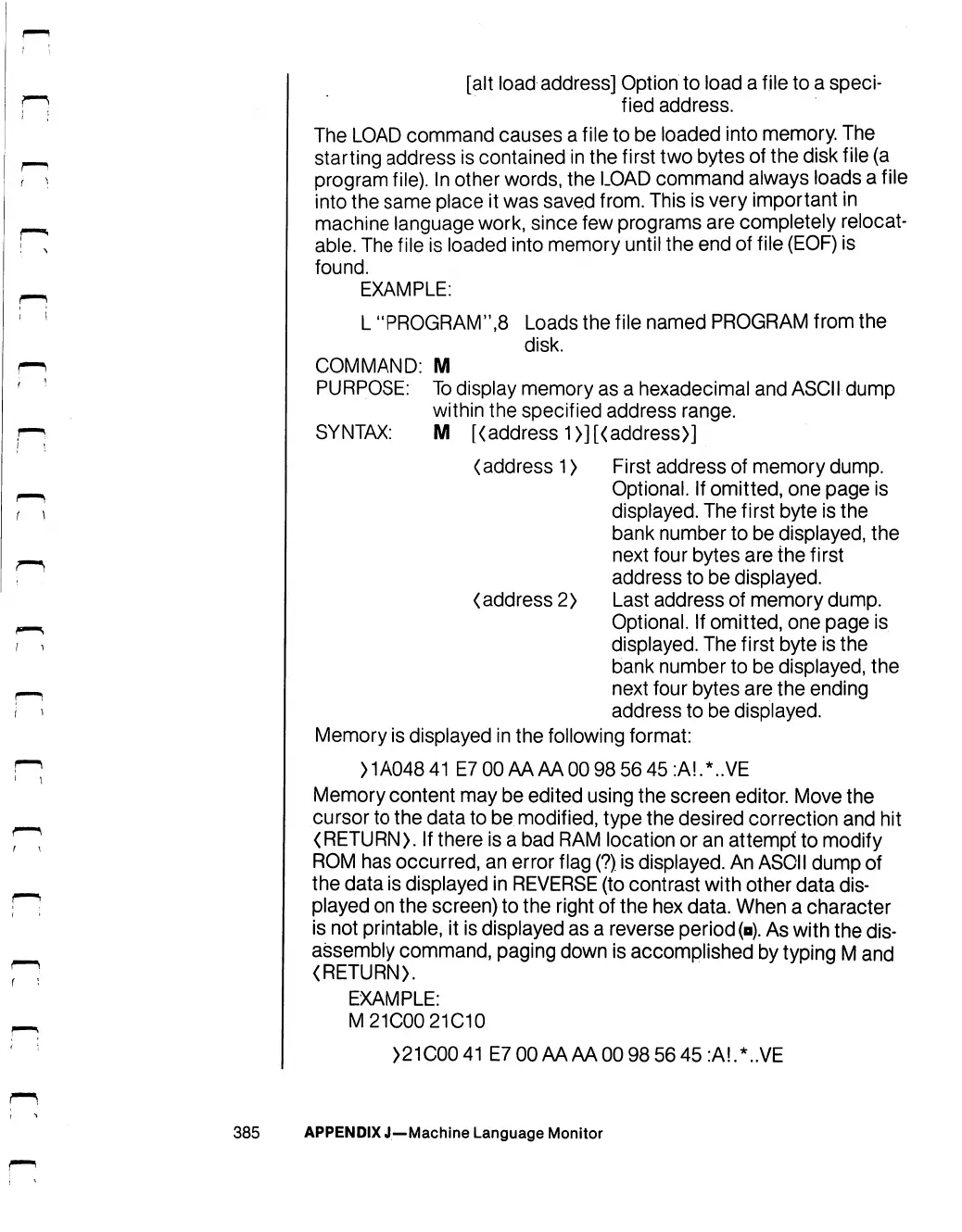
Memory
is
displayed
in
the
following
format:
>1A04841
E7
00AAAA00
98
56
45:A!.*..VE
Memory
content
may
be
edited
using the
screen
editor.
Move
the
cursor
to
the
data
to
be
modified,
type
the
desired
correction
and
hit
(RETURN).
If
there
is
a
bad
RAM
location
or
an
attempt
to
modify
ROM
has
occurred,
an
error
flag
(?)
is
displayed.
An
ASCII
dump
of
the
data
is
displayed
in
REVERSE
(to
contrast
with
other
data
dis
played
on
the
screen)
to
the
right
of
the
hex
data.
When
a
character
is
not
printable,
it
is
displayed
as
a
reverse
period
(p).
As
with
the
dis
assembly
command,
paging
down
is
accomplished
by
typing
M
and
(RETURN).
EXAMPLE:
M21C00
21C10
)21C0041
E7
00AAAA00
98
56
45:A!.*..VE
385
APPENDIX
J—Machine
Language
Monitor

Table of Contents

Other manuals for Commodore 128D

Related product manuals