EasyManua.ls Logo

Commodore 128D - Page 51

Commodore 128D
427 pages
Print Icon
To Next Page IconTo Next Page
To Previous Page IconTo Previous Page
Loading...
I
1
The
command
that
formats
a
diskette
is
called
the
HEADER
com
mand.
It
has
a
long
form
and
a
short
form.
To
format
a
blank
(new)
disk,
you
MUST
use
the
long
form
as
follows:
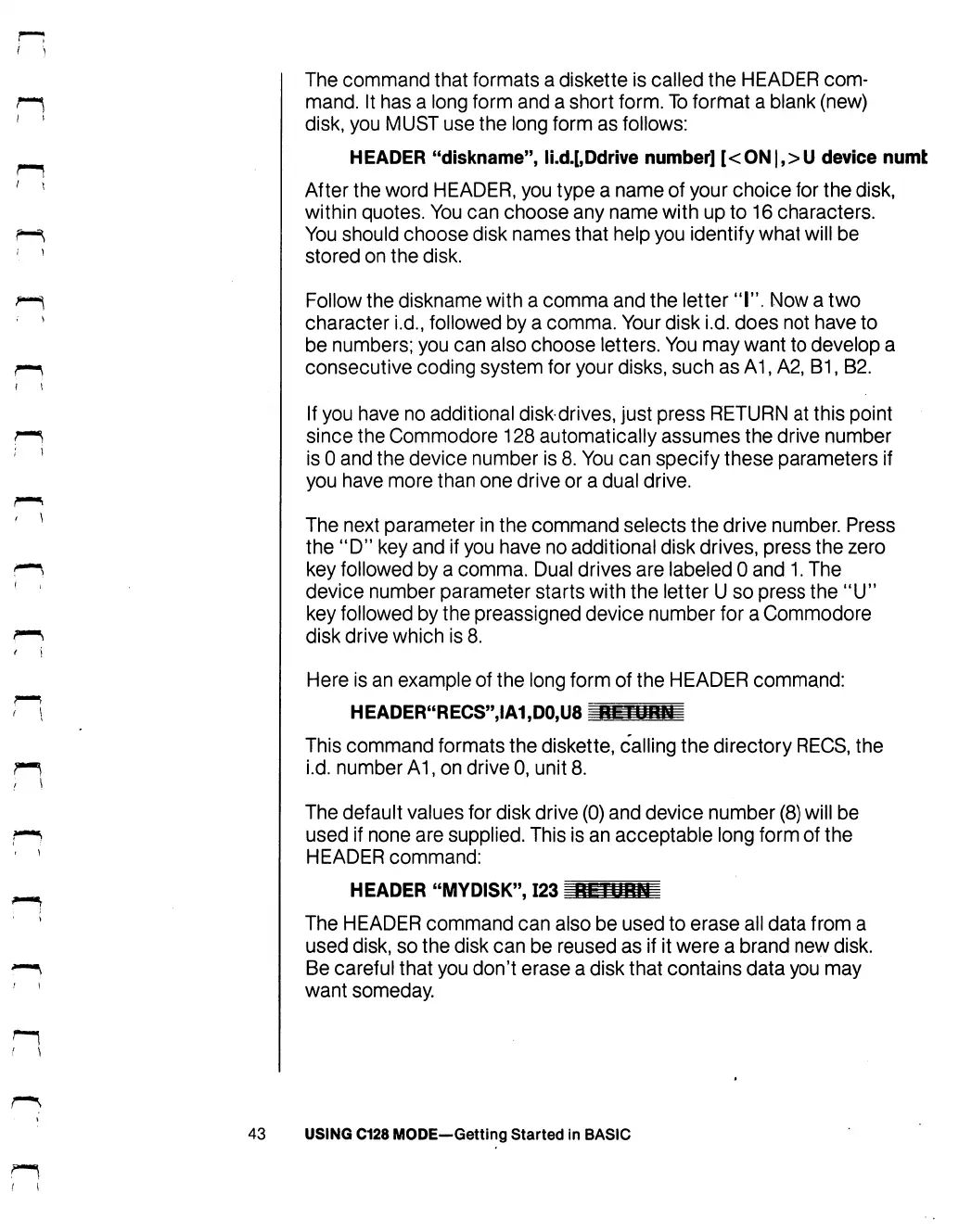
HEADER
"diskname",
li.d.[,Ddrive
number]
[<ON|,>U
device
numt
After
the
word
HEADER,
you
type
a
name
of
your
choice
for
the
disk,
within
quotes.
You
can
choose
any
name
with
up
to
16
characters.
You
should
choose
disk
names
that
help
you
identify
what
will
be
stored
on
the
disk.
Follow
the
diskname
with
a
comma
and
the
letter
"I".
Now
a
two
character
i.d.,
followed
by
a
comma.
Your
disk
i.d.
does
not
have
to
be
numbers;
you
can
also
choose
letters.
You
may
want
to
develop
a
consecutive
coding
system
for
your
disks,
such
as
A1,
A2,
B1,
B2.
If
you
have
no
additional
diskdrives,
just
press
RETURN
at this
point
since
the
Commodore
128
automatically
assumes
the
drive
number
is
0
and
the
device
number
is
8.
You
can
specify
these
parameters
if
you
have
more
than
one
drive
or
a
dual
drive.
The
next
parameter
in
the
command
selects
the
drive
number.
Press
the
"D"
key
and
if
you
have
no
additional disk
drives,
press
the
zero
key
followed
by
a
comma.
Dual
drives
are
labeled
0
and
1.
The
device
number
parameter
starts
with
the
letter
U
so
press
the
"IT
key
followed
by
the
preassigned
device
number
for
a
Commodore
disk
drive
which
is
8.
Here
is
an
example
of
the
long
form
of
the
HEADER
command:
HEADER"RECS",IA1,D0,U8
nmPHH
This
command
formats
the
diskette,
calling
the
directory
RECS,
the
i.d.
number
A1,
on
drive
0,
unit
8.
The
default
values
for
disk
drive
(0)
and
device
number
(8)
will
be
used
if
none
are
supplied.
This
is
an
acceptable
long
form
of
the
HEADER
command:
HEADER
"MYDISK",
123
I
The
HEADER
command
can
also
be used
to
erase
all
data
from
a
used
disk,
so
the
disk
can
be
reused
as
if
it
were
a
brand
new
disk.
Be
careful
that
you
don't
erase a
disk
that
contains
data
you
may
want
someday.
43
USING
C128
MODE—Getting
Started
in
BASIC

Table of Contents

Other manuals for Commodore 128D

Related product manuals