EasyManua.ls Logo

Commodore 128D - Page 96

Commodore 128D
427 pages
Print Icon
To Next Page IconTo Next Page
To Previous Page IconTo Previous Page
Loading...
(
I
@
Erase
everything
from
cursor
to
end
of
screen
window
A
Automatic
insert
mode
}
B
Set
the
bottom
right
corner
of
the
screen
window
(at
the
s
1
current
cursor
location)
C
Cancel
auto
insert
mode
D
Delete
current
line
\
|
E
Set
cursor
to
non-flashing
mode
F
Set
cursor
to
flashing
mode
G
Enable
bell
(by
Control-G)
H
Disable
bell
I
Insert
a
line
J
Move
to
the
beginning
of
the
current
line
K
Move
to
the
end
of
the
current
line
L
Turn
on
scrolling
M
Turn
off
scrolling
N
Return
to
normal
(non-reverse
video)
screen
display
(80-column
only)
O
Cancel
insert,
underline,
flash,
and
reverse
modes
P
Erase
everything
from
the
beginning
of
line
to
the
cursor
Q
Erase
everything
from
the
cursor
to
the
end
of
the
line
R
Reverse
video
screen
display
(80-column
only)
S
Change
to
block
cursor
(■)
(80-column
only)
T
Set
the
top
left
corner
of
the
screen
window
(at
the
current
cursor
location)
U
Change
to
underline
cursor
(_)
(80-column
only)
V
Scroll
screen
up
one
line
W
Scroll
screen
down
one
line
LJ
X
Toggle
between
40
and
80
columns
Y
Restore
default
TAB
stops
Z
Clear
all
TAB
stops
<_j
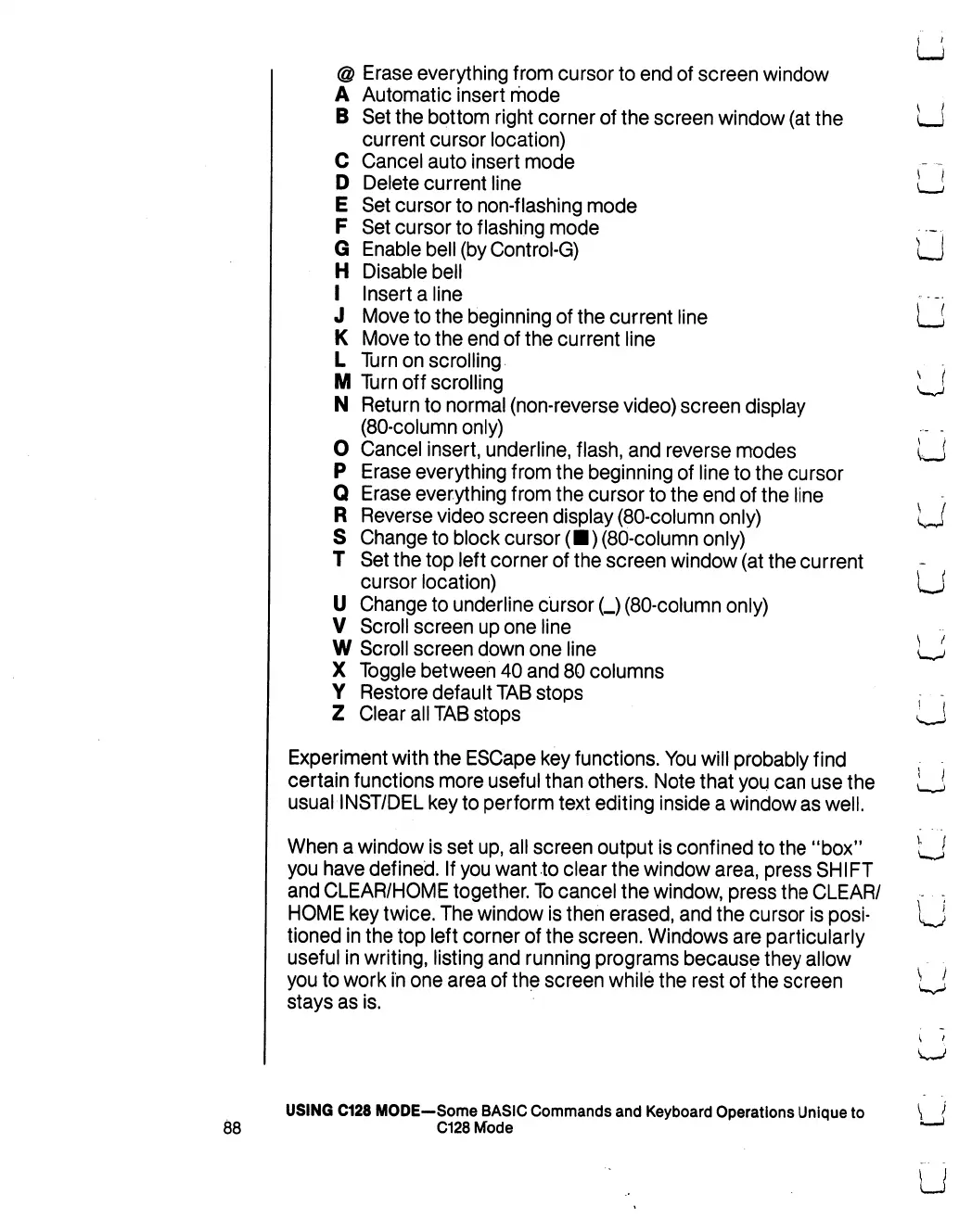
Experiment
with
the
ESCape
key
functions.
You
will
probably
find
certain
functions
more
useful
than
others.
Note
that
you
can
use
the
LJ
usual
INST/DEL
key
to
perform
text
editing
inside
a
window
as
well.
When
a
window
is
set
up,
all
screen
output
is
confined
to
the
"box"
tj
you
have
defined.
If
you
want
to
clear
the
window
area,
press
SHIFT
and
CLEAR/HOME
together.
To
cancel
the
window,
press
the
CLEAR/
-
HOME
key
twice.
The
window
is
then
erased,
and
the
cursor
is
posi-
\^J
tioned
in
the
top
left
corner
of
the
screen.
Windows
are
particularly
useful
in
writing,
listing
and
running
programs
because
they
allow
you
to
work
in
one
area
of
the
screen
while
the
rest
of
the
screen
^J
stays
as
is.
USING
C128
MODE—Some
BASIC
Commands
and
Keyboard
Operations
Unique
to
88
C128
Mode

Table of Contents

Other manuals for Commodore 128D

Related product manuals