Notice
the difference
between
the
pattern
printed in double density
and the
one
printed
in
high-speed double density. In double density
and in quadruple density,
columns
are spaced only
112
and
114
dot
from each other.
The
columns actually overlap
as
shown
in Figure
6-2.
At
this spacing, the
print
head moves
too
fast to
print
the same
pins
in
two
adjacent columns.
If
the graphics figure calls for the
same pins in
two
adjacent columns
as
the example
program
does
(every
third
and
fourth
column
call for pins 1,2, and 4), the pins in
the adjacent
columns
are ignored.
If
you
look
closely at the
high-
speed double density
pattern
in the example
program,
you
can see
that
columns
4,7, and so
on
are missing.
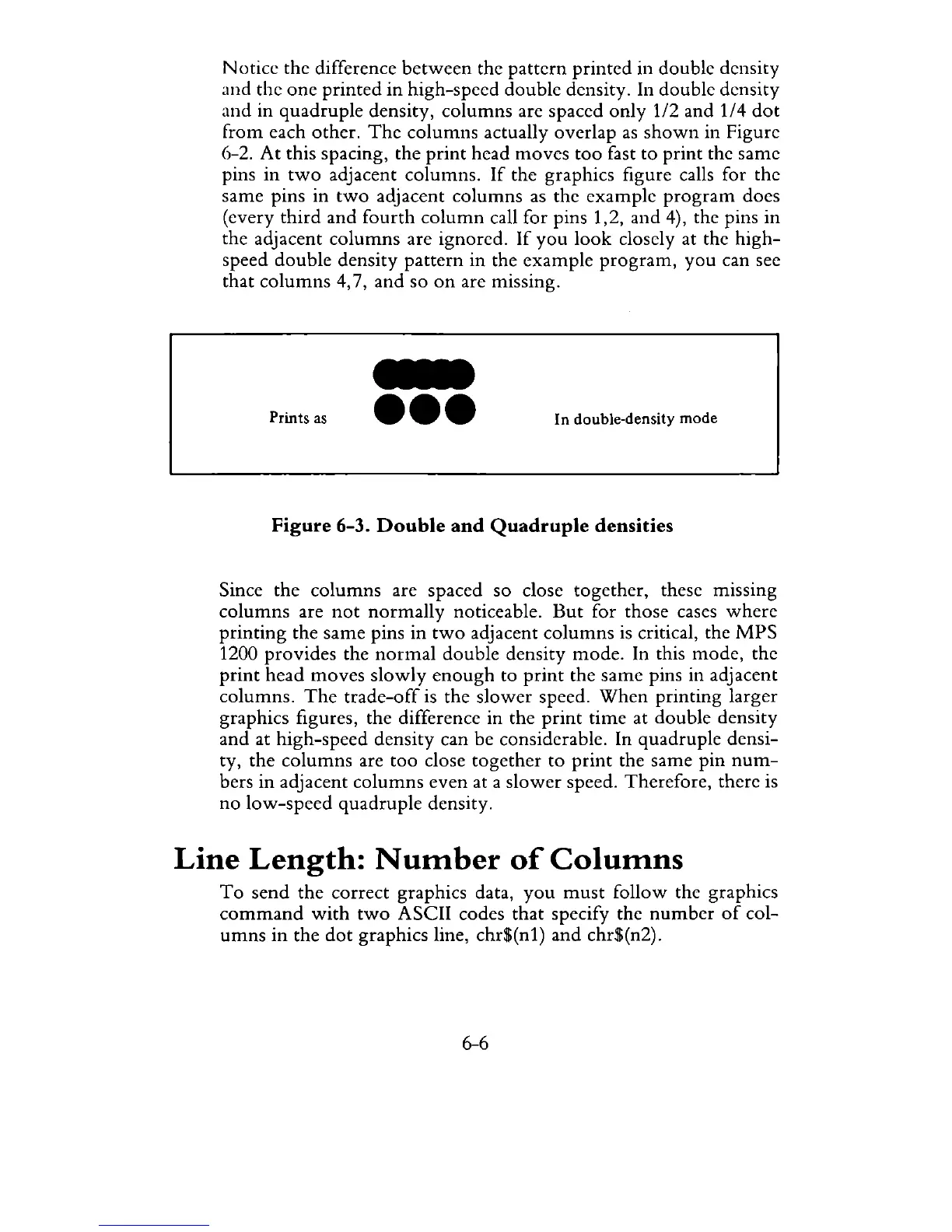
Prints
as
-
eee
In double-density mode
Figure
6-3.
Double
and
Quadruple
densities
Since the
columns
are spaced so close together, these mlssmg
columns are
not
normally
noticeable.
But
for those cases
where
printing
the same pins
in
two
adjacent
columns
is critical, the
MPS
1200 provides the
normal
double density
mode.
In this mode, the
print
head moves
slowly
enough
to
print
the
same
pins in adjacent
columns.
The
trade-off
is the
slower
speed.
When
printing larger
graphics figures, the difference in the
print
time
at double density
and at high-speed density can be considerable. In quadruple densi-
ty, the columns are
too
close together to
print
the same pin
num-
bers
in
adjacent columns even at a
slower
speed. Therefore, there is
no
low-speed
quadruple density.
Line
Length:
Number
of
Columns
To
send the correct graphics data,
you
must
follow the graphics
command
with
two
ASCII codes that specify the
number
of
col-
umns
in
the
dot
graphics line, chr$(n1)
and
chr$(n2).
6-6



 To Next Page