Copying
Standard Characters
BASIC
Hex
chr$(27)
":"
chr$(O) chr$(O)
chr$(O)
1B
3A
00
00
00
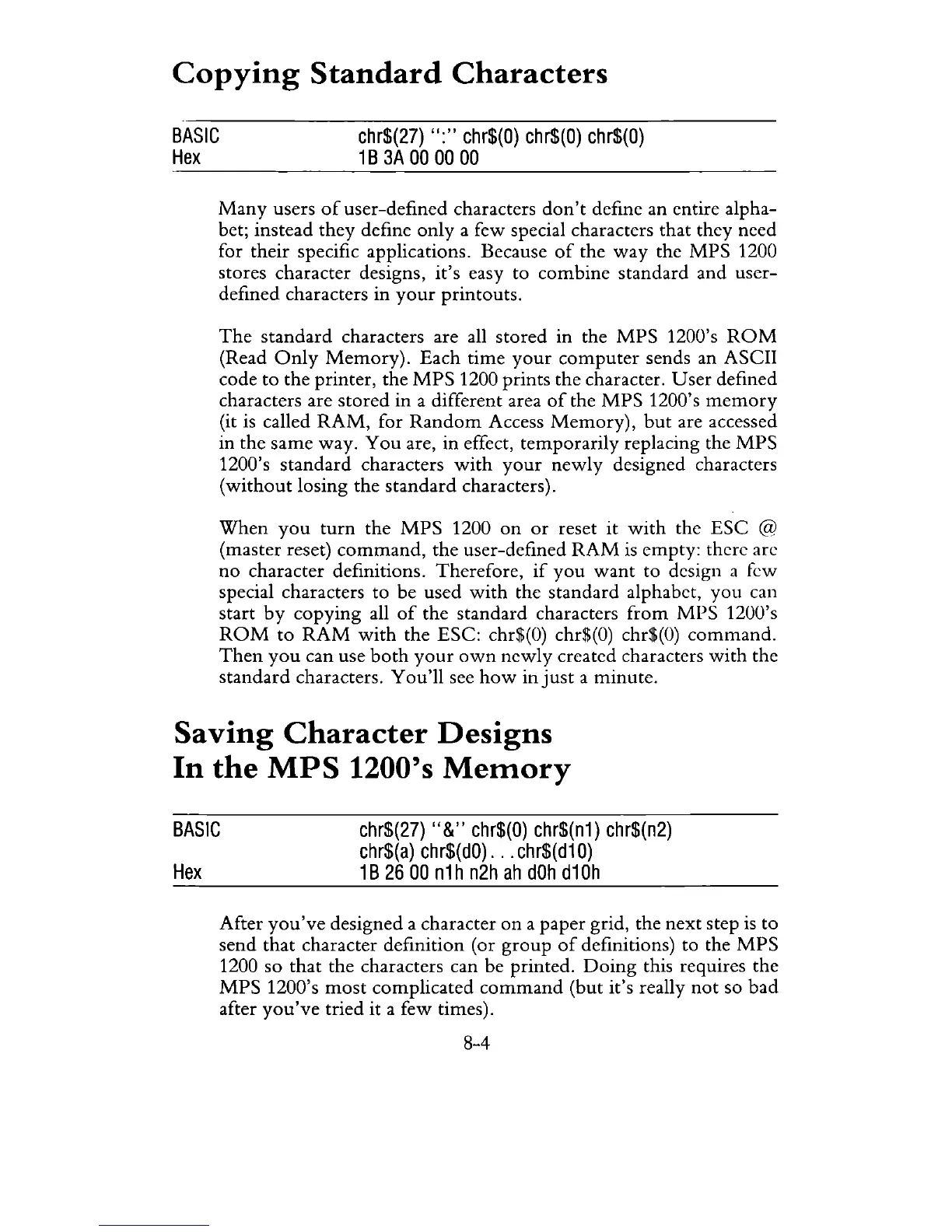
Many
users
of
user-defined characters
don't
define an entire alpha-
bet; instead
they
define only a few special characters that they need
for
their
specific applications. Because
of
the
way
the
MPS
1200
stores character designs,
it's
easy to
combine
standard and user-
defined characters in
your
printouts.
The
standard
characters are all
stored
in the
MPS
1200's
ROM
(Read
Only
Memory).
Each
time
your
computer
sends an ASCII
code
to
the printer, the
MPS
1200 prints the character.
User
defined
characters are
stored
in
a different area
of
the
MPS
1200's
memory
(it is called
RAM,
for
Random
Access
Memory),
but
are accessed
in the
same
way.
You
are, in effect,
temporarily
replacing the
MPS
1200's
standard
characters
with
your
newly
designed characters
(without
losing the
standard
characters).
When
you
turn
the
MPS
1200
on
or
reset
it
with
the
ESC
@
(master reset)
command,
the
user-defined
RAM
is
empty: there are
no
character definitions. Therefore,
if
you
want
to design a few
special characters to
be
used
with
the
standard
alphabet,
you
can
start
by
copying
all
of
the standard characters
from
MPS
1200's
ROM
to
RAM
with
the ESC: chr$(O) chr$(O) chr$(O)
command.
Then
you
can use
both
your
own
newly
created characters
with
the
standard
characters.
You'll
see
how
injust
a minute.
Saving
Character
Designs
In
the
MPS
1200's
Memory
BASIC
chr$(27)
"&"
chr$(O)
chr$(n1) chr$(n2)
chr$(a)
chr$(dO)
.
..
chr$(d10)
Hex
1 B
26
00
n1
h
n2h
ah
dOh
d10h
After
you've
designed a character
on
a paper grid, the
next
step
is
to
send
that
character definition (or
group
of
definitions) to the
MPS
1200 so
that
the characters can be printed.
Doing
this requires the
MPS
1200's
most
complicated
command
(but it's really
not
so
bad
after
you've
tried it a few times).
8-4



 To Next Page