Example:
lOop
en
1
'!
4,
7
20
pt~int#l
~I
cht'$
(27)
;":
";
cht'$
(0)
;
cht'$
(0);
cht'$
(0)
30
pt~int#l,
cht~$
(27)
;
"g~";
cht'$
(0)
;
"**";
cht·'$
(128)
;
40
for
j=O
to
10
50
t~ead
d
60
print#l,chr$(d);
70
neNt
j
80
pt~int#l,
cht'$
(27)
;
"~~";
cht'$
(0)
;
"02";
90
fat'
i=O
to
2
100
for
j=-l
to
10
110
t~ead
d
120
print#l,chr$(d);
130
ne:·:t
j,
i
180
close
1
300
data
124,0,130,0,130,0,108,0,108,0,68
310
data
128,254,0,134,8,146,32,194,0,254,0,0
320
data
128,130,0,130,0,254,0,2,0,2,0,0
330
data
128,206,0,138,0,138,0,138,0,250,0,0
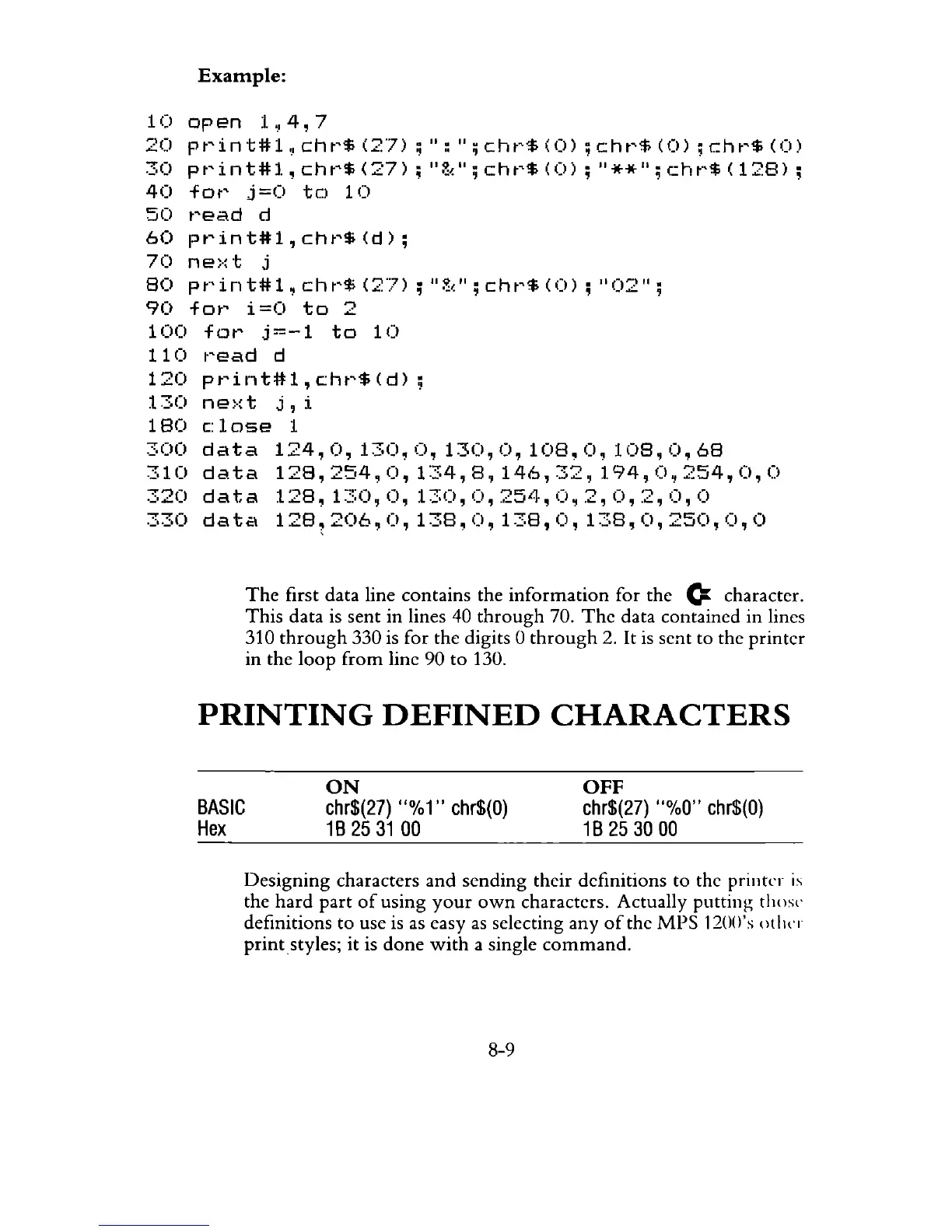
The
first data line contains the
information
for the
(:
character.
This
data is sent in lines 40
through
70.
The
data contained in lines
310
through
330 is for the digits 0
through
2.
It
is
sent to the
printer
in the
loop
from
line 90
to
130.
PRINTING
DEFINED
CHARACTERS
BASIC
Hex
ON
chr$(27)
U%
1"
chr$(O)
1B
25
31
00
OFF
chr$(27)
U%O"
chr$(O)
1B
25
30
00
Designing
characters
and
sending their definitions to the printer
is
the
hard
part
of
using
your
own
characters. Actually putting thost·
definitions to use is
as
easy
as
selecting any
of
the
MPS
120()'s
oliln
print
styles;
it
is
done
with
a single
command.
8-9



 To Next Page