This
command
completes and closes any files used
by
OPEN
statclllcnts.
The
number
following the
word
CLOSE
is
thc filc
lIumbcr to be closed, so the command
CLOSE
1 closes logical
file
1.
In
between the
opening
and closing
of
a file,
you
communicate
with
the printer.
The
main statement
you
use in
Commodorc
BASIC
for this
is
the
PRINT#
statcment.
There
are a few differences between this statemcnt and the
PRINT.
First
of
all, the
word
PRINT#
is
followed
by
a
number,
which
refers to the device
or
data file previously opened.
The
number
is
followed
by
a
comma,
and a list
of
things
to
be
PRINTed.
In this
manual,
PRINT#
statements will bc used for issuing instructions
to
the printcr
on
what
type
or
special effects
to
use, spacing, tabs,
graphics, etc. in addition to text characters.
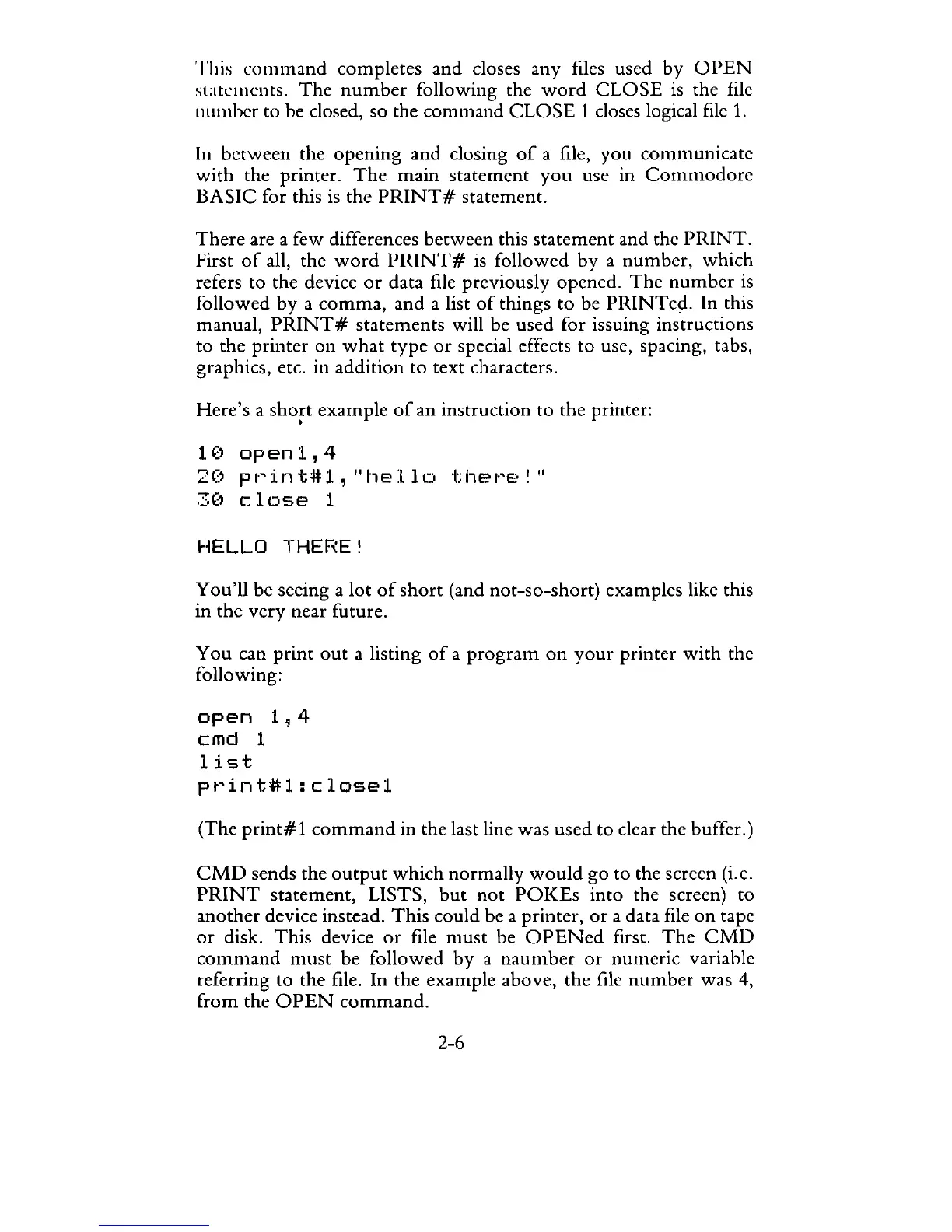
Here's a
short
example
of
an instruction to the printer:
•
10
openl,4
20
pt~int#l,
"hello
t:het~e
~"
30
close
1
HELLO
THERE~
You'll
be seeing a
lot
of
short
(and not-so-short) examples likc this
in the very near future.
You
can
print
out
a listing
of
a
program
on
your
printer
with
the
following:
open
1,4
cmd
1
list
pt~int#l:
close1
(The
print#l
command
in the last line was us cd to clear the buffer.)
CMD
sends the
output
which
normally
would
go to the screen
(i.
e.
PRINT
statement, LISTS,
but
not
POKEs
into the screen) to
another device instead.
This
could be a printer,
or
a data file
on
tape
or
disk. This device
or
file
must
be
OPENed
first.
The
CMD
command
must
be followed by a
naumber
or
numeric variable
referring
to
the file. In the example above, the file
number
was
4,
from
the
OPEN
command.
2-6



 To Next Page