Near letter quality (NLQ)
printing
is a fcature
you
will usc often.
III
this modc, the
MPS
1200 uses a special charactcr sct vcry similar
to the
typc
on
a
typewriter
or
lettcr-quality printcr.
Using
NLQ
printing for
your
correspondcncc and
rcportsgivcs
thcm
a polishcd
profcssionallook.
To
make
the
commands
casy to
rcmcmbcr,
many
of
thc
MPS
1200's features arc
turned
on
and
off
in thc samc fashion. Adding a
1 to the
command
turns
the feature on;
adding
a 0 to thc
command
turns
the feature off.
NLQ
mode
uscs this schcmc.
The
NLQ
command
is
ESC
x (the x
must
bc
lowcr
casc).
To
turn
on
near letter quality
mode,
scnd
ESC
xl to the
MPS
1200; to
turn
it
off, send
ESC
xO.
Try
it
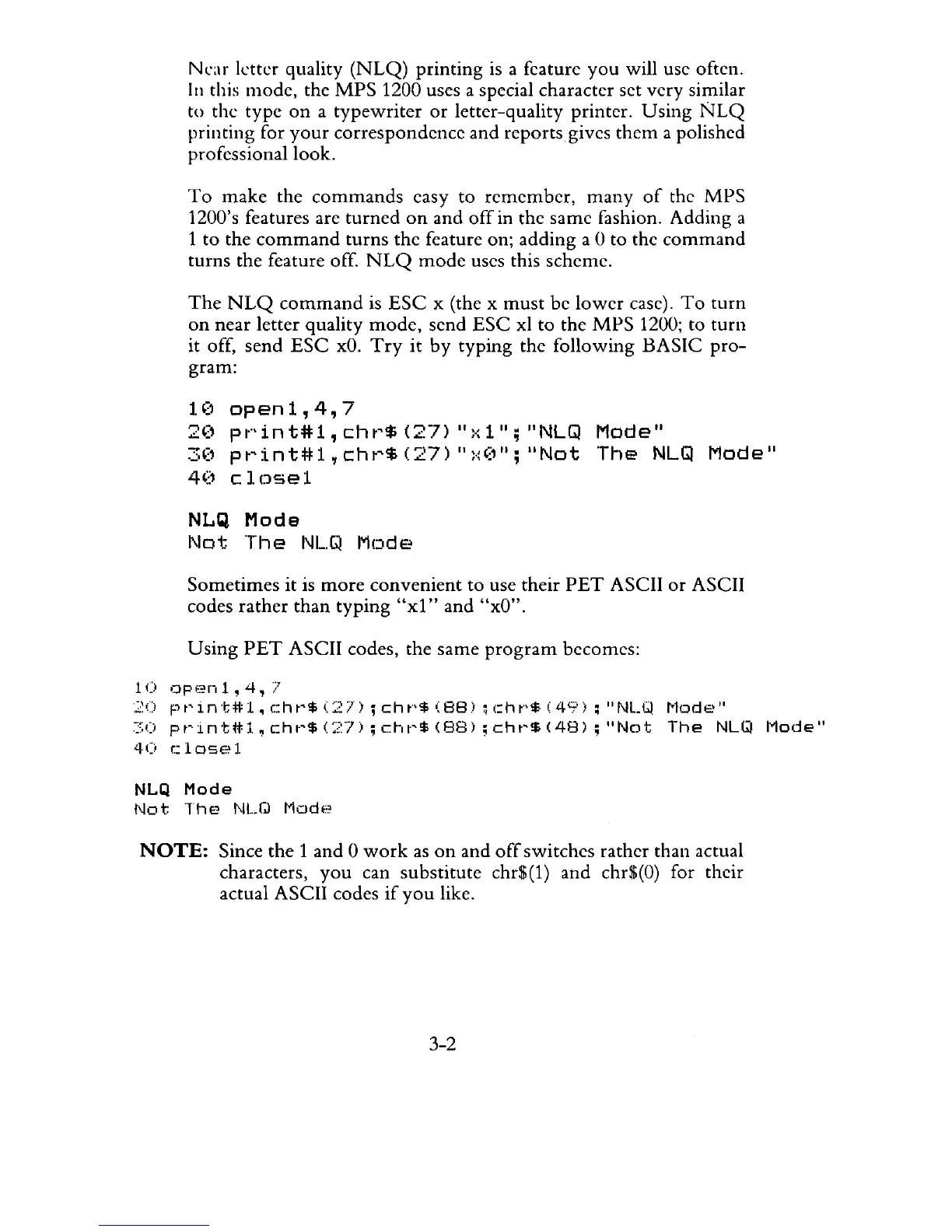
by typing the following BASIC
pro-
gram:
H)
open
1,4,7
20
pt·'int#1,cht'$(27)
":-:1";
"NLGl
Mode"
3('
pt'int#1,cht'$(27)
":.~(''';
"Not
The
NLGl
Mode"
40
clDse1
NLQ
Mode
Not
The
NL.Q
Mode
Sometimes
it is
more
convenient
to use their
PET
ASCII
or
ASCII
codes
rather
than
typing
"xl"
and "xO".
Using
PET
ASCII codes, the same
program
bccomcs:
10
Clpf?nl,4,
7
20
pt'int#1,cht'$(27)
;cht"$(88)
;(:ht"$(49);
"NLW
!'"lode"
~,;o
pt'intff:l,
cht'$
(:,:7);
cht'!f;
(88);
cht'$
(48)
;
"Not
The
NLQ
Mode"
40
closel
NLQ
Mode
Not
The
NLQ
Mode
NOTE:
Since the 1 and 0
work
as
on
and
off
switchcs rathcr than actual
characters,
you
can substitute chr$(l) and chr$(O) for thcir
actual ASCII codes
if
you
like.
3-2



 To Next Page