EasyManua.ls Logo

Commodore MPS 1200 - Page 65

Commodore MPS 1200
250 pages
Print Icon
To Next Page IconTo Next Page
To Previous Page IconTo Previous Page
Loading...
Table
3-2.
Styles
of
Justified
Printing
n
Justification
Style
o
1
2
3
Flush
against
the
left
margin
(default)
Centered
(between
left
and
right
margins)
Flush
against
the
right
margin
Fully
justified
(flush
against
both
margins)
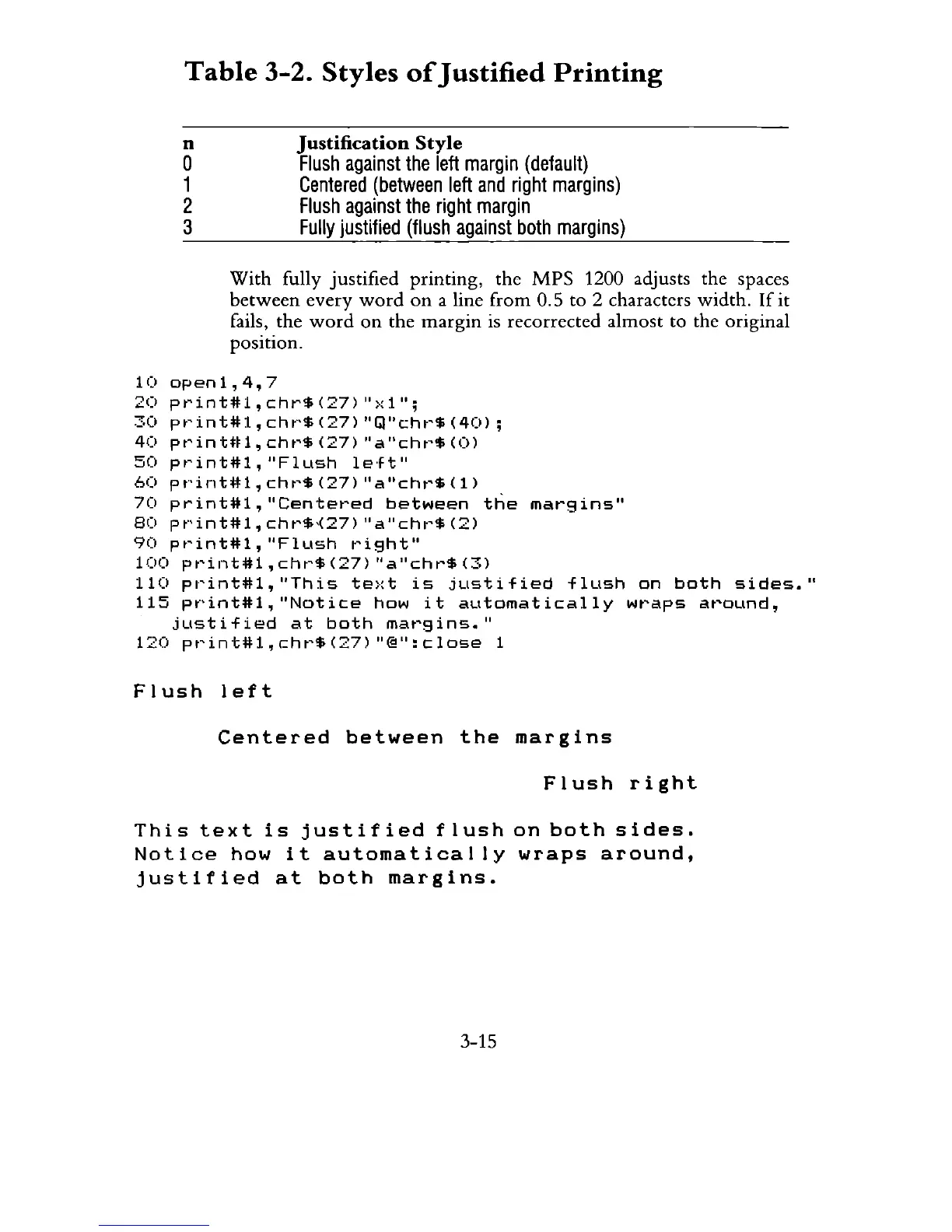
With
fully justified printing, the
MPS
1200 adjusts the spaces
between
every
word
on
a line
from
0,5 to 2 characters width,
If
it
fails, the
word
on
the
margin
is recorrected almost to the original
position,
10
open1,4,7
20
pt'int#1,chr$(27)
">:1";
30
pt'int#l,
cht"$
(27)
"Gl"cht'$
(40);
40
pt'inUtl,cht'$(27)
"a"cht'$(O)
50
pt'int#l,
"Flush
le'ft"
60
pt"'int#l,
cht'$
(27)
"a"cht'$
(1)
70
print#l,
"Centet'ed
between
the
margins"
80
pt"int#l,
cht'$,(27)
"a
"cht'$
(2)
90
pt'int#l,
"Flush
t'ight"
100
print#l,
cht'$
(27)
"a"chr$
(3)
110
pl"int#l,
"This
te:,:t
is
justified
flush
on
both
sides."
115
pt"int#l,"Notice
how
it
automatically
IiIwaps
around,
jLlstified
at
both
mat'9ins."
120
pt'int#l,cht'$(27)
"@":close
1
Flush
left
Centered
between
the
margins
Flush
right
This
text
is
justified
flush
on
both
sides.
Notice
how
it
automatically
wraps
around,
justified
at
both
margins.
3-15

Related product manuals