To
print
a single
word
or
phrase in italics in the middle
of
a line
of
roman
print,
just
insert the italic
commands
before and after the
word
as
in line 80.
NOTE:
Commodore
graphic characters
do
not
have an italic font.
Under
lining
Format
BASIC
Hex
ON
chr$(27)
"-1"
1 B
2D
31
OFF
chr$(27)
"-0"
1 B
2D
30
The
MPS
1200 can underline any
of
its
print
styles,
roman
or
italic.
The
underline
command
is
ESC
- (hyphen).
It
uses 1
and
0
as
its
on
and
off
switches. Sending
ESC
-1
turns underlining on; sending
ESC
-0
turns underlining off. You can substitute chr$(l) and
chr$(O) for the actual ASCII codes since 1
and
()
work
as
on
and
off
switches rather than the actual characters.
Another
use for underlining is to
draw
rules, to set
something
apart, to create special forms,
or
for "fill-in-the-blanks."
The
MPS
1200 underlines everything, spaces and characters,
from
the
point
that underlining
is
turned
on
to the
point
that
it is turned off.
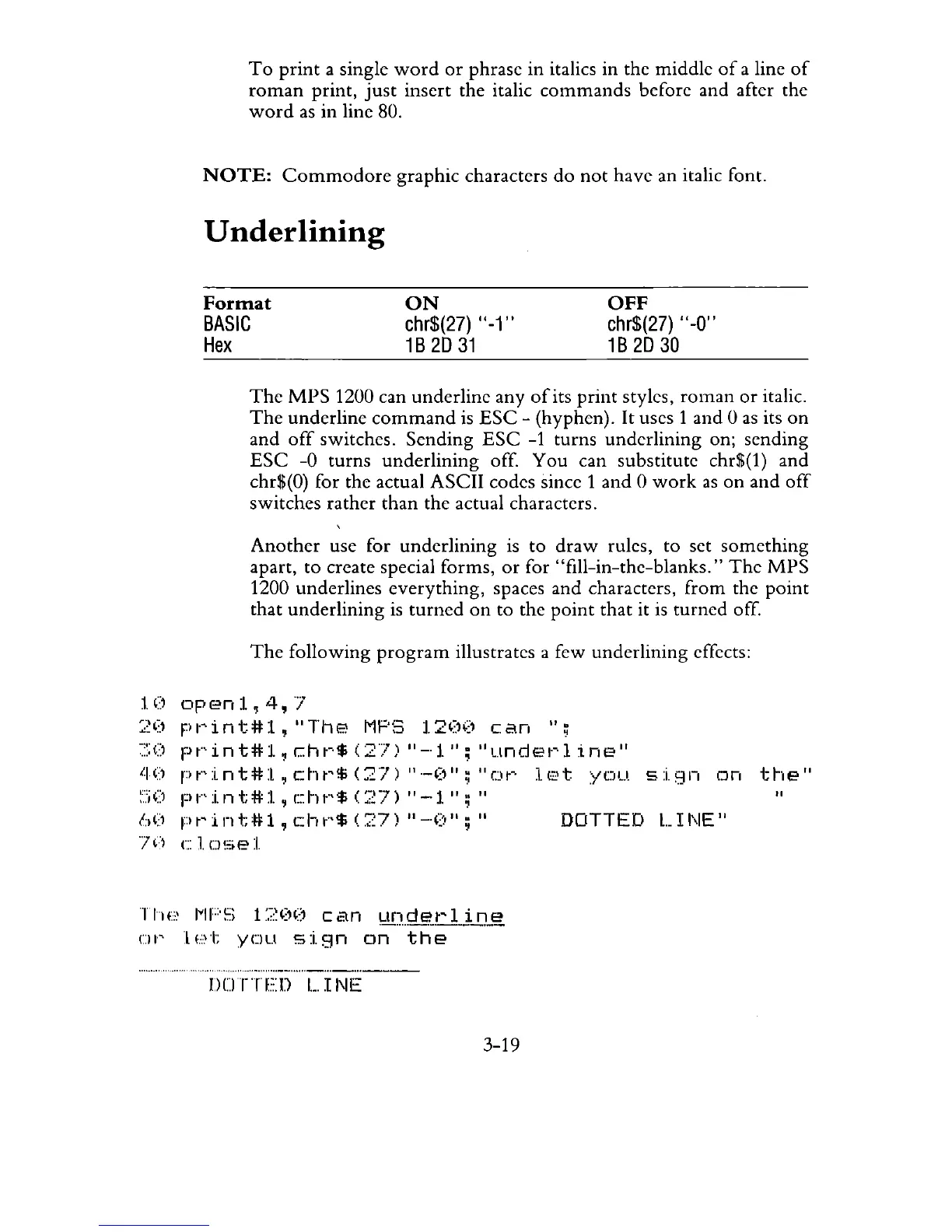
The
following
program
illustrates a few underlining effects:
10openl,4,]
20
Fwint#l,
liThe
MF'S
120('
can
";
;:::()
pt"'int#l,
c:ht-·$
(Zn
"-'1";
"undet~l
ine"
'-I')
r)t"int#l,
cht'$
(27)
11._(,,,;
"ew
lE't
you.
sign
on
::,','j
(1 p
t"'
i
II
t;
*"
:1.
, c h
t·,
$ (
:~
7)
II
- 1
II
;
II
60
pt'int#l,
cht"$
(:~7)
"-'0";"
DOTTED
LINE"
](1
c
1.
u'".e 1
TIH:~
IVIF'f;
L?OO
can
1.:!n
..
!=IE!Tlj.J:U~,
ur
let
you
sign
on
the
nUTTED
L,
I
NE
3-19
the"
"



 To Next Page