~Ma~ana
en
Madrid?
Ach,
no~
En
MUnchen.
In the Spanish character set (n = 7), the left bracket,
PET
ASCII
code 91,
is
redefined
as
"i" and
PETASCII
code 124,
is
redefined
as
n.
Alternately,
you
could
change line 20 to
print#1,chr$(91)"Hasta
ma"chr$(124)"ana!"
which
would
give
you
the same results.
Switching
Configurations
Format
BASIC
Hex
Epson
Configuration
chr$(27)
"~50"
1B
7E
35
30
Commodore
Configuration
chr$(27)
"~51"
1B
7E
35
31
This
command
switches the
MPS
1200
printer
between the Epson
FX
configuration
and the
Commodore
configuration. You can also
change
th~
configuration
in
the
hardware
by
setting
DIP
switch 1-3
on
or
off,
but
this
method
overrides the setting
of
the switch. This
command
uses 0
and
1
as
its
on
and
off
switches. Sending the
command
ESC
~51
switches to
Commodore
mode,
and
ESC
~50
switches to Epson. Since 0
and
1
work
as
on
and
off
switches rather
than
as
actual characters,
you
can substitute chr$(O) and chr$(1) for
their actual ASCII codes
if
you
like.
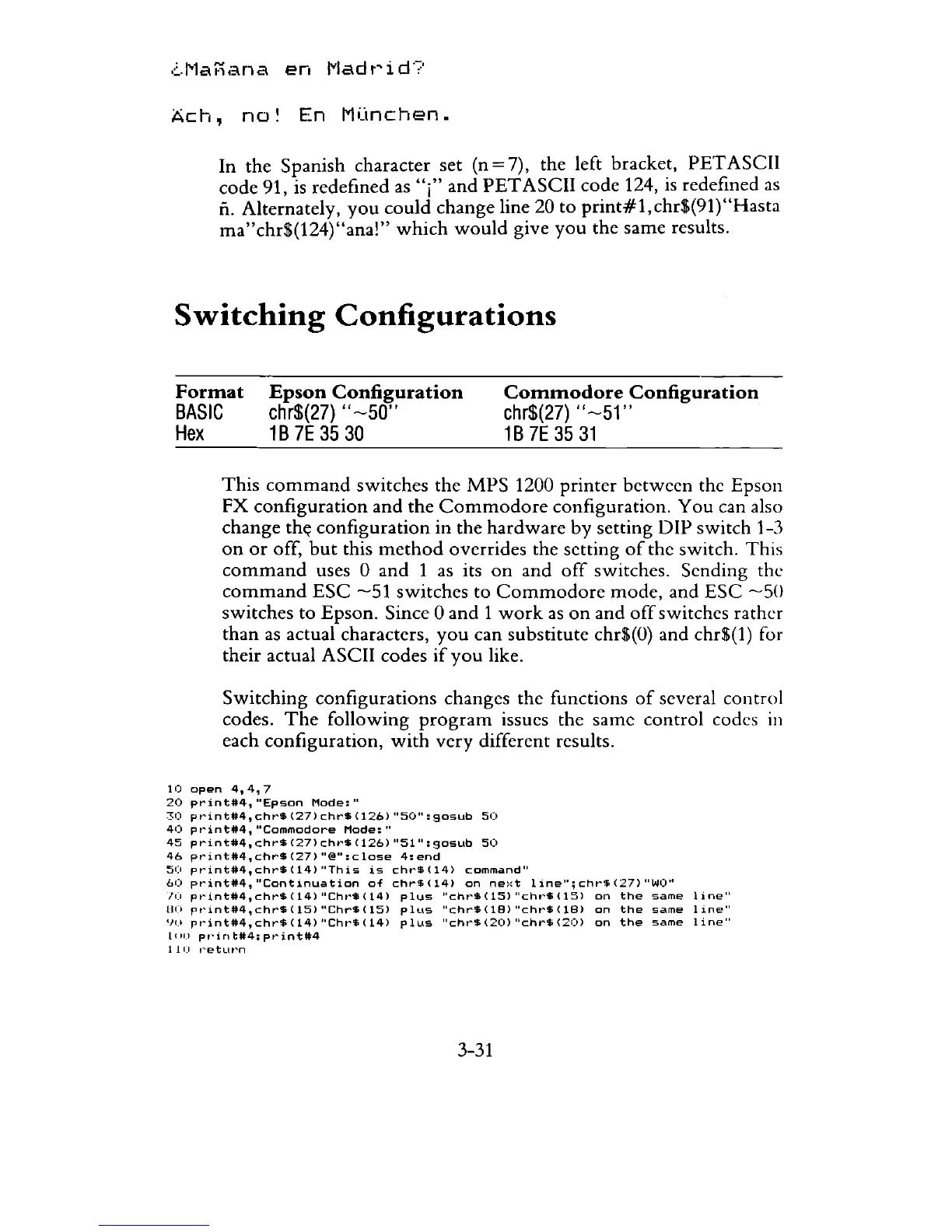
Switching
configurations changes the functions
of
several control
codes.
The
following
program
issues the
same
control codes
in
each configuration,
with
very
different results.
10
open
4,4,7
20
print#4,
"Epson
Mode:
"
30
pt"int*4,
chr$
(27)
chr$
(126)
"50":
905Ub
50
40
printtt:4,"Commodore
Mode:"
45
print#4,chr$(27)chr$(126)"51":905Ub
50
46
print#4,chr$(27)"@":close
4:end
50
pt"int#4,c.hrS(14)
"This
is
cht"$(14)
command!!
60
print#4,"Continuation
of
chr$(14)
on
next
line";chr$(27)"WO"
/(1
pt'inttt4,chr$(14)
"Cht"$(14)
plus
II
c
ht
..
$(15)
"cht"$(15)
on
the
same
line"
lI(I
pt'
int#4,
chr$
(15)
"Chr$
(15)
plus
"chrS
(18)
"cht'$
(18)
on
the
same
1
ine"
IJO
pt~int#4,chr$(14)"Chr~$(14)
plus
"cht"'$(20)
"chr$(20)
on
the
same
line"
Lele)
pt'inttt4:printtt4
110
,"'etLwn
3-31



 To Next Page