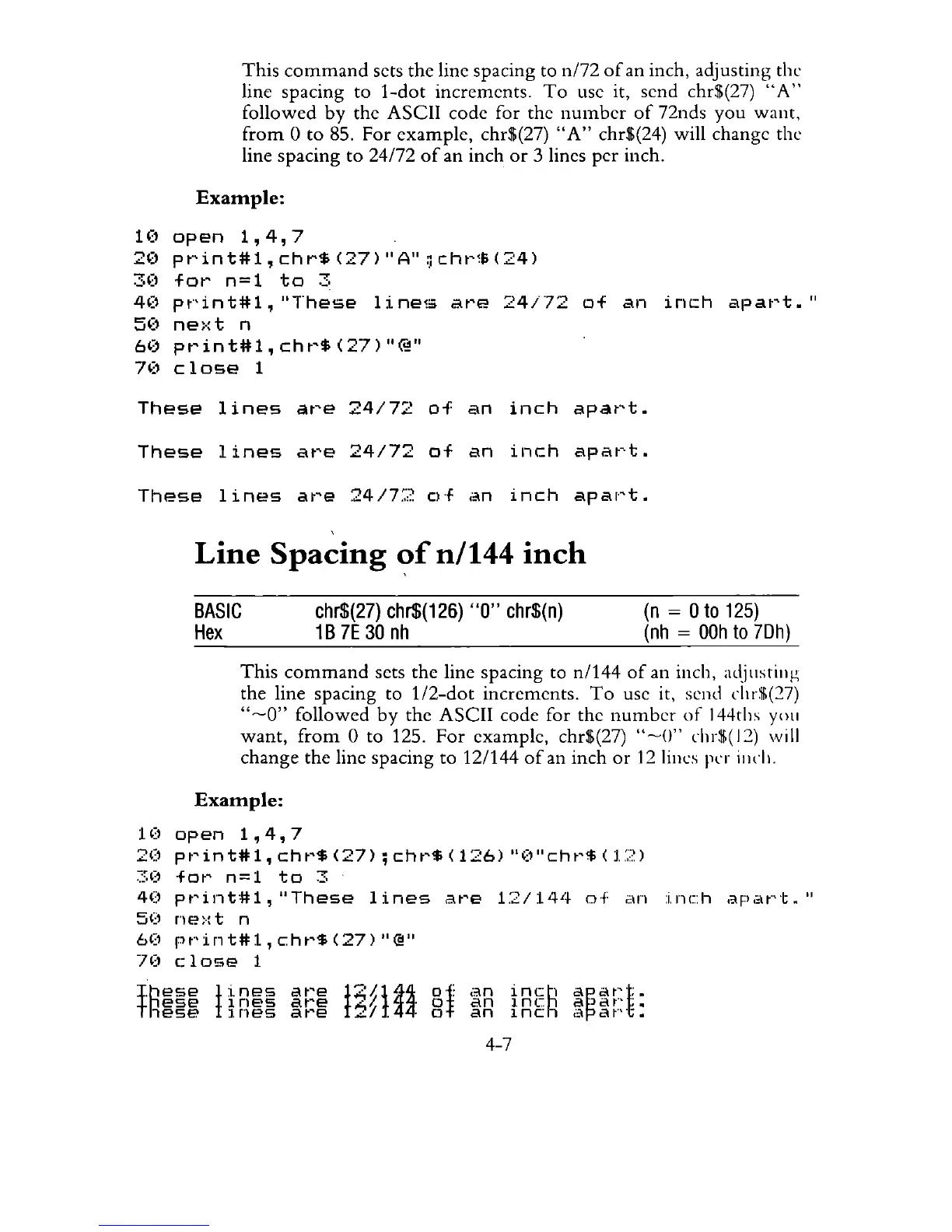
This
command
sets the line spacing to n/72
of
an inch, adjusting the
line spacing to
i-dot
increments.
To
use it, send chr$(27)
"A"
followed
by
the ASCII code for the
number
of
72nds
you
want,
from
0 to 85. For example, chr$(27)
"A"
chr$(24) will change the
line spacing
to
24172
of
an inch
or
3 lines per inch.
Example:
1(1
open
1,4,7
2(1
pt~int#1,chr$(27)OIA"~cht,~e;(24)
3(1
fot'
n=1
to
3
40
pt"'int#1,
"These
Ii
nela
at'E!
24/72
of
an
inch
apat't."
5(1
ne:·:
t n
6('
pt'int#1,cht'$(27)"@"
7(1
close
1
These
lines
are
24/72
of
an
inch
apart.
These
lines
are
24/72
of
an
inch
apart.
These
lines
are
24/72
of
an
inch
apart.
Line
Spacing
~f
n/144
inch
BASIC
Hex
chr$(27)
chr$(126)
"0"
chr$(n)
1B
7E
30
nh
(n
=
Oto
125)
(nh
=
OOh
to
7Dh)
This
command
sets the line spacing to n/144
of
an inch,
al~illstillg
the line spacing to
1I2-dot
increments.
To
use it, send
chr$(27)
"~O"
followed
by
the ASCII code for the
number
of
144ths
you
want,
from
0 to 125.
For
example, chr$(27)
"~O"
chr$(
12)
will
change the line spacing to 12/144
of
an inch
or
121illcs
per
illch.
Example:
10
open
1,4,7
20
pt'int#1,
cht'$
(27);
cht~$
(126)
"(1"cht'$
(L?)
~::'('
fot'
n=1
to
3
40
pt'int#i,"These
lines
Clt'e
1:2/1'+4
0+
;;,In
:i.nch
apat"'t."
5(1
ne:-:t
n
6(1
pt"'int#l,
cht'$
(27)
OI@"
70
close
1
fR~~~
HR~~
~~:~
l3gtt
§f
~R tR~R
~~~r:t
4-7



 To Next Page