Line
Spacing
of
n/216
inch
BASIC
Hex
chr$(27)
"3"
chr$(n)
1B
33
nh
(n
= 0
to
255)
(nh
=
OOh
to
FFh)
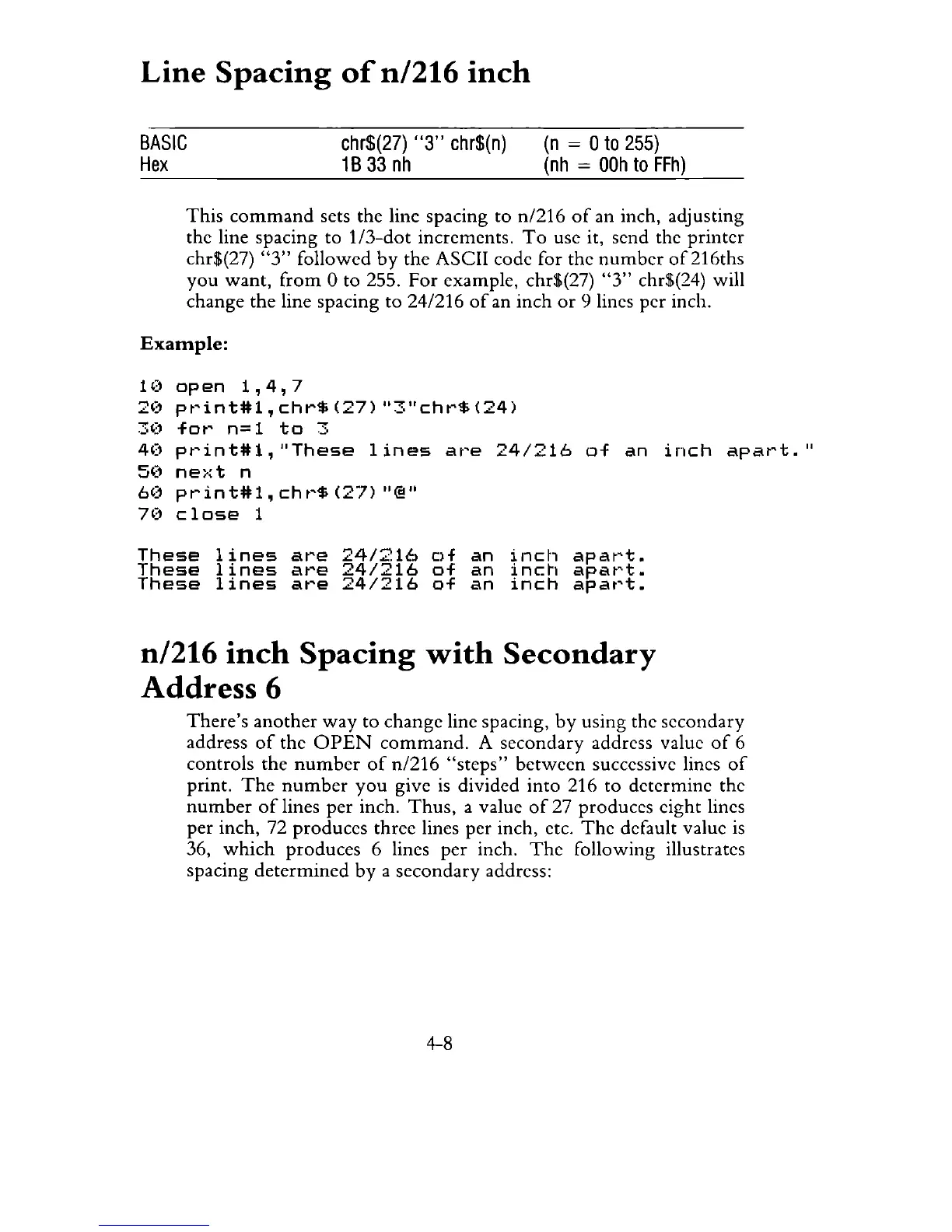
This
command
sets the line spacing to n/216
of
an inch, adjusting
the line spacing to
1/3-dot
increments.
To
use it, send the printer
chr$(27)
"3"
followed
by
the ASCII code for the
number
of216ths
you want,
from
0 to 255. For example, chr$(27)
"3"
chr$(24) will
change the line spacing
to
24/216
of
an inch
or
9 lines per inch.
Example:
HI
op
en
1,
4,
7
20
pt'int#l,
chr$
(27)
"3"chr$
(24)
30
for
n=l
to
3
40
pt'int#1,
"These
lines
at'e
24/216
of
an
inch
apat't.
II
5(1
ne>:t
n
6(1
print#1,cht'$(27)
"@"
7')
close
1
These
lines
are
24/216
of
an
inch
apart.
These
lines
are
24/216
of
an
inch
apart.
These
lines
are
24/216
of
an
inch
apart.
n/216
inch
Spacing
with
Secondary
Address 6
There's
another
way
to change line spacing,
by
using the secondary
address
of
the
OPEN
command.
A secondary address value
of
6
controls the
number
of
n/216
"steps"
between successive lines
of
print.
The
number
you
give
is
divided into 216 to determine the
number
of
lines per inch.
Thus,
a value
of
27 produces eight lines
per inch, 72 produces three lines per inch, etc.
The
default value
is
36,
which
produces 6 lines
per
inch.
The
following illustrates
spacing determined by a secondary address:
4-8



 To Next Page