20 Operating the control software
5.2 Navigating/Operating the control software
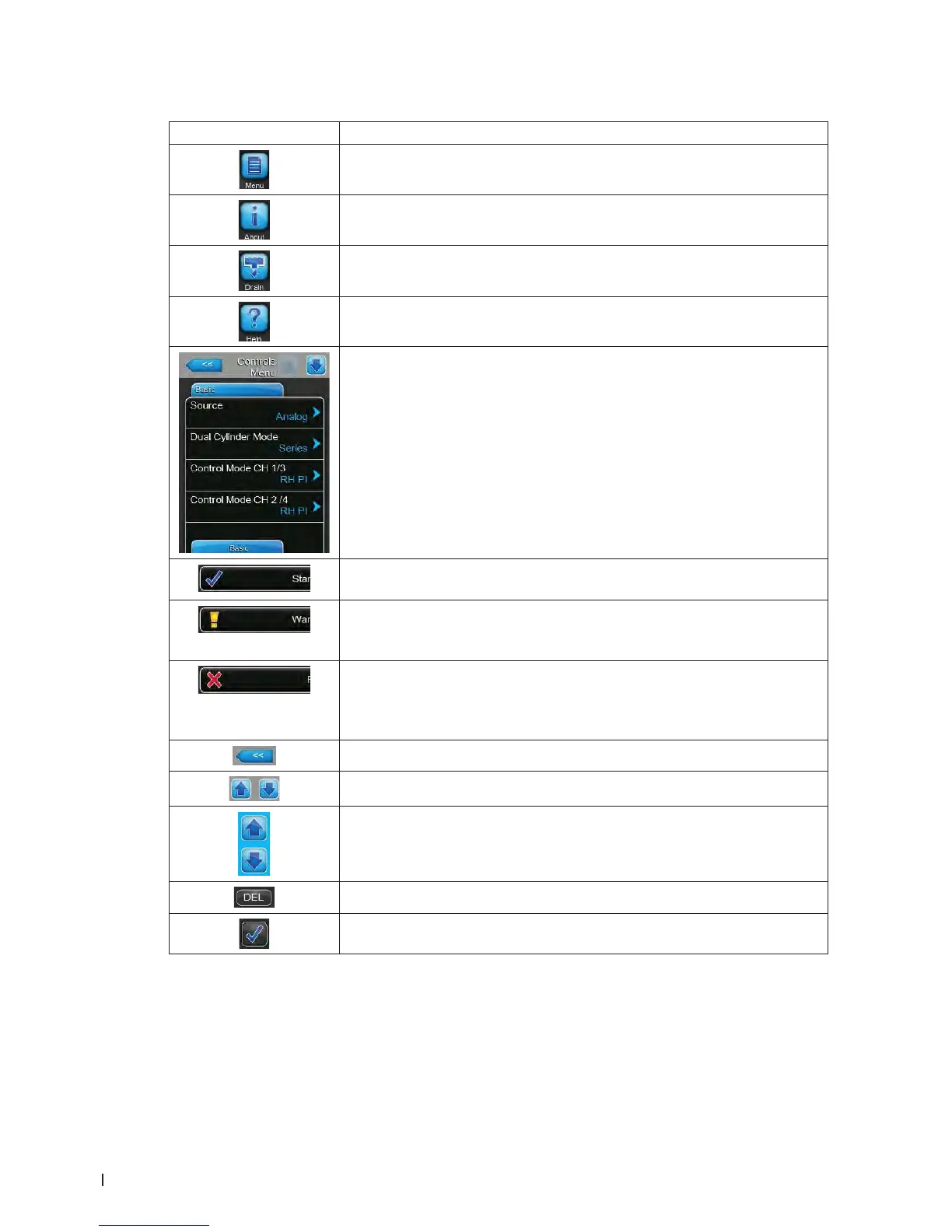
Navigation element Action
Accessing main menu
Accessing system informations
Performing manual steam cylinder draining
Accessing help screen
If you press on a eld with a blue arrow symbol a new screen with additional
informations or settings appears.
This symbol on the left side of the operating status eld and of the mainte-
nance/malfunctions indication eld indicates, that the system is working ok.
This symbol on the left side of the maintenance/malfunctions indication
eld indicates, that a Warning is present. Press on the eld to get further
information.
This symbol on the left side of the operating status eld and of the mainte-
nance/malfunctions indication eld indicates, that a Fault is present (addi-
tionally the Error LED lights red) and the humidier stopped working. Press
on the eld to get further information.
Jumps back to previous screen (Cancel and back)
Scroll up/down in the present window
Increase/decrease value
Delete shown value
Conrm set value or selected option















 To Next Page