40 Operating the control software
5.4.5 Communication settings – "Communication" submenu
In the "Communication" submenu you determine the parameters for digital communication protocols.
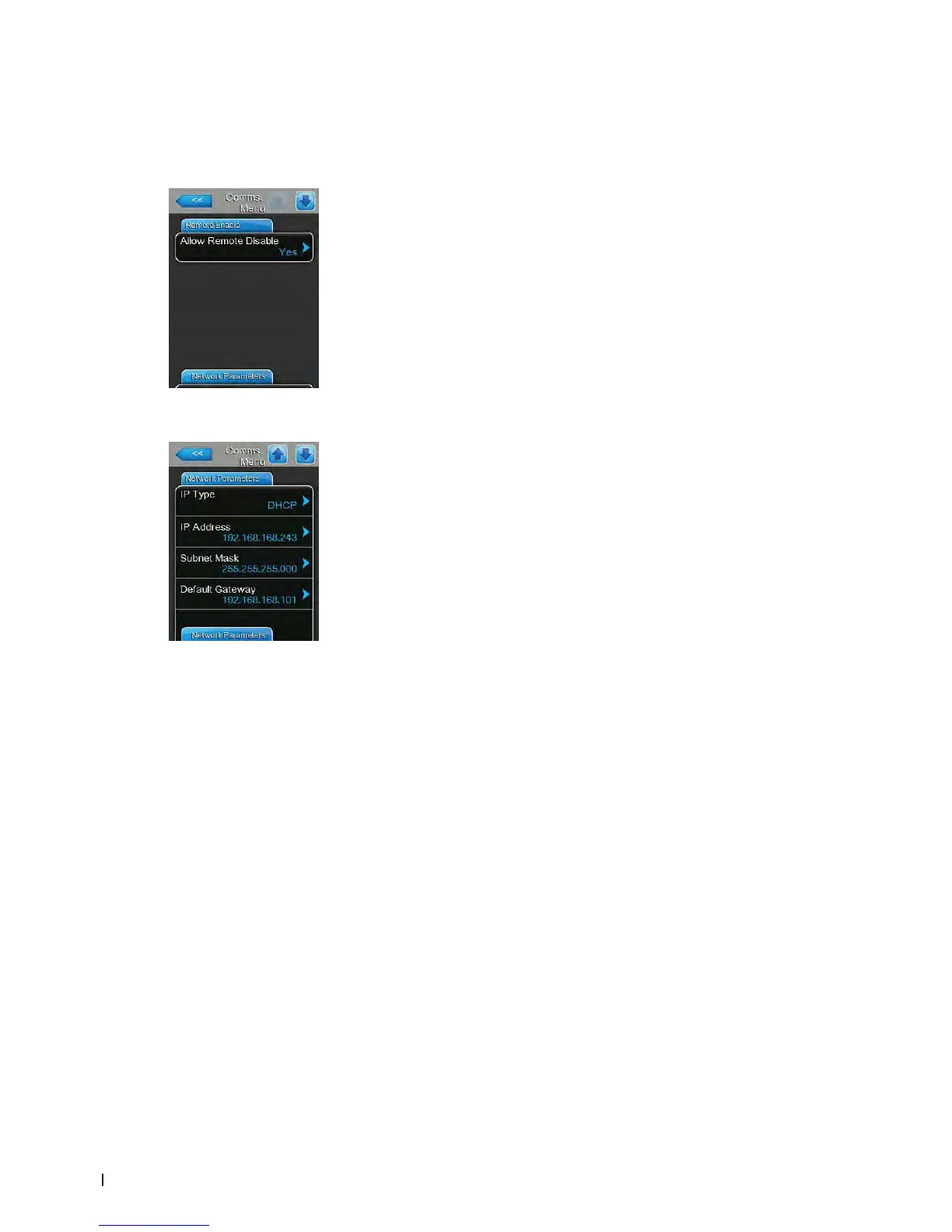
Remote Enable Tab
– Allow Remote Disable: with this setting you can activate ("Yes") or de-
activate ("No") remote blocking via the BMS or the remote enable switch
connected to terminal X11 on the driver board.
Factory setting: Yes
Options: Yes (Remote blocking permitted)
No (Remote blocking not permitted)
Network Parameters Tab
The following network settings are used only for the communication via the
integrated BACnet IP interface.
– IP Type: with this setting you determine whether you want to assign the IP
Address, the Subnet Mask, the Standard Gateway as well as the Primary
and Secondary DNS address as xed values or whether these should be
dynamically assigned via a DHCP server.
Note: after 5 unsuccessful attempts at obtaining an address with DHCP
the system will revert to xed assignment
Factory setting: DHCP
Options: DHCP (dynamic assignment)
Fixed (xed assignment)
– IP Address: with this setting you manually enter the IP Address of the
Cond air EL.
Note: This IP Address is used if "IP Type" is set (or reverts) to "Fixed".
– Subnet Mask: with this setting you determine the Subnet Mask of the IP
network.
Note: This Subnet Mask is used if "IP Type" is set (or reverts) to "Fixed".
– Default Gateway: with this setting you determine the IP Address of the
Default Gateway.
Note: This IP Address for the Default Gateway is used if "IP Type" is set
(or reverts) to "Fixed".















 To Next Page