39Operating the control software
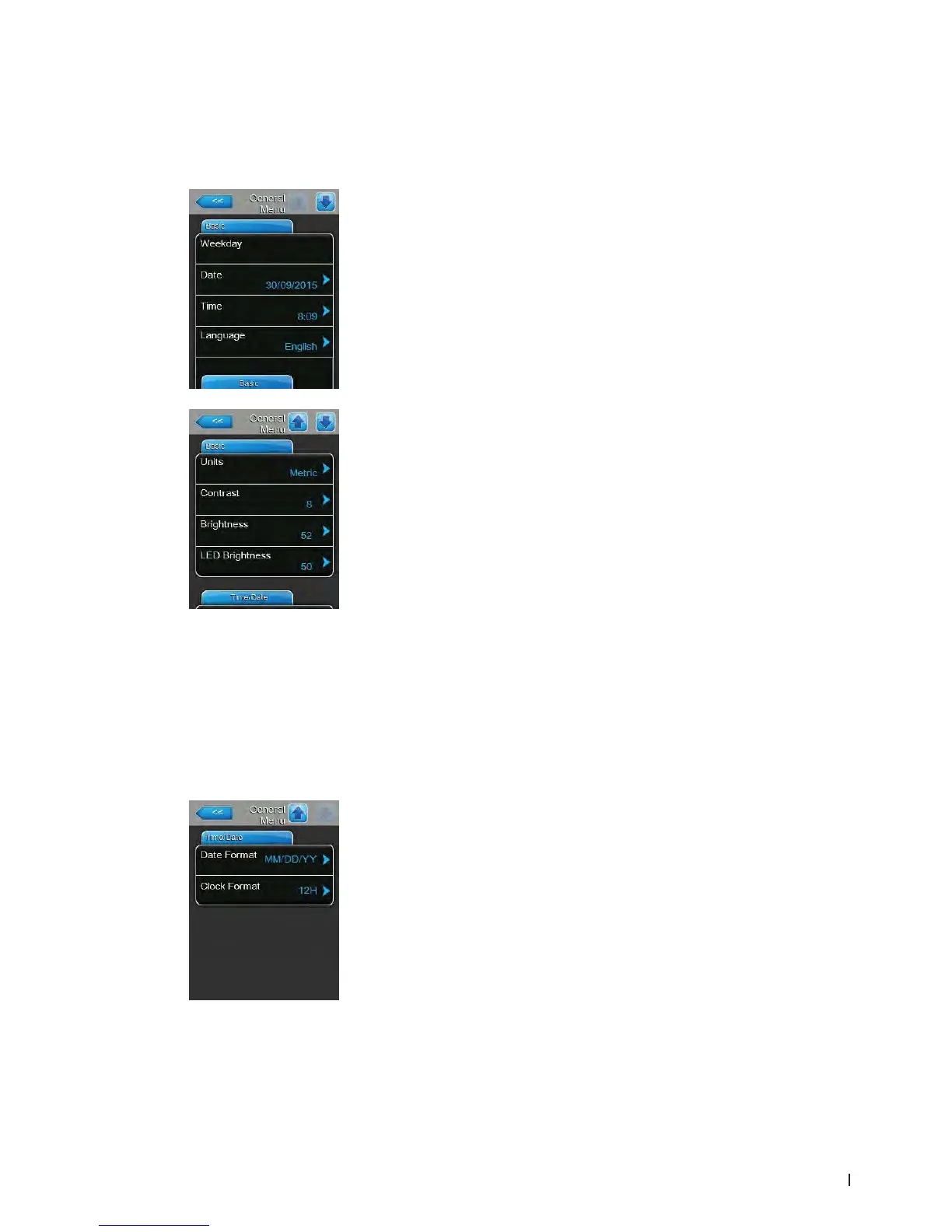
– Date: with this setting you set the current date in the set format ("MM/DD/
YYYY" or "DD/MM/YYYY", see date and clock format settings below).
– Time: with this setting you set the current hour of the day in the set time
format ("12H" or "24H").
– Language: with this setting you determine the dialogue language.
Factory setting: depending on the country
Options: various dialogue languages
– Units: with this setting you determine the desired unit system.
Factory setting: depending on the country
Options: Metric or Imperial
– Contrast: with this setting you determine the desired value for the display
contrast.
Factory setting: 8
Options: 1 (weak contrast) ... 31 (strong contrast)
– Brightness: with this setting you determine the desired value for the
display brightness.
Factory setting: 52
Options: 1 (dark) ... 100 (white)
– LED Brightness: with this setting you determine the desired value for the
brightness of the operation indication LED.
Factory setting: 52
Options: 1 (weak) ... 100 (bright)
5.4.4 Basic settings – "General" submenu
In the "General" submenu you determine the basic settings for operating the Condair EL control software.
Basic Tab
Time/Date Tab
– Date Format: With this setting you determine the desired date format.
Factory setting: DD/MM/YYYY
Options: DD/MM/YYYY or MM/DD/YYYY
– Clock Format: With this setting you determine the desired time format.
Factory setting: 12H
Options: 24H (24 hours, display 13:35) or
12H (12 hours, display: 01:35 PM)















 To Next Page