32 Operating the control software
5.4.3 Humidity control Settings – "Control Settings" submenu
In the "Control Settings" submenu you determine the control settings for the Cond air EL steam humidi-
er. The control settings available depend on the selected signal source and the control mode as well
as whether the steam humidier is controlled with supply air limitation.
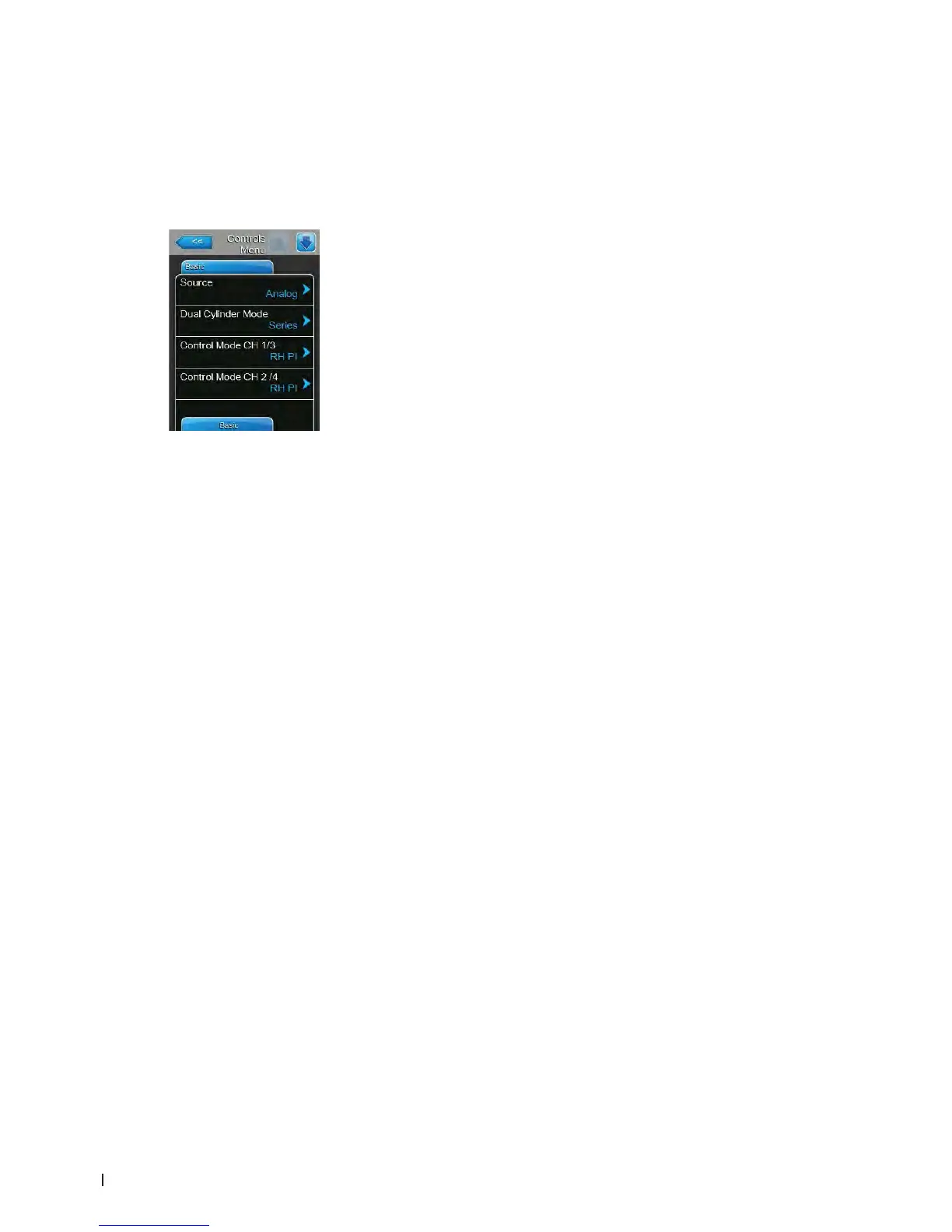
Basic Tab
– Source: with this setting you determine the source of the control signal.
Factory setting: Analog
Options: Analog (Analog Sensor/humidity controller signal)
Modbus (Modbus signal)
BACnet/IP (Signal via BACnet/IP)
BACnet/MS (Signal via BACnet MSTP)
LonWorks (Signal via LonWorks)
– Dual Cylinder Mode: with this setting you determine the control of dual
cylinder operation.
Note: this setting appears only for double cylinder units.
Factory setting: Series
Options: Parallel (even distribution of the demand on all of
the cylinders)
Series (serial distribution of the demand, rst cylinder
is modulated to it's max operational capacity before
calling on the other cylinder in sequential order as
system demand increases.)
– Control Mode CH 1/3: with this setting you determine the type of control-
ler used for the humidity control input of the Condair EL.
Factory setting: Demand
Options: On/Off (external On/Off humidistat)
Demand (external continuous controller)
RH P (internal P controller)
RH PI (internal PI controller)
– Control Mode CH 2/4: with this setting you determine the type of control-
ler used for the supply air limitation control input of the Condair EL.
Note: this setting appears only if "Control Channels" is set to "Dual".
Factory setting: Demand
Options: On/Off (external On/Off humidistat)
Demand (external continuous controller)
RH P (internal P controller)
RH PI (internal PI controller)















 To Next Page