56 Operation
6.3 Notes on operation
6.3.1 Function of the LED's in info mode
The info mode is activated by pressing the drain/info key for an extended period of time (> 3 seconds).
After activating the info mode:
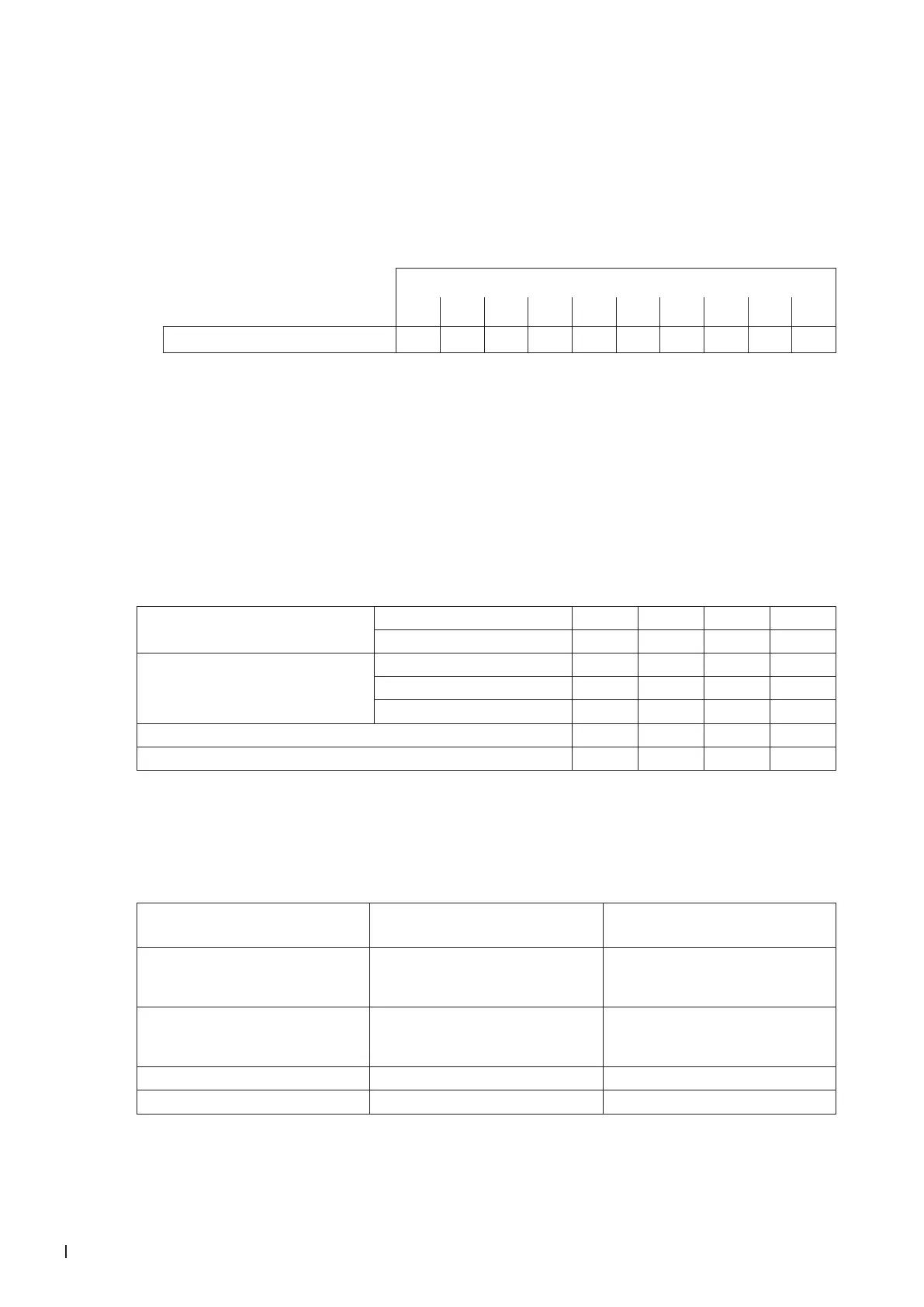
– rst, the green LED ashes. The number of ashes indicates the current steam output in % of the
maximum steam capacity.
Green LED ashing ...
1x 2x 3x 4x 5x 6x 7x 8x 9x 10x
Steam output in % 10 20 30 40 50 60 70 80 90 100
Note: if no steam production is in progress when the info mode is activated the green LED lights for
3 seconds, then it turns off again.
– then, if a malfunction is present (warning or error) the red and the yellow LED ash successively.
The number of ashes of the red LED indicates the left digit of the error code while the number of
ashes of the yellow LED indicates the right digit of the error code.
Note: If the red LED lights when the info mode is activated the malfunction indicated is an error (E..)
otherwise a warning (W..).
This indication procedure is repeated until the info mode is exited automatically after 5 minutes or the
info mode is exited by pressing the drain/Info key again.
Examples:
Indication in normal operating mode green LED lights no yes yes no
red LED lights no no no yes
Indication in info mode
green LED ashes .. –– 5x 5x ––
red LED ashes .. –– –– 3x 2x
yellow LED ashes .. –– –– 6x 1x
Steam output 0 % 50 % 50% 0 %
Error code –– –– W36 E21
6.3.2 Remote operating and fault indication
If your unit is equipped with the optional operating and fault indication "RFI" the following operating
status are shown remotely:
Activated remote
indication relay
When? Display on unit
"Error" A malfunction is present, further
operation is not possible, the heat-
ing voltage is interrupted
Red LED lights
"Service" Steam cylinder must be replaced.
The unit remains operational for a
certain time
Yellow LED lights
"Steam demand" Steam demand/Steam production Green LED lights
"Unit on" Unit switched on Unit switch lights



 To Next Page