Scanning Electron Microscope EM-30PLUS Operating Manual
103
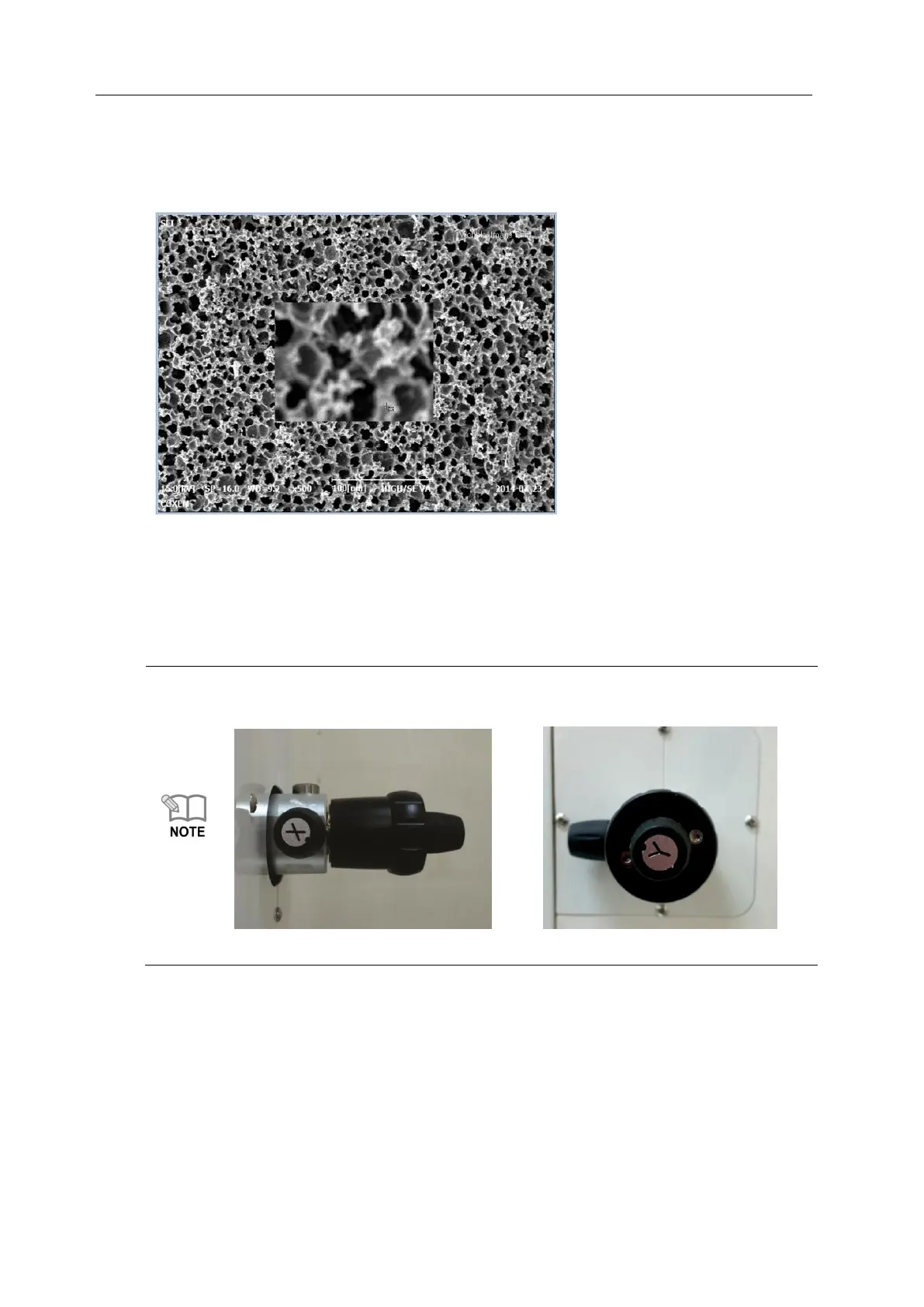
4) Check in which direction the image wobbles on the screen.
X aixs: left and right
Y axis: above and below
According to the direction image wobbles, adjust it so that it may not move by turning
X/Y axis of control knob of aperture on side of the equipment.
In the course of correcting while turning the handle of X and Y axis, if image movement
increases instead of decreasing, adjust it by turning the knob in the opposite direction
to reduce the movement.
During wobble operation, adjust the direction of one axis while watching screen
and then adjust axis direction of the other.
(X axis control knob) (Y axis control knob)



 To Next Page