Scanning Electron Microscope EM-30PLUS Operating Manual
104
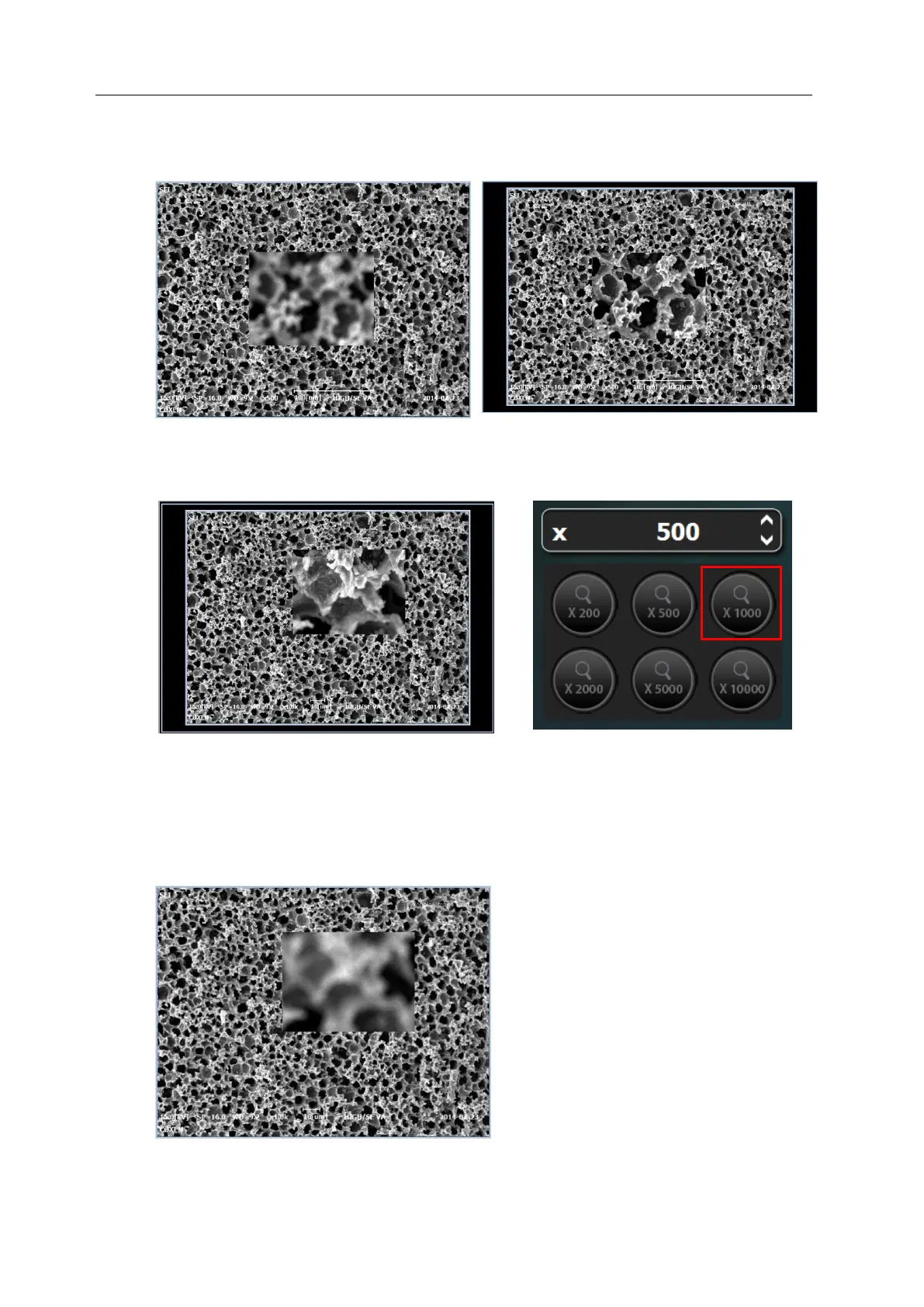
5) When you adjust images so that they might not move as little as possible, the state of
being in focus and out of focus repeats in current position.
6) Set the magnification to 1000 times to identify more minutely if it is in focus.
7) When image wobbles in a certain direction, control it lest it should move while turning X
/Y axis knob.
X axis: left and right
Y axis: up and down



 To Next Page