Scanning Electron Microscope EM-30PLUS Operating Manual
109
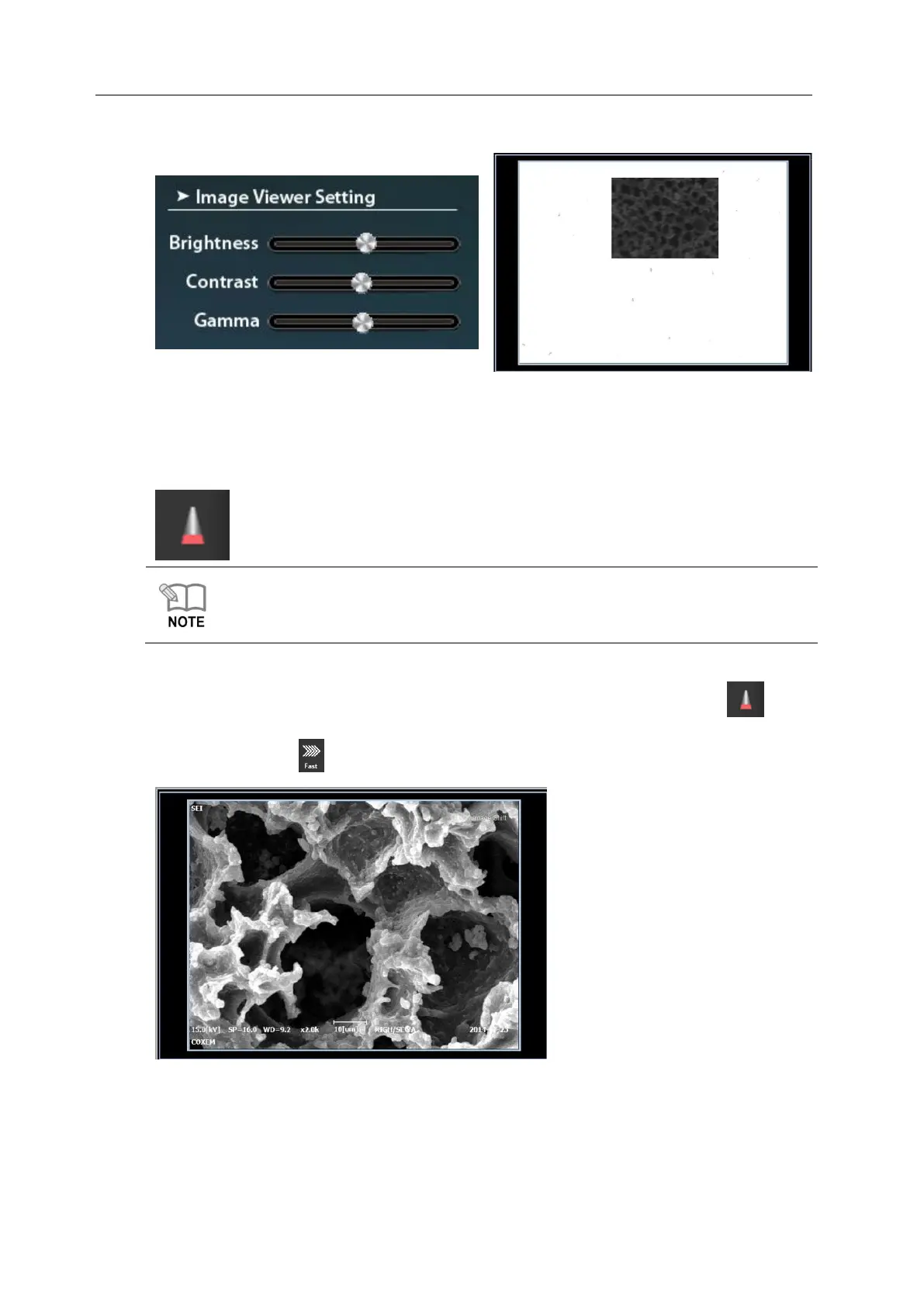
3. Have image displayed on the screen by controlling contrast while watching monitor.
3rd operation: Wobble operation
1. Start the operation by pressing [Wobble] button below screen.
For wobbling operation, see [6.2.1 Wobble Operation 1].
2. When you finish wobble operation, terminate it by pressing [Wobble] button ( ).
3. Select Fast Mode( ) and observe the specimen again.



 To Next Page